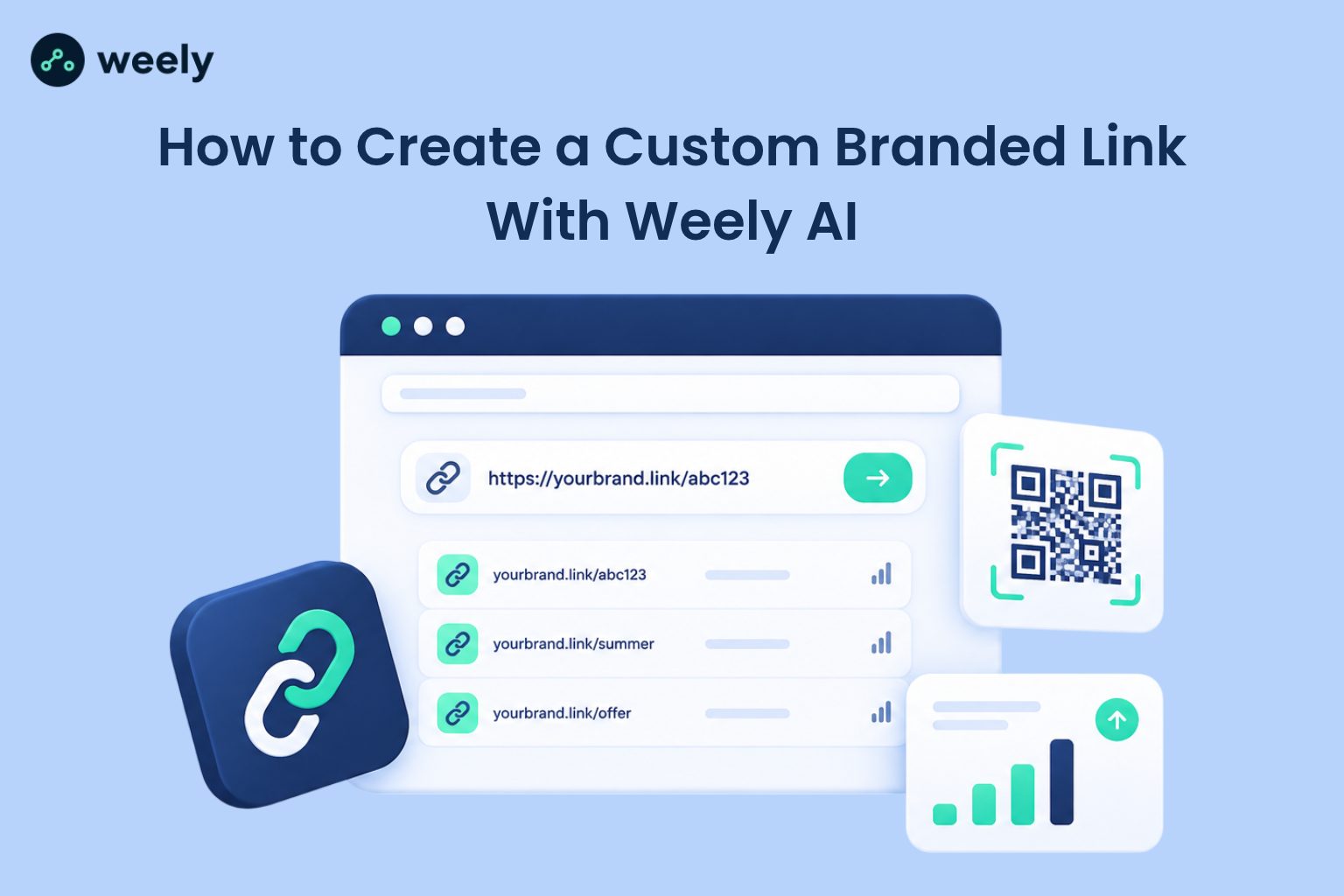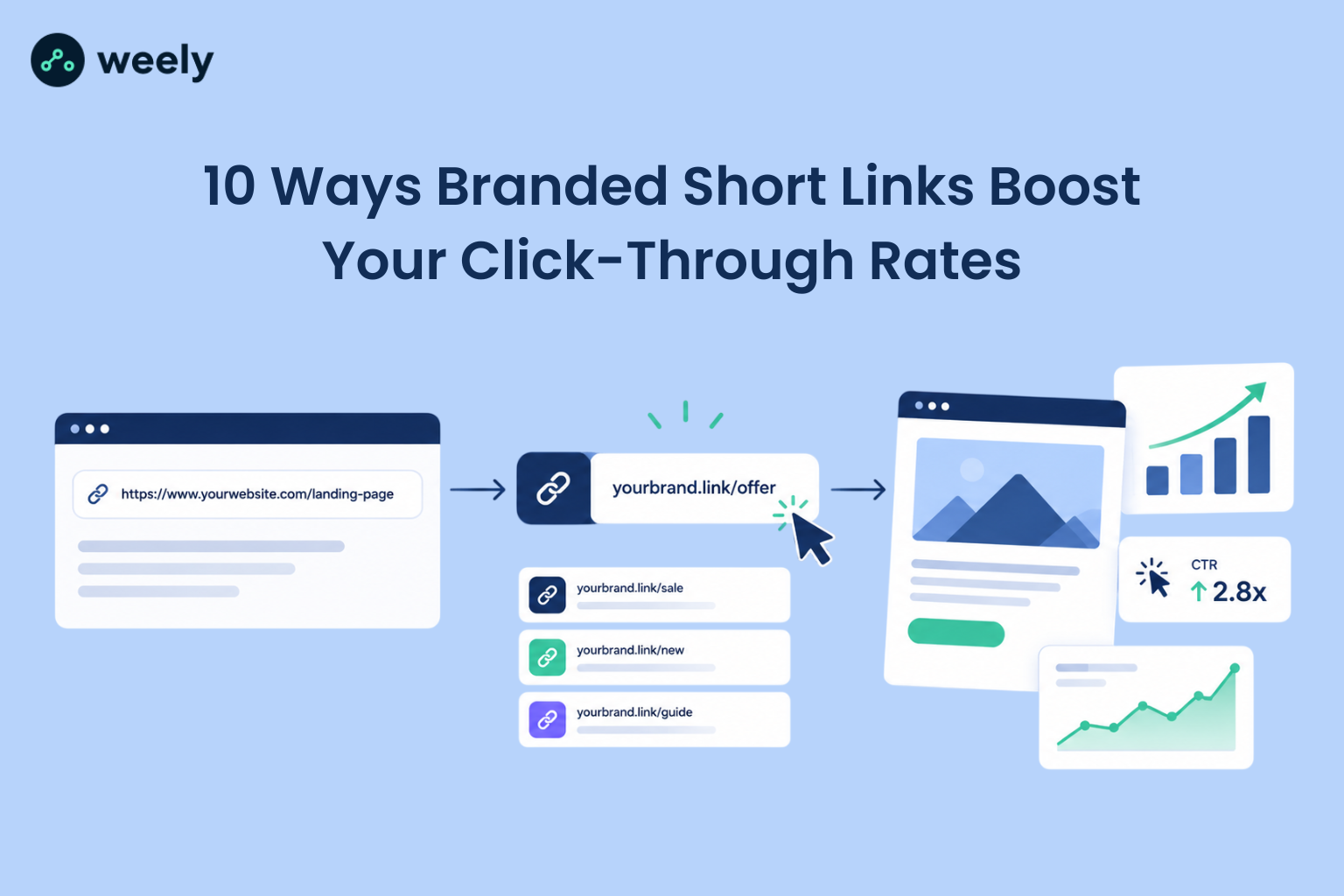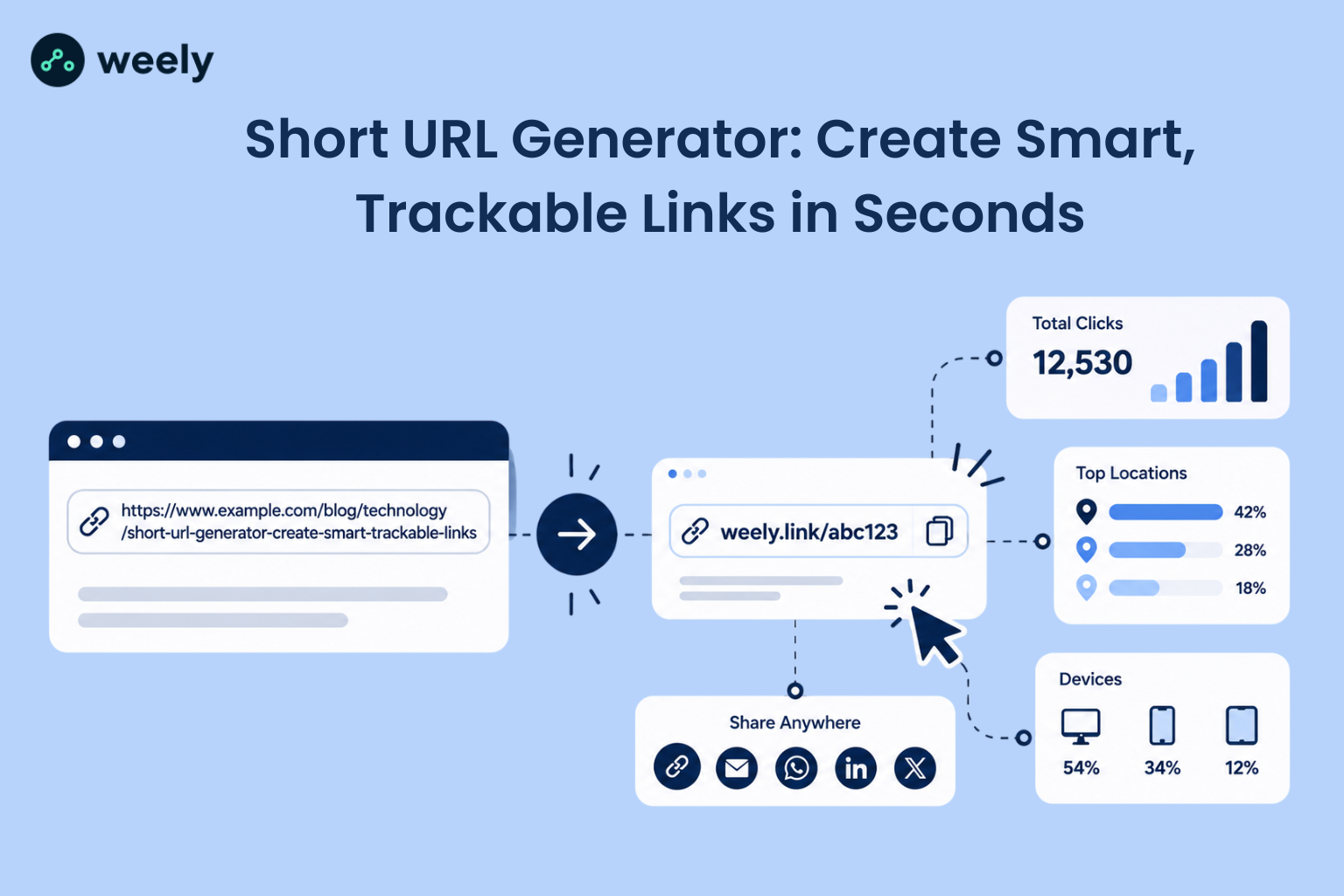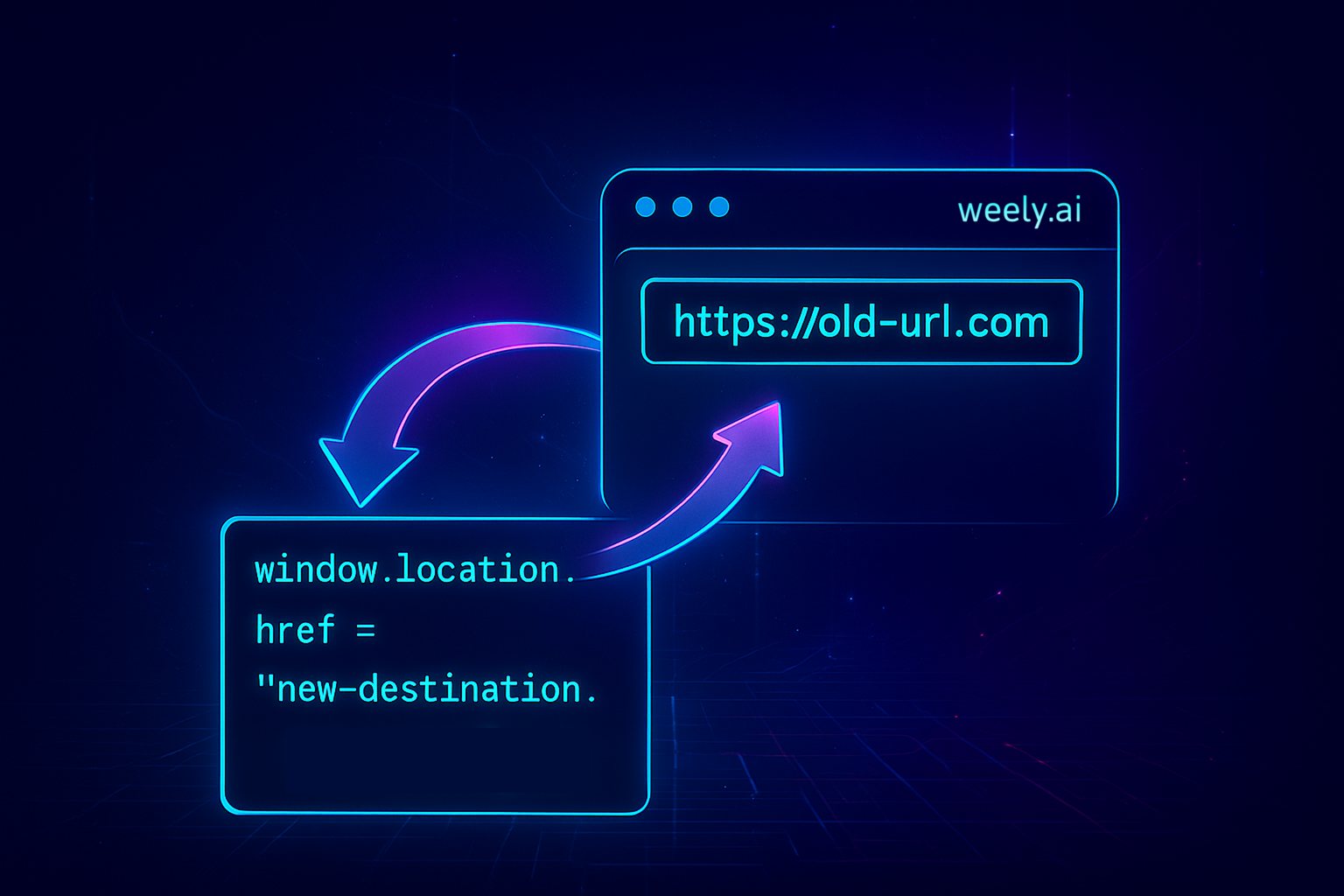
The ability to change a destination URL in real time is important for any marketer or business that requires flexibility and complete control over where their links are pointed. If you have ever wondered how to change a destination URL in real time, it isn't as complicated as most people think, especially with today's redirecting tools. Whether you are updating a campaign, changing a broken page, or sending traffic to a different landing page, you definitely want to make sure your audience has the best experience possible. And real-time destination URL change will enable that by keeping your analytics accurate and your campaigns optimized, especially if you are using platforms that support real-time link redirect and change destination URLs dynamically without changing that short link.
What Is a Destination URL?
A Destination URL is the complete original URL that users end up on after they click on your short link or branded link. It controls the last page your audience will see, and it can be changed at any time without changing the short link itself.
Examples of Destination URLs in action:
- The shortened link for a social campaign (e.g., weely.ai/sale)
- The destination URL that sits behind it (e.g., https://weely.ai/summer-sale)
This enables marketers to update, edit, or redirect traffic without the broken short links that are in the process of being shared.
Why You May Need to Change a Destination URL in Real Time
There might be times when you need to change a destination URL in real time to fix an error, change content, or change a seasonal offer on a short link. When it comes to real-time changes, it is about user experience and SEO - when a user clicks on that link or scans that QR code, you want to make sure that it directs the user to the correct URL without losing traffic or link value based upon an error, content change, or even just seasonally changing offers.
Reasons to change a destination URL:
- Correcting errors: Fix a broken link and change the correct URL without having to issue or create a new link.
- Updating content: Allow an existing short link to stay the same but point to the most recent blog post, product, or page.
- Seasonal promotions: Change an existing offer link from a previous seasonal promo.
- Website restructuring: Redirect the page URL from a moved page (e.g., /aboutus to /main/aboutus), and a user encounters a broken page experience or a needless 404.
- Preserving SEO: Redirect an old page URL's SEO value to a new URL.
- Maintaining user experience: Avoid having users encounter broken links and leave the site.
- Campaign management: Update destination URLs or UTM parameters for a live active campaign without needing to change the short link.
Methods to Change a Destination URL in Real Time
There are various fast ways to change a destination URL based on the tools or platform you’re utilizing. Having something that can update in real time is crucial to ensuring that your vanity URLs and redirects consistently point to the desired original content while not affecting your campaigns or marketing efforts.
Methods to change a destination URL:
- Using link redirect tools like Weely: Tools like Weely allow you to change your destination URL in real time for any editable short links.
- Updating destination URLs via URL shorteners: Other URL shorteners will allow you to change the destination URL link without having to physically change the short link.
- Dynamically modifying URLs on your website: Using either your own systems or CMS tools, like a script on your website or Monotype's CMS can dynamically update a destination URL to your URL; either through automatic option or related to a broader campaign if needed, as an example an A/B test or seasonal offerings, , or dynamic QR codes that redirect traffic on the fly.
How to Change or Edit a Destination URL in Weely
The destination URL (which is also known as the original URL) is the complete URL where users land after they click on a short or branded URL. Editing a destination URL will have no effect on the short URL or slug, and this can be updated as many times as desired.
Follow the steps to Change or Edit Destination URL:
1. Log in to your Weely dashboard.
2. Go to your Links Dashboard and select the link you wish to change.
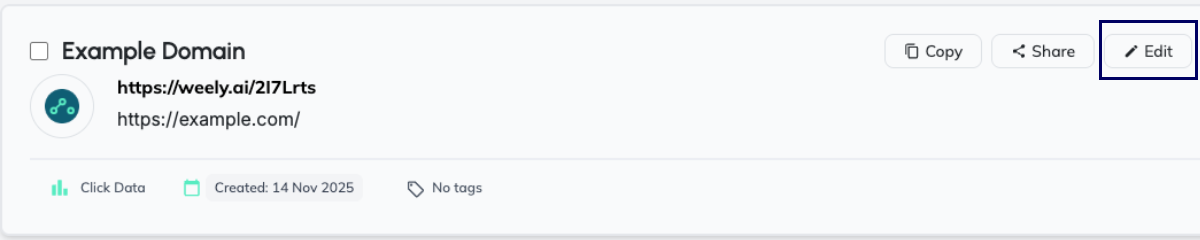
3. Click the Edit button or pencil icon associated with the link.
4. In the Destination URL / Original URL field, type in your new URL.
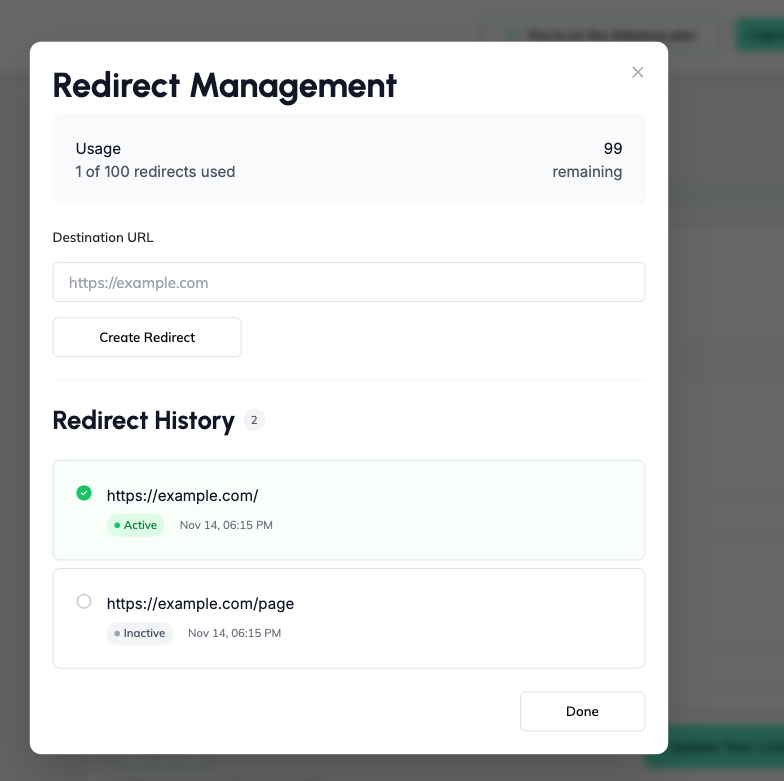
5. Click Save.
Your destination URL is updated, and your link directing the user will update immediately. Once you've changed the URL, there may be a good chance your link still works, so that's why we suggest testing the link to confirm it directs your visitors to the correct webpage. Routine testing eliminates the potential for broken links and misdirected traffic, which impacts your user experience and SEO negatively.
Additionally, updating your destination URL allows you to:
- Editing your destination URL keeps you up-to-date, all without changing your short link.
- Allows you to maintain the same tracking for your analytics and UTM parameters.
- Gives you the ability to promptly react to any unpredictable events like seasonal promotions, product changes, or even updates or changes to your content.
When editing your destination URL, you are aiding in ensuring all of your links are usable, functioning, and best for search engines and your visitors, especially if you use a reliable link management tool.
Best Practices for Real-Time Destination URL & Link Redirect Management
Properly managing destination URLs is integral to the user experience, SEO value, and campaign performance. Once again, here are some proven guidelines for this:
- Test after every change: Walk through your updated URL after each change to verify that the updated URL works and directs to the desired destination.
- Keep links organized: Utilize naming conventions and dashboards that allow you to keep track of which links go where.
- Monitor analytics: After you change a destination URL, you should open Google Analytics or Check Links, etc., and look at traffic, clicks, and conversions to see you campaigns are performing as expected. Proper UTM tracking helps ensure every change is measurable.
- Use redirects wisely: When a page has been moved or is no longer relevant, use redirects to maintain SEO value and user experience without getting 404 errors.
- Plan for seasonal or time-sensitive updates: If running promotions with limited time or a seasonal campaign, then pre-plan the destination URLs ahead of time to help lessen last-minute errors.
- Limit frequent changes: While users can make links updates to their heart content with other links such as Weely. Changing links too frequently makes it difficult for users and system to track changes which is confusing. Only change it if you have to.
These principles can help you to ensure your real-time link redirects are and remain dependable, reliable, and professional.
Final Thoughts on Managing Destination URLs in Real Time
Changing and managing your destination URLs in real-time is a very effective way to keep your links accurate, your campaigns up to date, and your users happy. Just as Weely saves on time and effort editing or redirecting your links instantly, without the need to have a separate short link, knowing your toolbox will help with your marketing efforts, seasonal promotions, or easy link fixes. Use simple Short Links in Social Media Campaigns to get the most people to see and interact with your posts.
There are suggestions, such as testing links, reviewing analytics, and planning updates, to keep everyone informed and aware of a seamless user experience and the protection of your SEO value while being mindful of tracking efforts in all situations.
In our fast-paced digital environment today, the ability to change destination URLs on the fly has gone from a helpful tool to an essential requirement for anyone managing links in a professional environment.
Frequently Asked Questions (FAQs)
What does it mean to change a destination URL in real time?
Updating a destination URL in real-time means modifying the original link behind a short or branded link (the destination URL) immediately without changing the short link itself. Users can be redirected to a new landing page, fixed broken links, and changed campaign links without re-sharing.
Why would I need to update or modify a destination URL dynamically?
Some reasons to make real-time destination URL changes are:
- To correct errors if you mistakenly set the original URL incorrectly initially.
- To refresh marketing content if you've changed your blog, product page, or offer.
- To change seasonal promotions by sending users to a different URL depending on the time of the year.
- To preserve SEO value if pages are moved, and you do a proper link redirect.
- To maintain a flawless user experience to remove broken links or a 404 error for pages.
What is the difference between an original URL and a destination URL when updating links?
The original URL (often termed a "long link") is the full URL users are being redirected to. In its turn the destination URL is the same URL, so when you edit it, you just edit where the short URL points to. Editing the destination/original URL does not change the visible short URL or slug; it merely changes the URL where the user lands.
Will changing the destination URL in real time hurt my SEO or affect my Google rankings?
When performed appropriately, updates to the destination URL in real-time won't hurt your SEO:
- Use 301 or 302 redirects appropriately (301 (permanent); 302 (temporary)) to facilitate SEO equity, if necessary.
- Don't overdo redirects or redirect chains, or it can impact crawl efficiency and dilute link value.
- Be certain to keep redirects long enough for search engines to read them (probably at least several months).
Can I update the destination URL without changing the short link?
Yes - with utilities like Weely (or similar link management services) can change the destination URL without changing the short slug: your old short links will still work, and they will be updated in real-time to the new designated destination.
How many times can I change my original or destination URL?
You can change the target URL for a short link as many times as you want with most modern link management tools. In this way, you can move dynamically whenever you need to.