With the advancement of technology, QR codes are becoming an undeniable asset to businesses and marketers looking to link the physical world to digital content. But what makes a QR code useful? How do you ensure your QR code design can achieve an appealing presentation while driving engagement and a frequency of scans? This blog post will provide ample QR code tips and review QR codes users are scanning properly. Whether you're new to QR code marketing or looking to optimize your existing QR codes, knowing the craft of effective design style in mind can significantly improve scan rates and user interaction.
What makes a good QR code?
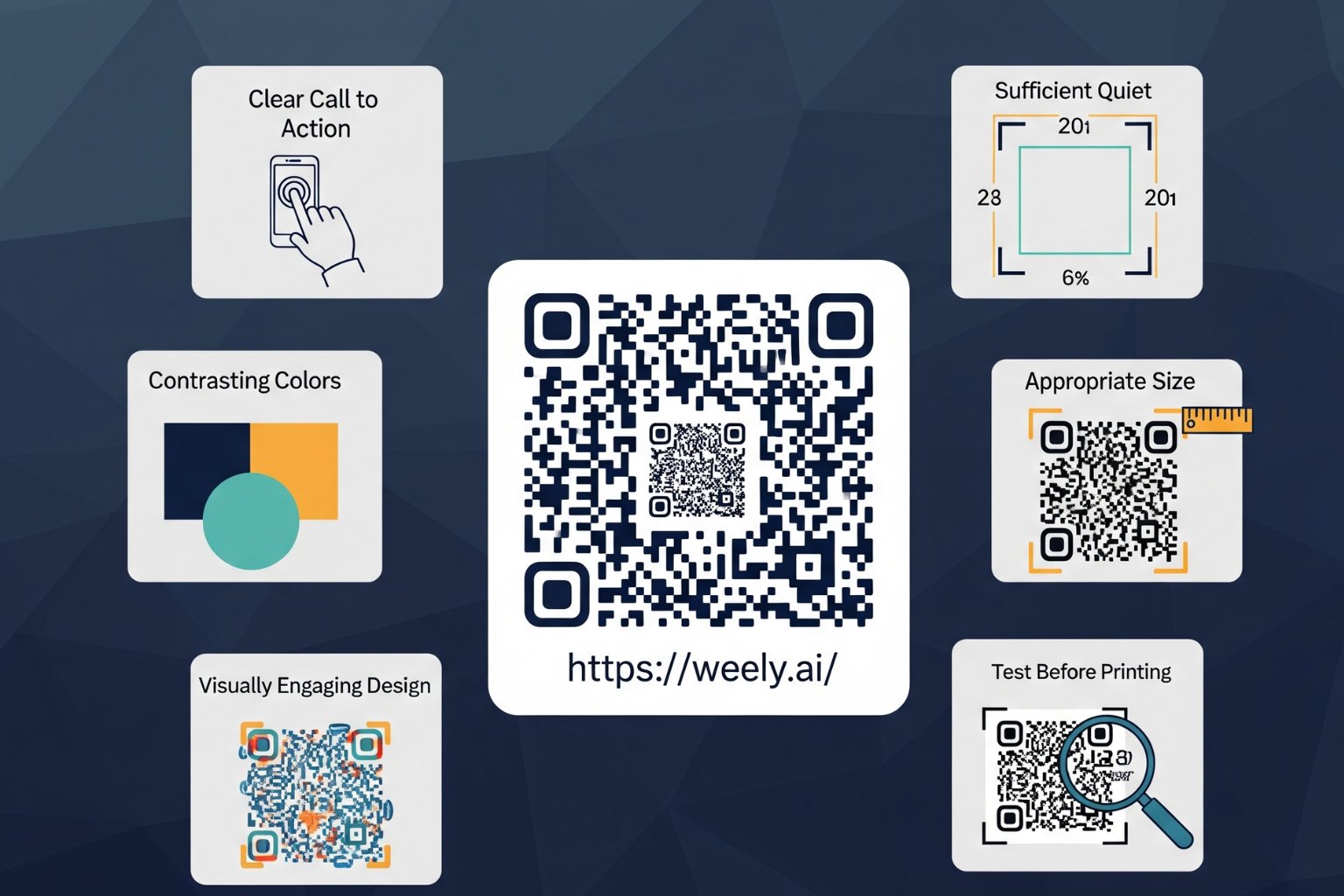
- Clear Contrast: Knowing the difference between the QR code and background is critical. You want the contrast to help scanners see the QR code effectively.
- Size: The QR code must be sized appropriately to the distance from which it is scanned.
- Error Correction: Most QR codes today offer an error correction built into the QR structure so that scanning can take place even if the code is damaged or changed.
- Simplicity: When using designs, you must use straightforwardness. Don't make elaborate logos with colors that make it difficult for scanners to see the QR code.
- Clear Quiet Zone: You must be able to allow a clear area (quiet zone) around the QR code safe to scan. This means you must keep the white border (quiet zone) clear of any content in order to be able to scan.
If you understand these important things about QR codes, you are ready to use advanced QR code design strategies in your marketing efforts.
The Importance of QR Code Design in Marketing
As marketing competition and technology continue to grow, you will need more than simply adding a black-and-white square to a flyer to get QR codes scanned. If your QR code is poorly designed, you could lose the user's interest, trust, or engagement.
Effective QR code marketing depends largely on the user experience. If the code scanning experience is difficult, or if it even looks unprofessional, the user has already lost interest in the design. Proper QR code design will ensure:
- Higher Scan Rates: When optimized, codes are scanned faster and more reliably.
- Brand Recognition: If you include customized codes with a logo and brand colors, users become more familiar.
- Customer Engagement: Compelling designs attract users to engage.
- Versatility: Effective QR code designs can have multiple applications (print, digital, on packaging, etc.).
How to Design QR Codes that are scanned: Important Guidelines
Designing QR codes that are scanned is both a science and a matter of inspiration. Below are some guidelines to remember:
Choose the Right Type of QR Code
There are different QR code types: URL, vCard, email, SMS, Wi-Fi, etc. As you consider your marketing objective, selecting the proper orientation is crucial. Marketing campaigns are best suited for a URL QR code that takes users to a landing page or offer.
QR Code Size & Placement
QR codes must be the right size; too small and they won't scan, too big and they're useless. For print, you should ideally be looking at a minimum size of 2 x 2 cm (about 0.8 x 0.8 inches); however, larger is always better, especially for outdoor or faraway scanning.
Similarly, placement of QR codes size is important. The ideal placement will be easy to see and engage with, while not causing glare, folded edges, or physical wear from use.
Use Maximum Contrast
The traditional black-and-white difference is favored because of the strength of that visual contrast, which allows for quick scans. If you're going to utilize colors, use dark colors for the code and light colors for the background. Avoid using color combinations such as light grey on white or neon colors, as these can be difficult for scanners to read.
Provide a Quiet Zone
The quiet zone for a QR code is the blank space surrounding it, which allows scanners to distinguish your QR code from other elements. Be sure to keep a white border free from clutter or graphics encroaching into the quiet zone.
Use error correction carefully
There are four main levels of built-in error correction in QR codes: L, M, Q, and H. Higher levels of error correction in your QR code allow for more logos to be embedded or greater customization, but they also make the code more complex. Complicate the code. If you plan on designing a branded QR code or customizing it, you should always use maximum error correction.
Logos and Colors for Customization
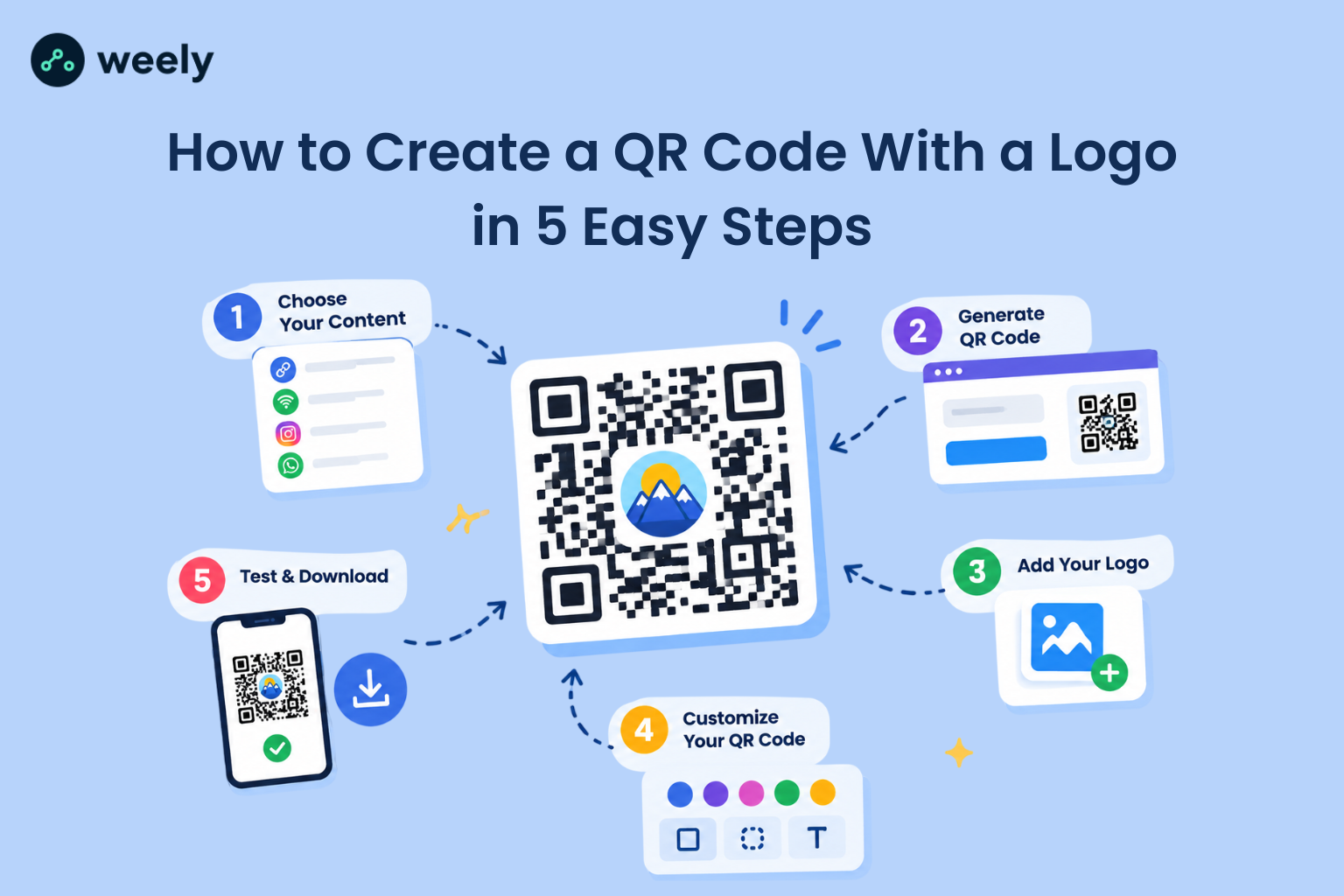
Branding your QR code by embedding logos or using brand colors can lead to improved brand recognition and trust with your customers; however, customization should not hinder functionality. Logos should not cover any of the fundamental parts of the QR code, and you should always complete scanning trials.
Clear CTAs (Call to Action)
It is not enough to simply have a QR code. Always add a clear CTA "Scan to Receive a Discount," "Scan for More Info," or "Scan to Watch Video." This gives the customer a necessary action instruction, as well as showing what it is meant to be for.
Testing Different Smartphones and Conditions
Always test your QR codes on different smartphones and scanning apps before you finalize them. Check the scanability of the code in different lights and distances. Testing is the only way to ensure that the user will be able to scan the QR code.
Best Practices for QR Code Design and Effectiveness with Your Marketing
Using the above tips with effective marketing practices will give your code the best chance of being successful.
1. Keep It Clean & Simple
A clean, simplistic, and minimalist QR code scanner better and looks more appealing. Do not lose the scannability of your QR code for an incredible design. Keep it clean, simple, and effective.
2. QR Codes Should Be Part of Your Campaign
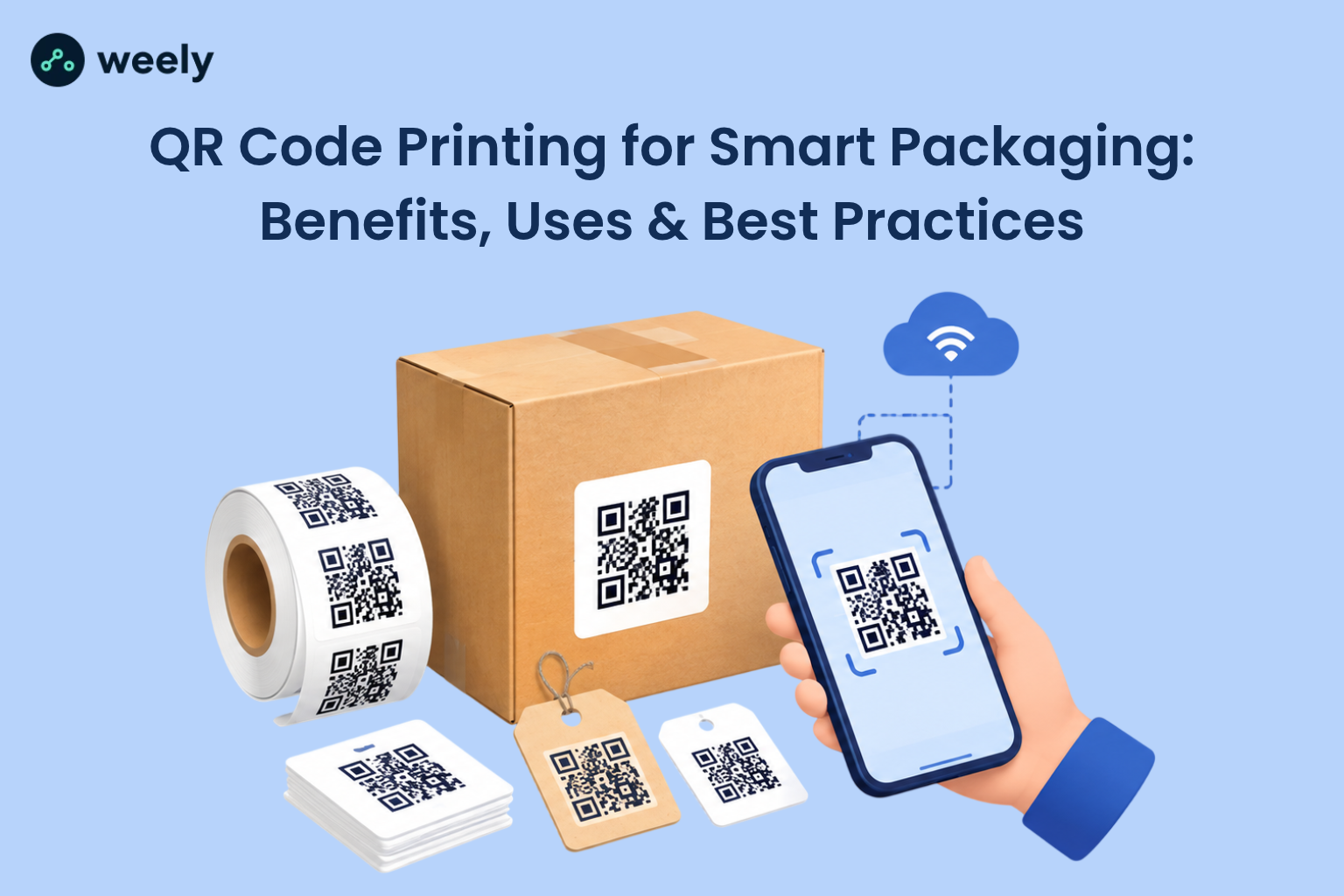
QR codes should enhance and elevate your marketing campaign. Don't make a QR code an afterthought on your QR Codes for printing or packaging. Place the QR code on printed brochures, packaging, posters, etc., where applicable, but enhance the marketing campaign digitally too.
3. Track and analyze scans using QR codes
Dynamic QR codes (which can link to different content) are more powerful, as you can track scan analytics. You can plan better campaigns if you track scan counts and user behavior.
4. Educate your audience
Not everyone knows how to scan QR codes or why they should. Use your marketing materials for both education and motivation.
5. So how do we get people's QR code scan rates up
Increasing scan rates is not just about design, although I do believe that design plays an important role; it's also about an engaging and simple user experience.
6. Make it mobile-friendly
Be sure that the destination your QR code leads to is mobile-optimized when people scan it. If the landing page is slow to load or doesn't respond properly, you may lose some of the user engagement.
7. Add Value
Clearly define why someone should scan the QR code: there should be discounts, exclusive content, product information, or even contests whatever is deemed an attractive opportunity.
8. Don't Overdo It.
Don't give viewers too many codes at once.
9. Build Awareness
Use social media, emails, and other marketing tools to raise awareness for your QR codes. Get your audiences educated on the benefits before and after engaging with the codes.
Common Mistakes to Avoid in QR Code Design
To create effective QR codes that are scanned, avoid these common mistakes:
- Poor Resolution: Low-quality QR codes can lead to poor scanning results or even prevent the code from being scanned altogether, resulting in blurry or pixelated printed QR codes.
- Excessive Branding: Don't overwhelm a QR code with logos or color, but always check the readability.
- Ignoring the Quiet Zone: Leave some space (the white border zone) around a partner's QR code so it can be scanned easily.
- Placement or orientation is not suitable only: Illumination intent or usage of codes presents serious challenges on a surface that curves, folds, or reflects.
- Overlooking what is post-scan: Just as much thought and care should be given to linking and making sure the content is usable and responsive on mobile.
Avoiding the aforementioned mistakes is likely to enhance QR code design performance and increase scanning rates.
FAQs
Why do some QR codes not respond or scan?
It could be that the contrast against the background is poor, you have not adhered to the recommended sizes, the QR code is damaged, or the design is complicated. Always test a QR code before using or publishing.
How big should my QR code be?
When printing your QR codes, it is best to make the code at least 2 cm by 2 cm. Again, larger codes provide distance from the code for the scanner and make it easier to scan the code.
Can I personalize a QR code with color and a logo or emblem?
Yes, but make sure not to place the logo over any key data points, take the contrast ratio into account, and remember that scannability will depend on error correction capabilities.
What are the best ways to ensure more user-friendly QR codes?
Ensure the QR codes are visible, use a strong call-to-action (CTA) to clearly describe what you want your viewers to scan and follow, maintain an effective QR code design, and prioritize simplicity. Link to mobile-responsive content.
What is a dynamic QR code?
With a dynamic QR code, the person who made it can alter the destination URL and keep track of QR code stats. Dynamic QR codes provide so much value because they allow the user to manage and optimize their marketing.
What effect does error correction have on the design of QR codes?
Higher levels of error correction (Q and H) do allow for adding logos or customizations to QR codes, but more error correction comes with additional complexity. You want a balance so that the code is scannable.
Is it possible to use QR codes for marketing offline?
Yes! They help bridge the gap between offline materials (e.g., print ads, packaging) and online content. Good design together with a clear CTA will lead to scanning.
What are the limits on color for QR codes?
Yes, color must maintain a sufficient contrast since dark codes on light backgrounds have the best scan rates. Don't use light gray, white, or neon colors since scanners will not reliably scan them.
What is the best way to make QR codes accessible to all?
In well-lit areas, use big QR codes with a lot of contrast. Also include alternatives, like a short URL, for people who don’t want to or can’t scan the code.