QR code size is very important to how well it works. People can't scan your QR code if it's too small. If it is too large, it can ruin your design. This guide will show you how to choose the right QR code size, what is the best QR code size for printing, and the QR code size based on scanning distance. To get better results, every business, marketer, and designer needs to know how big QR codes are.
Why QR Code Size Matters for Scanability, Readability, and Visibility
The size of a QR code gets bigger as you move away from it. Depending on the types of QR code, the required size may vary; the QR code size needs to be bigger the farther away the scanner is.
Impact on Scanning Distance
The size of a QR code gets bigger as you move away from it. The QR code size needs to be bigger the farther away the scanner is.
This is a simple rule: Your QR code should be at least 1 inch wide for every 10 feet of distance.
A small QR code works for scans that are close. Big QR codes are good for posters and banners. If the QR code is too small, it won't scan.
QR Code Clarity and Resolution
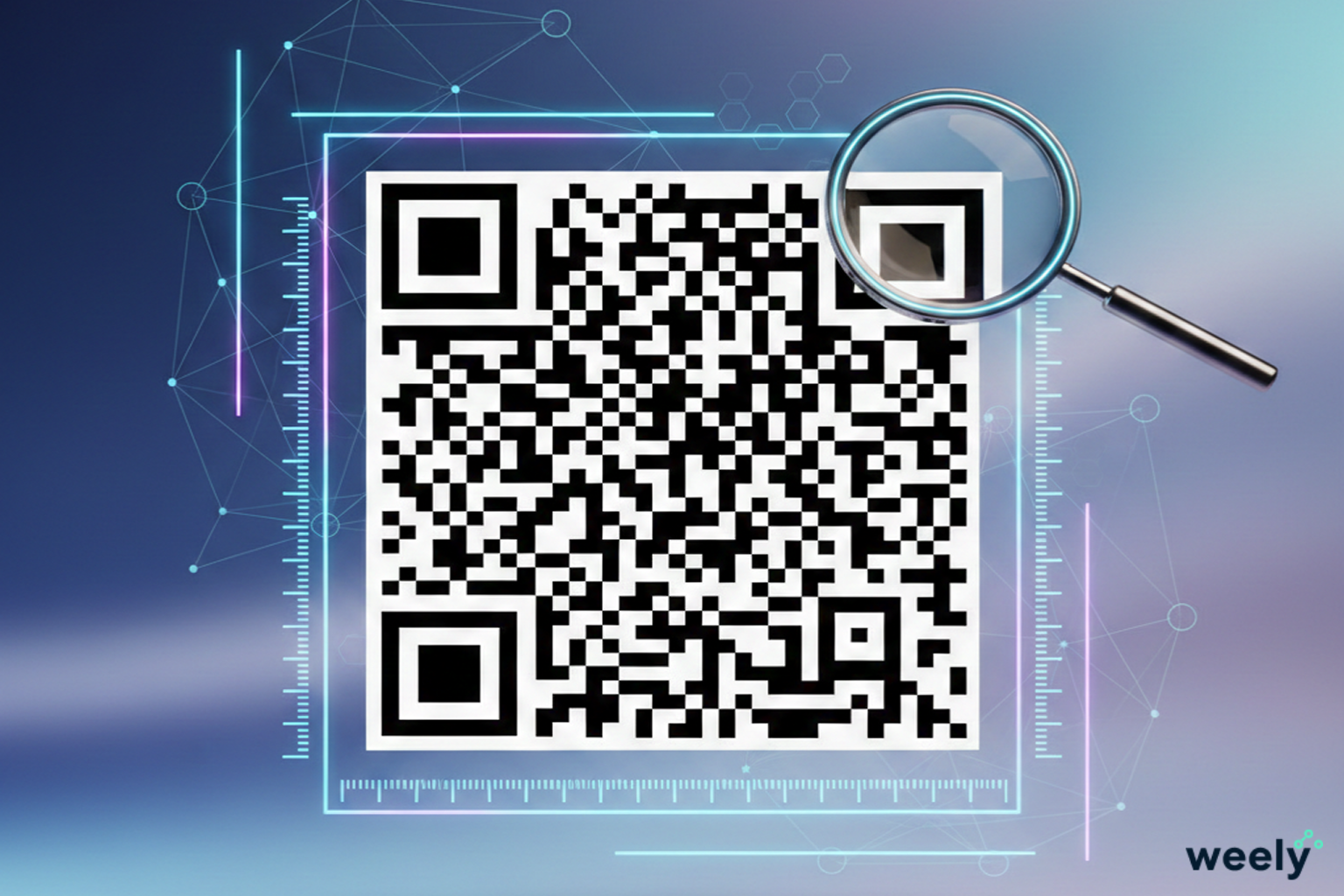
Sharp edges are important for the size of QR codes. A QR code that is blurry won't scan. Strong resolution makes sure the QR code size stays clear. Bad print quality messes up the size of QR codes and makes people less likely to trust them.
Good QR code sizes make data blocks clean. This makes QR codes easier to read and use for a long time.
User Experience and Accessibility
A friendly QR code size makes it easy for everyone to scan. A clear QR code size is good for seniors, kids, and people with older phones. A good QR code size also works well in low light and outside.
People trust a QR code and scan it quickly when it is the right size.
Recommended QR Code Sizes for Different Uses
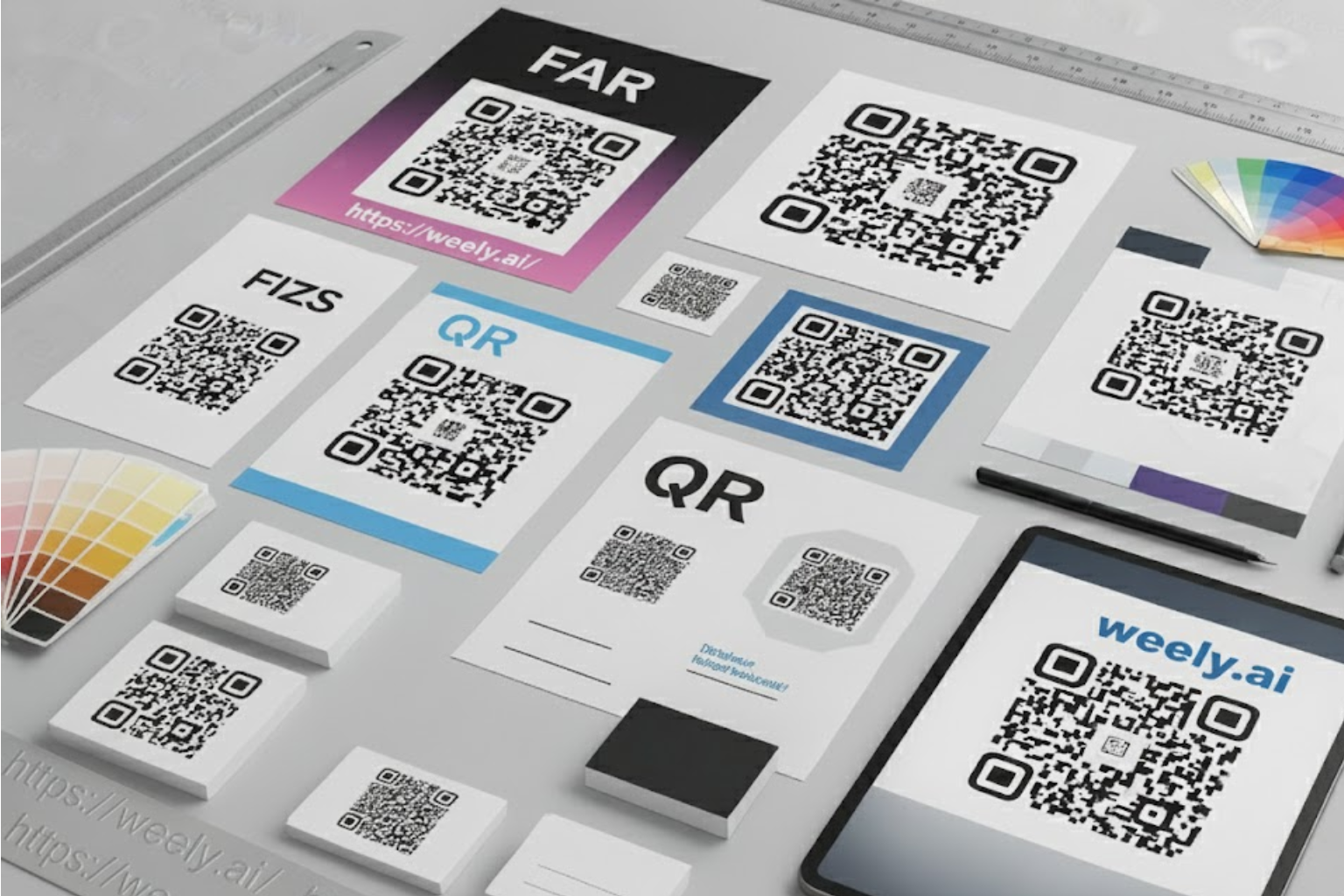
The size of the QR code you choose will depend on where you put it. The best size for a QR code to print depends on how it will be used. You must always follow the minimum size for scanning QR codes.
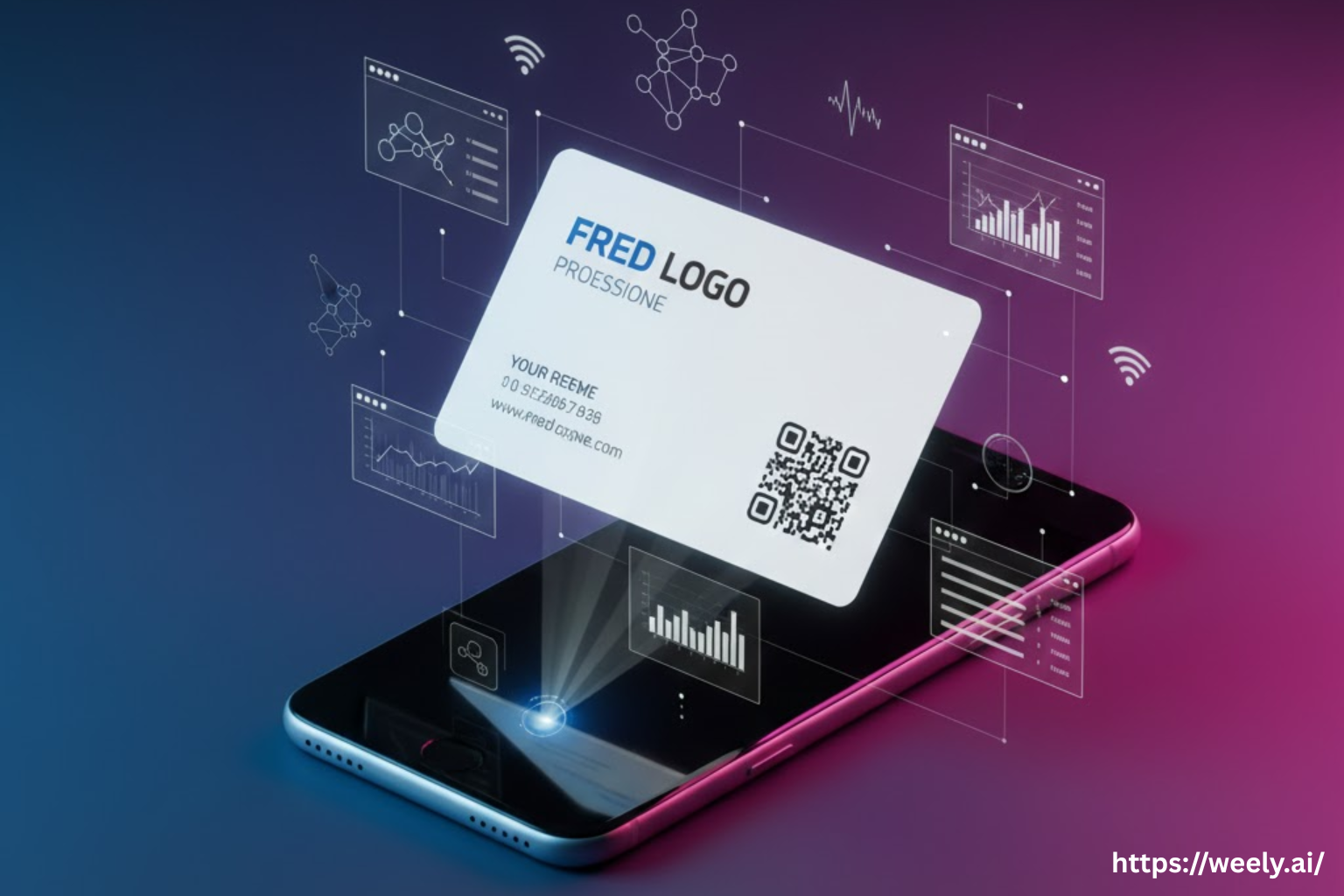
QR Codes on Business Cards
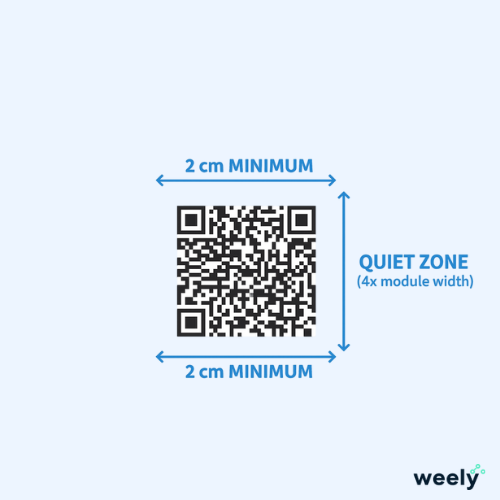
The QR code on a business card should be at least 2 cm by 2 cm. This is the smallest QR code size that is safe for scanning. Scanning takes longer if it's smaller than this.
The size of the QR code on a business card must also leave room for the quiet zone. This keeps QR codes easy to read and easy to see.
QR Codes on Posters and Flyers
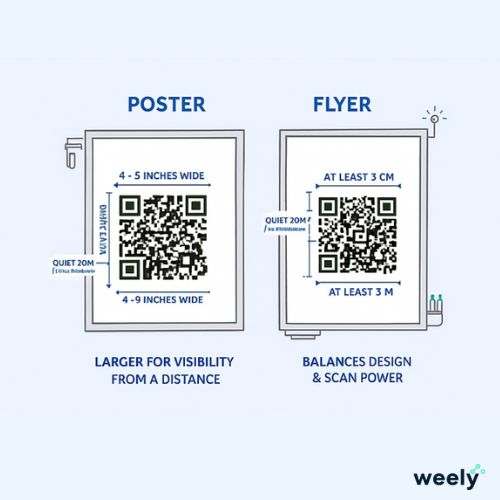
The QR code on posters needs to be bigger. A QR code that is 4 to 8 inches wide is the best size for posters. This lets people scan from a distance.
A QR code size of at least 3 x 3 cm works best for flyers. Here, the size of the QR code is a good balance between design and scan power.
QR Codes on Product Packaging
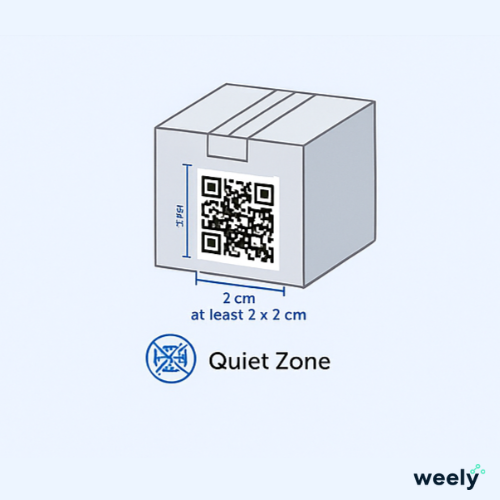
The size of the QR code on the packaging depends on the size of the label. But don't go below 2 x 2 cm. Product curves and shine can make QR codes harder to read and change their size.
A strong QR code size keeps you from failing to scan in stores.
QR Codes for Digital Screens
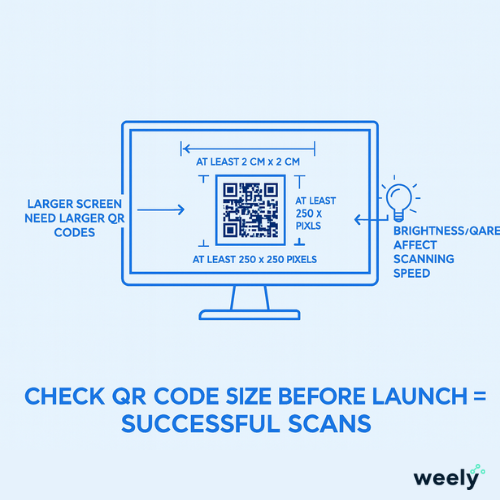
The size of a QR code on a screen depends on the resolution. A digital QR code should be at least 250 pixels by 250 pixels. QR codes need to be bigger for bigger screens.
The size of a QR code and how fast it scans depend on how bright and glarey it is. Always check the size of your digital QR code before you launch it.
Factors Affecting QR Code Size
The size of a QR code and how well it scans depend on a lot of things. These are printing, distance, contrast, and the amount of data. Each one has tips for making QR codes and putting them in the right place.
Printing Method and Material
Light bounces off of glossy paper. This can make it less accurate to scan QR codes of different sizes. Matte paper works well with QR codes of all sizes. Fabric, wood, and plastic also affect the visibility of QR codes.
Always check the size of the QR code on the real surface.
Distance from Scanner
The QR code must be bigger the farther away the scan is. Posters in stores need big QR codes. Table tents can use QR codes that are smaller.
There is always a link between distance and QR code size.
Color Contrast and Background
The best QR code is one with a dark background. Black on white is the best color for QR code size success. Poor contrast makes QR codes hard to read quickly.
Don't put QR codes on images that are busy.
Amount of Data in the QR Code
More data means more blocks. If you have more blocks, you need a bigger QR code. A link that is easy to use needs a smaller QR code. A QR code needs to be bigger if the URL or file is long.
The size of a QR code always depends on how much data it has.
Tools to Create and Test QR Codes
You need the right tools to change the size of your QR code. You can avoid mistakes by using a free QR code generator and scanner.
How to Use a Free QR Code Generator
You can make codes in seconds with a free QR code generator online. You put in your link. You get to pick the size of your QR code. You get the file. Finished.
With a free QR code generator, you can change:
- Size of QR code
- Colors
- Type of file
- Fixing mistakes
This helps you choose the right size for your QR code.
Testing QR Codes with Free QR Code Scanner Apps
You can test scans in real life with a free QR Code Scanner. You should check the size of your QR code on:
- Old phones
- New cell phones
- Light that is bright
- Not much light
A free QR code scanner checks to see if your QR code size works in all situations.
Ensuring Your QR Code is Easily Scannable
Before you print 1,000 copies, make sure your QR code is the right size. Use a free QR code scanner app and a free QR code generator online at the same time. This saves money and keeps things from going wrong.
Good tools keep your QR code size and brand image safe.
Proven Tips for Optimizing QR Code Size, Scaling and Readability
Be careful when scaling QR codes. Even small mistakes make QR codes hard to read and hard to optimize.
- For printing, make sure the QR code is at least 2 × 2 cm.
- Avoid placing QR code size near edges or folds.
- Test the size of the QR code at different distances.
- Use colors that stand out from each other.
- Always keep a quiet, clean area.
Never change the size of a QR code unevenly. Always scale it perfectly. Bad scaling makes QR codes unreadable and changes their size.
Final Thoughts on the Right QR Code Size
Scanning is easy, quick, and accurate with the right size QR code. Even the best campaign can fail if the QR code is too small. Always think about how far away, how much light, and what kind of surface your QR code will be on. Do a lot of testing and make changes when you need to. Then use a free QR code scanner to test it on a lot of phones. Look at scans that are both close and far away. Check both bright and dim light. When you test and fix your QR code early, it stays strong. The right size builds trust, gets more scans, and makes people do something.
Frequently Asked Questions About QR Code Size
How do I choose the right QR code size for printing?
Make sure your QR code is at least 2 × 2 cm when you print it. To make sure the code is easy to read and scan quickly, always test it at real scan distances.
What is the best QR code size for business cards?
For business cards, the best size for a QR code is at least 2 × 2 cm. This keeps the code clear and easy to scan without changing the layout of the card.
What is the best QR code size for posters and banners?
The best size for a QR code on a poster depends on how far away you are from it. For long-range scans, you need to use a size of at least 4 to 8 inches to get reliable results.
What is the minimum QR code size for reliable scanning?
The minimum size of a QR code to be reliably scanned is to be 2 cm by 2 cm (for printed QR codes) and 250 pixels by 250 pixels (on digital screens).
How does QR code size affect scanning distance?
The size of the QR code will impact how far away from the QR code you can scan from. The further away from the QR code you are, the larger the QR code will need to be to allow for fast and accurate readings.
What is the best QR code size based on scanning distance?
The QR code should be at least 1 inch wide for every 10 feet of scanning distance to stay easy to read.
Can I test my QR code size using a Free QR Code Scanner app?
A free QR Code Scanner app gives you the ability to see how big your QR code is on a variety of devices, in various light settings, and at different distance settings.
How do I create the perfect QR code size using a Free QR Code Generator online?
You can easily change the size, colors, and format of a QR code with a free QR code generator online. You can also test how well it works before printing or posting it.