Your Instagram bio link is small but powerful. It’s the only clickable place on your whole profile that takes people off Instagram and onto your website, shop, or content. When done right, it can turn followers into customers, subscribers, or fans. If you get it wrong, you lose sales and traffic without even knowing it.
In this guide, you'll learn how to add, edit and optimize your Instagram bio link; why one link is not enough; and how a tool like Weely AI is able to help you transform that one link into a full landing page for everything you do.
What Is an Instagram Bio Link?
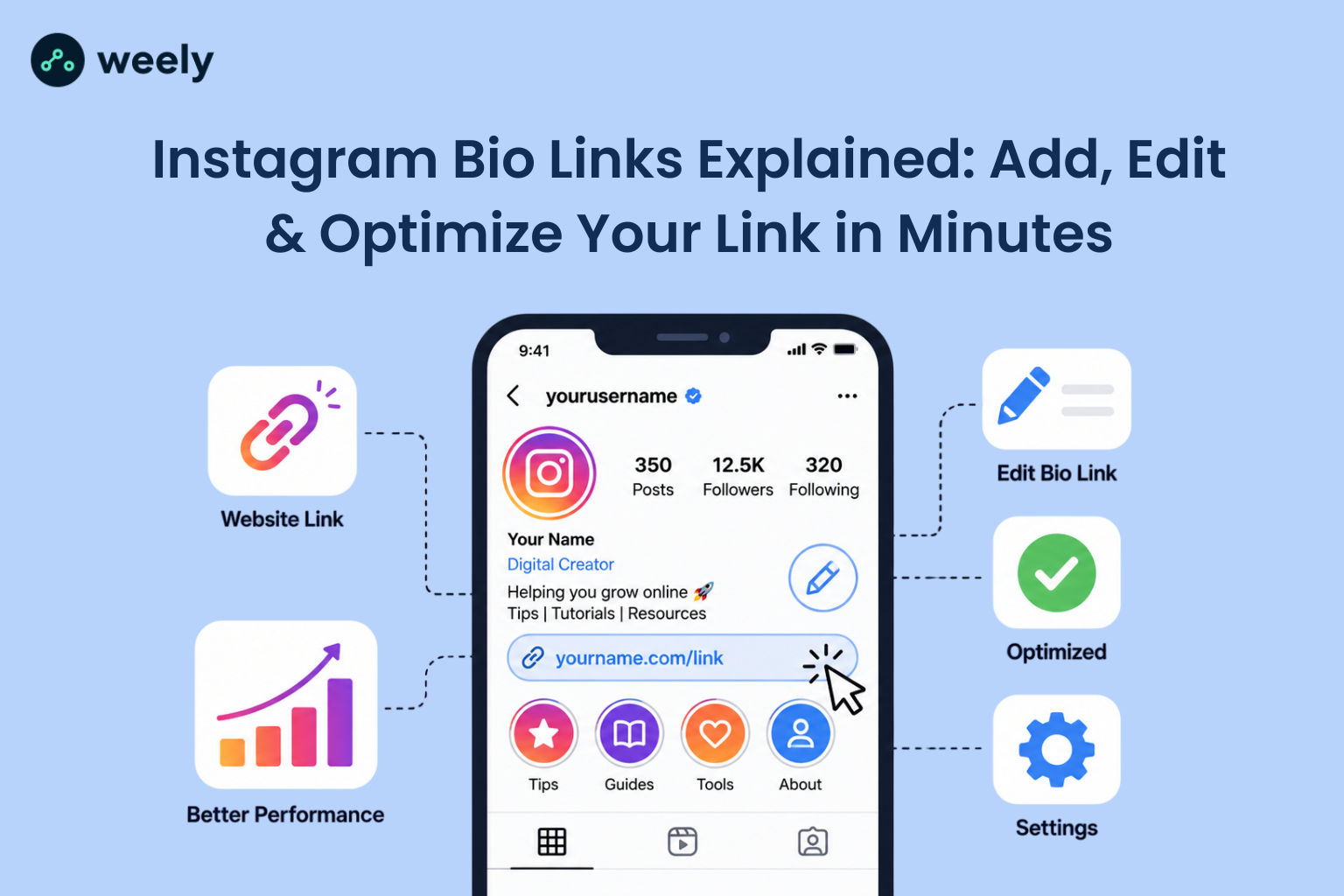
An Instagram bio link is the clickable website link that appears in your Instagram profile below your bio text. This is the only place on Instagram where you can put a link that people can actually click on because links in regular captions aren’t clickable.
This makes your Instagram profile link one of the most valuable pieces of digital real estate you own. If you’re a creator, small business or brand, this one line can direct your audience to your store, blog, YouTube channel or booking page.
How to Add a Link to Your Instagram Bio
Adding a link is easy and Instagram doesn’t require a large following anymore. Here’s how to add a link in Instagram bio on different devices.
Add Link to Instagram Bio on iPhone
Here’s a quick guide to add your link from an iPhone.
- Open the Instagram app and go to your profile.
- Select Edit Profile.
- Find and tap the Links field.
- Choose Add link, paste or type your URL, then tap Done.
- Confirm by tapping Done again to save your profile.
Add Link to Instagram Bio on Android
The process is very similar on Android with a few label differences.
- Open Instagram and go to your profile.
- Tap Edit Profile.
- Scroll to Links and tap it.
- Tap Add external link, enter your URL, then confirm.
- Save your changes.
Add Link to Instagram Bio on Desktop (Web)
You can add your link from a computer just as easily if you prefer using a browser.
- Sign in to Instagram using a web browser.
- Navigate to your profile page, then select Edit Profile.
- Add your desired website link in the Links section.
- Save your changes by clicking Submit.
A common question people search is whether you need 10,000 followers to add a link on Instagram. That was true for the old Stories “swipe up” feature, but not the bio link. Now, anyone on Instagram, regardless of how many followers they have, can add a clickable link to their profile.
How to Edit or Change Your Instagram Bio Link
Bio links go stale faster than most people expect. You release a product, run a promotion, or change your content focus and all of a sudden, that link you added three months ago is sending people to the wrong place. Here's how to swap it out:
- Go to your profile and tap Edit Profile.
- Tap the existing link under Links.
- Replace the old URL with your new one.
- Tap Done, then save your profile.
That's really all there is to it on Instagram. The challenging aspect arises when the link fails to cooperate. If your bio link isn't working, nine times out of ten it's one of three things: the URL is missing "https://", the link itself is broken or expired, or Instagram is just glitching. Start by deleting the link entirely, close and reopen the app and then add it back in. Still stuck? Please verify that the destination of the link is currently active. It sounds obvious, but a surprising number of "broken" bio links are actually just linking to a page that's down.
How to Add Multiple Links to Instagram Bio
Instagram’s native bio field only allows for one clickable link. This is a real limitation, especially if you want to send visitors to your website, your online shop, your latest video and your newsletter all at once.
This is exactly where link-in-bio tools become useful. Instead of picking just one destination, you create one landing page that has all of your important links. Then you put that one landing page URL into your Instagram bio. When someone taps it, they get a simple page with every link you want to share.
This approach eliminates the limitation of having only one bio link, making it a preferred choice for creators and businesses looking to maximize their Instagram bio. For this purpose, tools such as a dedicated link-in-bio page builder were created, and they handle the layout and hosting for you.
Why You Need a Link-in-Bio Tool
A dedicated Instagram bio link tool gives you much more control than a simple single URL. What a good tool has:
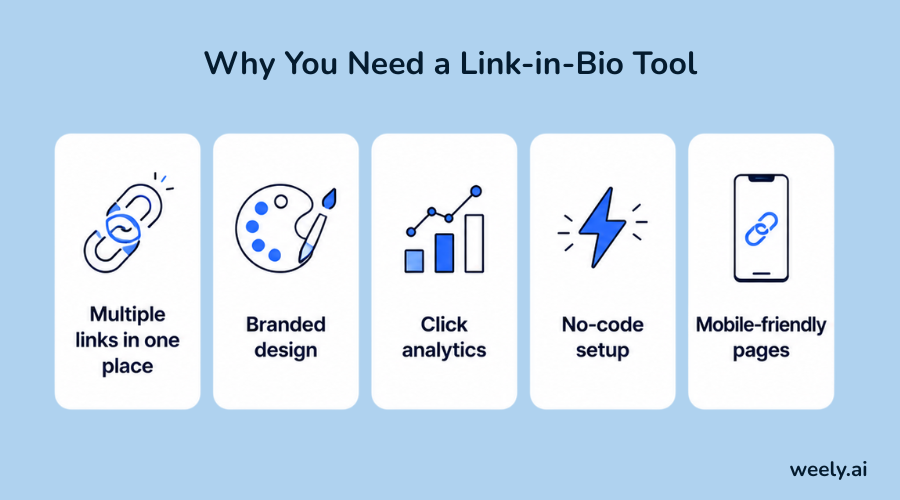
- Multiple links in one place - Share your shop, blog, videos and socials all in one place.
- Branded design - Instead of a generic list, customise your page with your colours, logo and styling.
- Click analytics - See exactly which links people tap and when.
- No-code setup - Build a page in minutes without a developer or designer.
- Mobile-friendly pages - As most of Instagram’s traffic comes from phones, your landing page should load fast and look clean on small screens.
If you’ve been using a simple link list, it may be time to upgrade to a smarter, AI-powered option that saves you setup time and gives you real data. Many of these tools have a QR code generator, including Weely AI, so your links work just as well offline as they do online. You can compare available plans before you sign up to see which one fits your budget. This shift mirrors a bigger trend, where link-in-bio pages are evolving into full sales tools rather than simple lists of links.
How to Create a Link-in-Bio Page with Weely AI
This is exactly the gap Weely AI was built to close: one bio link, room for everything you actually want to share. The whole process takes less time than scrolling through your feed.
Step 1: Sign Up for Free
Sign up for your free Weely AI account with email or social login. No trial tricks, just a working page in a few minutes.
Step 2: Let AI Build Your Page
Instead of moving blocks around and guessing what works, Weely AI’s builder suggests a layout based on what you actually do, whether that’s creating content, running a store or offering a service. Take the suggestion as-is or tweak it until it fits.
Step 3: Add Your Links
Share anything you want: your shop, your YouTube channel, your latest post, a contact form, a booking link. Reorder the links so that the items people click on most are positioned at the top.
Step 4: Customize Your Branding
Pull in your own colors and fonts and profile photo and button styles until the page looks like an extension of your Instagram feed and not something bolted on from a third-party tool.
Step 5: Publish and Update Your Instagram Bio Link
Once it’s live, use the same steps we discussed earlier to find your Weely AI URL and drop it into the Links field on your Instagram profile.
Step 6: Track Performance
See what links are being clicked, where your visitors are coming from, and what’s actually driving engagement on your dashboard. Never question what your audience wants again.
Ready to stop losing clicks to a single link? Set up your bio link page and get started in minutes.
How to Optimize Your Instagram Bio Link for Clicks and Sales
But the first step is to add a link. It takes strategy to get people to actually tap it.
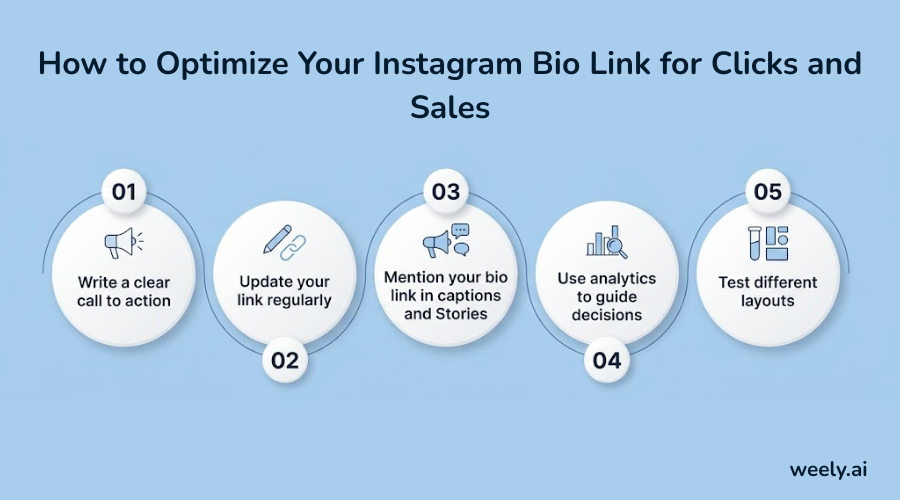
- Write a clear call to action: Use the bio text, not a boring URL, like “Shop new arrivals below” or “Watch my latest video.” Clear instructions increase clicks.
- Update your link regularly: A link that never changes begins to blend into the background. Refresh it around new launches, sales, or content drops to keep it fresh.
- Mention your bio link in captions and Stories: If you post something that followers should see, tell them to “tap the link in bio” because you can’t link to captions.
- Use analytics to guide decisions: Utilize Weely AI to review your bio link analytics and see which links are driving the most engagement. Then highlight your top performers near the beginning of your page.
- Test different layouts: Try different button sequences or colors or headlines and compare performance over a few weeks. Minor design changes can make a difference to click-through rates.
If you’re running campaigns across multiple channels, using a UTM tracking tool in conjunction with your bio link can help you know exactly what post or platform that click came from. Some brands take it a step further by exploring personalized URLs to tailor the landing experience to different audience segments. If you want to share a clean link outside of your bio, use a simple URL shortener, like in a caption or Story sticker.
Weely AI Features for Your Instagram Bio Link
Weely AI is unique and has features that will save you time and boost your page performance:
- AI-assisted page setup - Instead of starting with a blank page, you will receive a ready-to-use layout suggestion.
- Full custom branding - Match your colours, fonts and button styles to your look.
- Built-in click analytics - Understand link performance without a separate paid add-on.
- Fast to set up - Go from sign-up to a live page in minutes.
- Built for creators and businesses - Layouts & suggestions change to suit your content type, whether you are selling products, sharing videos or booking clients.
It’s a confluence of these features that makes your Instagram bio link do more than just point somewhere. It becomes a full page that reflects your brand, shows you what your audience actually clicks on, and can even pair with QR codes if you want to bring the same page to print materials or in-person events.
Instagram Bio Link Ideas for Different Use Cases
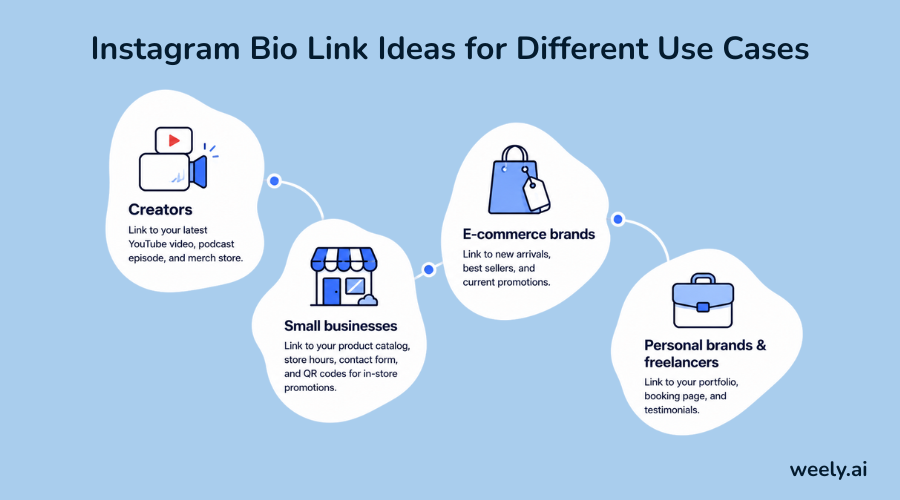
- Creators: link to your latest YouTube video, podcast episode, and merch store.
- Small businesses: link to your product catalog, store hours, contact form, and QR codes for in-store promotions.
- E-commerce brands: link to new arrivals, best sellers, and current promotions.
- Personal brands and freelancers: link to your portfolio, booking page, and testimonials.
A well-organized landing page for Instagram built with the right structure makes it easy for any visitor to find what they came for, no matter why they clicked.
Final Thoughts
Your link in your Instagram bio might be small, but it holds the weight of every 'check the link in bio' you post. There is one line that, if you know how to add, edit and optimise it correctly, becomes a true growth tool. And when one link just isn’t enough, a smart link-in-bio tool like Weely AI lets you share all the things that matter, measure what works and continue to improve over time.
Want to turn your Instagram bio link into a full-blown landing page? Create your Weely AI account and set up your page in minutes.
Frequently Asked Questions
Can you add a link in your Instagram bio?
Yes, and it doesn't matter how big or small your account is. Head to Edit Profile, find the Links section, and drop in your URL.
How many links can you add to Instagram bio?
Just one, natively. If you want more than that, a link-in-bio tool like Weely AI allows you to create a single page that has all your links behind that one URL.
Where is the link in bio on Instagram?
Just below your bio text, above your posts and highlights. People who visit your profile will see it right away.
Why can't I add a link to my Instagram bio?
Usually it’s a little technical hiccup: a missing “https://” at the beginning of the URL, a broken or expired link, or the app just acting up. Delete the link, restart instagram and try to add it again.
What is the best free link in bio tool?
If you're just starting out, Weely AI is a great option. The free plan provides you with AI-powered page creation, custom branding, and click analytics, which covers most of what creators and small businesses actually need early on.
How often should I update my Instagram bio link?
Whenever something new is worth pointing people toward, like a launch, a promotion or new content. Links that sit around for months even your most loyal followers will ignore links that remain stagnant for months.