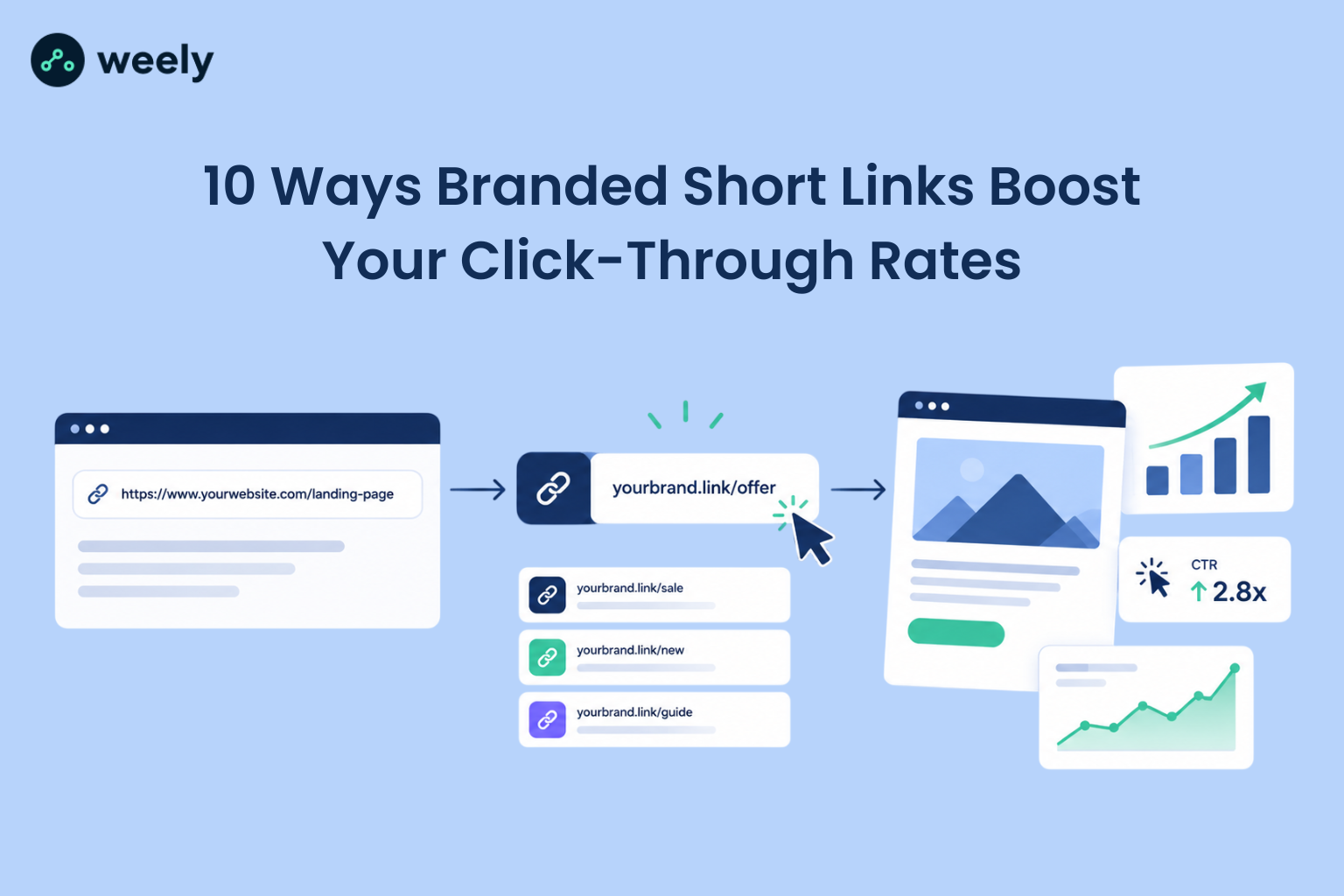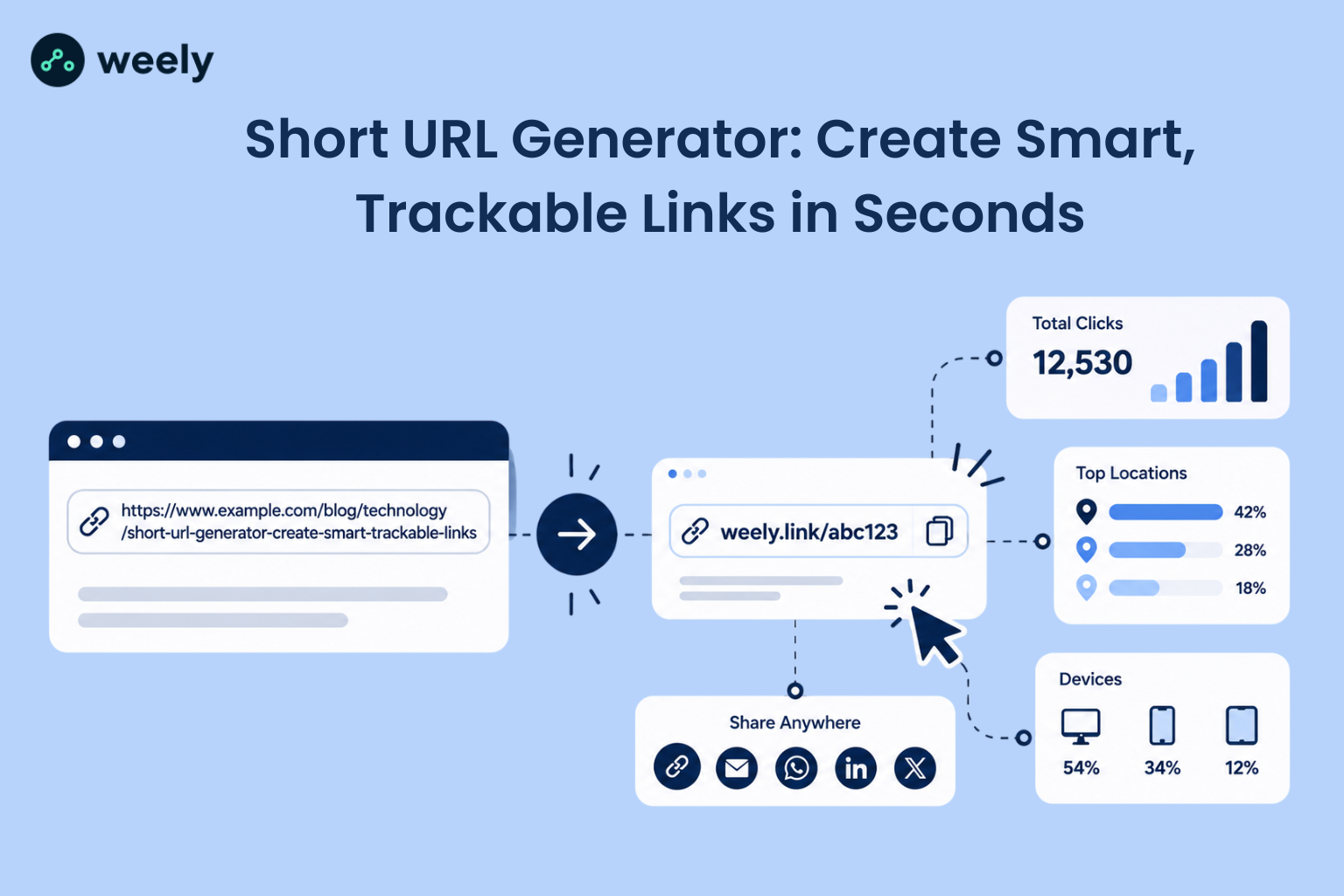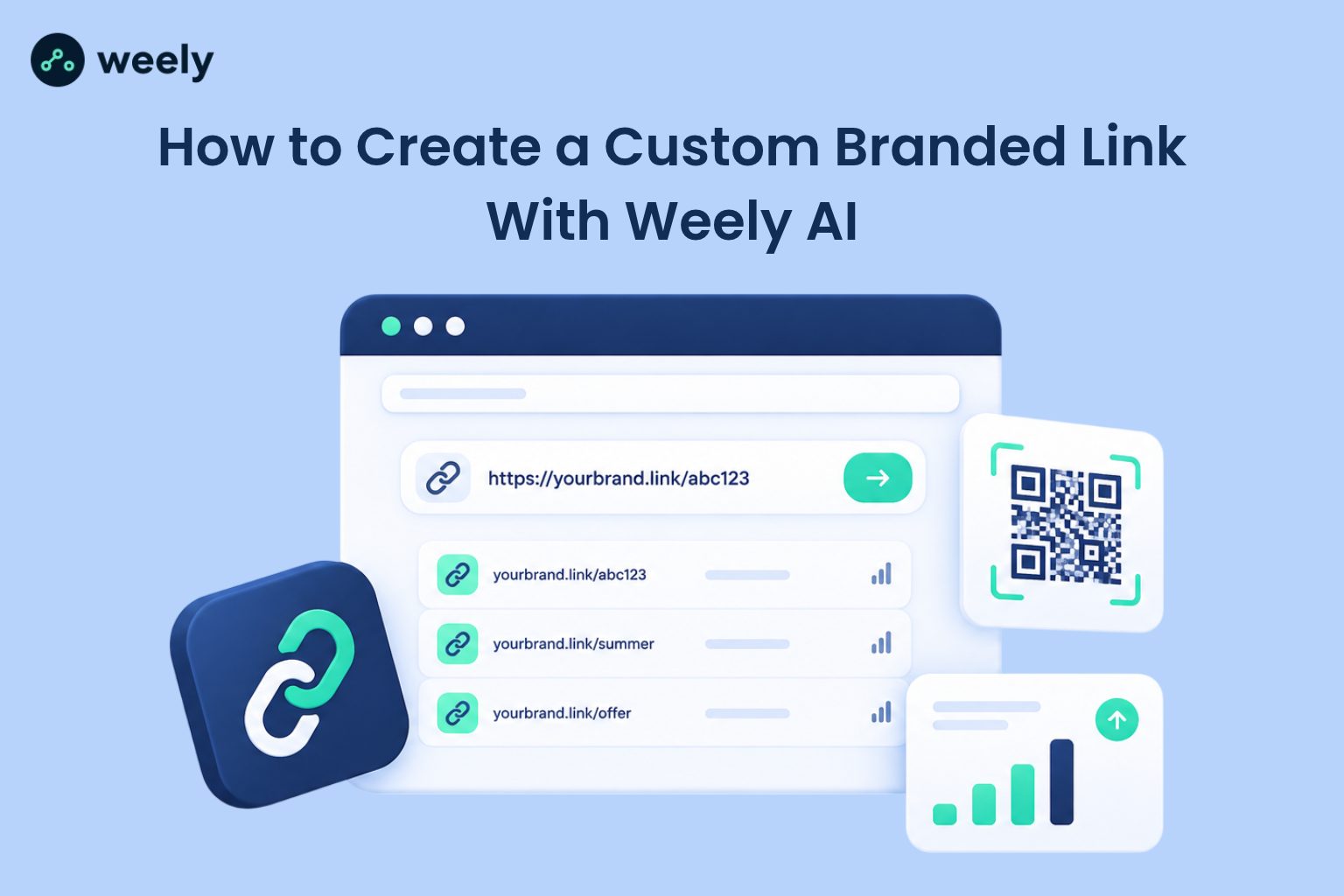
Long, messy URLs hurt clicks. They look suspicious, they break in emails, and nobody remembers them. A custom branded link fixes all three problems. Link-management vendors report that branded short links earn roughly 34% to 39% higher click-through rate than generic short links. These are vendor-reported figures, not independent research, but they match what marketers see in practice: people click what they trust. In this guide, you will learn how to create a custom branded link with the Weely AI URL shortener, connect your custom domain, and measure results with link analytics. You will also see where branded links fit in email, social media, print, and events.
What Is a Custom Branded Link?
A custom branded link is a shortened URL that features your brand name, rather than a random, or generic domain. It resides on a custom domain and custom URL slug so it looks like your link. Readers see your name before they click, and that builds trust.
Here’s a simple example. Your destination URL might be something like:
https://yourwebsite.com/products/summer-collection.
You could also make a custom branded URL for that same page, like go.yourbrand.com/summer. Both URLs lead to the same page. The second is shorter, cleaner, and easier to pass around. This is a sample for demonstration only, and is not an active link.
If you want a deeper comparison, read this guide on branded links vs generic links. It explains how the two types differ in trust, control and long-term value.
How Custom Branded Links Work
A branded URL shortener stores your long address and gives it a short link alias. When someone opens the short link, a URL redirect sends them to the full page in a fraction of a second. Along the way, the tool records the click. That is how click tracking, and short link analytics work.
So how does a custom domain URL shortener differ from a basic one? The basic tool uses its domain for every user. A custom domain URL shortener lets you use your branded domain, which makes the link yours. You keep control of the address, and your audience sees a name they know.
What Makes a Link Branded?
A branded URL has two parts you control. The first part is the domain. The second part is the slug, the text that follows the slash. And when both match your brand, the link is truly branded. You can customize the slug, and you will get a custom short URL, but not a fully branded link.
Custom Domain vs. Custom URL Slug
A custom domain is the address before the slash, like go.yourbrand.com. A custom URL slug is the ending, like /summer. You can use a slug on its for a quick win. You can use both for the strongest link branding. Weely AI supports both options, including custom domain short links and unlimited custom back-halves, which is the term the product uses for slugs.
Why Should You Use Custom Branded Links?
Businesses use custom branded links because they are easy to recognize, easy to remember, and easy to measure. Here is what that means in daily work.
Create a Consistent Brand Experience
Every link you share is a small ad for your brand. A link with your name on it supports brand recognition every time it appears. A random string of letters does nothing for you. Over many posts and emails, this adds up. Your audience starts to connect your domain with useful content, and that habit makes future clicks easier.
Make Links Easier to Recognize and Share
People hesitate before clicking unknown links. A familiar domain lowers that doubt. Personalized short links also fit better in text messages, printed material, and short social posts, where space is tight.
Measure Marketing Campaign Performance
Each short link gets its click data. That makes it simple to compare marketing campaigns side by side. You can see which post, email, or ad sent the most visitors. Keep one point in mind, though. A branded link does not automatically raise conversions. It gives you better data and a more trustworthy look. Results still depend on your offer and your page.
Organize Links Across Different Channels
When every channel has its campaign URLs, your reports stay clean. One link for Instagram, one for your newsletter, and one for your event poster makes branded link management much easier. You also avoid the common problem of one link being used everywhere, which hides what actually worked.
Make Campaign Links More Memorable
Memorable URLs get typed, spoken, and remembered. A short slug like /summer is far easier to say on a podcast or print on a flyer than a long address full of symbols. You can even turn it into QR code links for posters, and packaging, so people can scan instead of typing.
How to Create a Custom Branded Link Using a URL Shortener
This section answers the question many readers search for: how do I create a custom branded link? The process takes a few minutes. The Weely AI URL shortener works as a branded link generator, short URL generator and custom link generator in one place. Follow these seven steps to create branded links from scratch.
Step 1 - Open the Weely AI URL Shortener
Go to the Weely AI URL Shortener page and create a free account. The company states that no card is required and a free plan is available, so you can create a custom branded link for free to test the workflow. If you plan to grow later, you can compare plan pricing at any time.
Step 2 - Enter Your Destination URL
Log in to your dashboard. Paste your full destination URL into the input box. This is the page you want visitors to land on. Double-check that it starts with https:// and opens correctly in your browser. A typo here sends every click to the wrong place.
Step 3 - Customize Your Short Link
This is the step that makes the link yours. Replace the random ending with a readable custom URL slug. Keep it short, and clear, such as summer or webinar. That is how you customize a short URL so it matches your campaign. Weely AI lists unlimited custom back-halves as a feature, so you can customize your short link the way you want for every campaign.
Step 4 - Connect a Custom Domain if Required
Next, choose your branded domain. A subdomain like go.yourbrand.com works well, because it stays tied to your main site. Weely AI lists custom domains as a core feature, so you can set up custom domain short links under your name. The setup usually involves domain verification and adding DNS records, most often a CNAME record, at your domain provider. Follow the on-screen instructions in your dashboard for the exact values. Only use a domain you control. Then confirm that the link opens over a secure HTTPS redirect.
Step 5 - Create and Test Your Branded Link
Click "Shorten" to generate the link. Then test it. Open it on your phone and on your computer. Check that it lands on the right page and that the page loads fast. Never share a link you have not tested.
Step 6 - Copy and Share Your Link
Copy the link, and use it anywhere. It’s ideal for sharing across social platforms, email campaigns, bio pages, and printed materials. Before you share it, you can add extra controls. Weely AI offers link expiration by date, or click limit, plus password-protected links for private content. These settings are useful for limited offers, and private documents.
Step 7 - Track Clicks and Analyze Performance
Open your analytics to see what happens next. The dashboard shows clicks, locations, devices, and referrers. Weely AI also supports UTM parameters, so you can send campaign data into Google Analytics. Check the numbers a few days after launch, then again after a week, so you can spot a real trend.
How to Choose the Right Custom Branded Link
A good link is short, clear, and tied to one purpose. Here is how to create a custom URL for marketing that people actually click.
Keep Your Custom Slug Short and Descriptive
Aim for one to three words. Use lowercase letters and hyphens. Skip random numbers and confusing symbols. A reader should guess where the link goes before clicking.
Match the Link to Your Campaign
Name each link after its job. A product page could use go.yourbrand.com/new-shoes, while your newsletter might use go.yourbrand.com/news-october. Event pages work well with a slug like go.yourbrand.com/webinar, and a sale can go live at go.yourbrand.com/fall-offer. These examples show how custom links for campaigns stay easy to read and easy to track.
Use a Domain That Reflects Your Brand
Your domain is the first trust signal. Choose a short one that people connect to your business. A subdomain of your main site is often the easiest option. This is the best way to create a branded URL without confusing your audience. Pick it once and keep it, because changing the domain later breaks every link already shared.
Test the Link Before Sharing
Test every link on mobile and desktop. Check spelling, capital letters, and the final page. One typo in a printed link is expensive to fix.
Where to Use Custom Branded Links
A custom branded link works best when it matches the place where people see it. Here is how to put your links to work across the channels that matter most.
On social media, short links keep posts clean and make how to create branded links for social media a simple habit. Create unique links for each platform to track performance and identify which channel attracts the most clicks. If you share many links from one profile, a link-in-bio page lets visitors reach all of them from a single address.
In email, how to create a branded link for email marketing is mostly about trust, and tracking. A familiar domain looks safer than a generic one, and a separate link per campaign shows which message worked. If you send chat invitations, a WhatsApp link generator can create a direct message link that you can shorten and brand in the same way.
In print, the link must be easy to type or scan. Short slugs work well on QR codes on flyers, posters, and packaging. Printed items cannot be changed after they are made, so a link you can manage later gives you a safety net. Professionals who share contact details can also use a business card maker and add a branded link to the card.
At events, speed matters. Guests will not type a long address while standing in a hallway. A short slug on a sign or a screen, or a code scan, gets them to your page in seconds. Planners can see how this works in practice with QR codes for event management, and then track which sign or session drove the most visits.
How to Track Clicks on Custom Branded Links
You asked for traffic, so you need data. Trackable branded links show you what works. Here is how to track clicks on branded short links and read the results.
Monitor Total Clicks
Start with the basics. Total clicks tell you how many times people opened the link. Watch the trend over days, not just the total. A sudden spike often points to a post that worked.
Understand Traffic Sources and Devices
Track where your visitors come from and discover which devices they use to access your links. If most of the clicks are coming from phones, make sure your page is mobile-friendly. If one channel sends most visitors, give it more attention.
Use UTM Parameters for Campaign Attribution
UTM parameters are short tracking codes appended to URLs to help monitor campaign performance. They tell your analytics tool which source, medium, and campaign sent each visitor. This is the base of campaign attribution. Without them, your reports may group everything as "direct" traffic. If you're just getting started, first understand how UTM links work, then use a free UTM generator to create tagged URLs quickly and easily.
Measure CTR and Campaign Outcomes
Click-through rate is clicks divided by views. It shows how attractive your link and message are. But keep three terms separate. A click is someone opening the link. A session represents a single period of activity when someone visits and interacts with your website. A conversion is a sale, signup, or other goal. Link clicks alone do not prove sales, or return on investment. Use link data together with website analytics to judge true campaign performance.
Best Practices for Creating Branded Short Links
Follow these habits to keep your branded short links clean, and safe:
- Choose simple, descriptive URL slugs that make each page’s purpose easy to understand.
- Keep one naming pattern across all campaigns, such as /channel-topic.
- Check every redirect, and confirm it uses HTTPS.
- Make sure the link text matches the page it opens.
- Set link expiration, or password-protected links when a campaign is time-limited or private.
Consistency matters most. If your team names links in five different ways, reports become hard to read. Write down a simple naming rule and share it.
Honesty matters too. Never use a link that hides where it goes. Misleading links damage trust, and trust is the whole reason to create branded links in the first place.
Finally, plan for change. Pages move and offers end. Learn how to change the destination URL of a short link so you can fix a page without replacing a link you already shared.
Common Custom Branded Link Mistakes to Avoid
Even a good custom link shortener cannot save a careless setup. Watch for these problems.
Choosing Confusing or Unreadable Slugs
Long or random slugs defeat the purpose. Fix this by using one to three plain words.
Sharing Links Without Testing Them
A broken link wastes your whole campaign. Fix this by testing on two devices before you publish.
Forgetting Campaign Tracking Parameters
Without tags, you cannot tell which channel worked. Resolve this issue by including UTM tracking tags in all your campaign URLs.
Using a Domain You Do Not Control
If you lose the domain, you lose every link built on it. Fix this by using a domain you and renew on time.
Ignoring Link Performance After Publishing
Posting a link is only half the job. Fix this by checking your short link analytics every week and adjusting your next campaign.
Create Your Custom Branded Link With Weely AI
You now know how to create a custom branded link, from choosing a slug to connecting a domain and reading your analytics. The steps are simple: open the tool, add your destination URL, customize the slug, connect your domain, test, share, and track. Do this for each campaign, and your links will look better, feel safer, and give you clearer data.
Use Weely AI to generate memorable branded URLs and monitor audience interactions through detailed link performance insights. It takes only a few minutes to set up your first link, and you can refine your slugs and campaigns as the data comes in.