You post a photo. Then you check your notifications every ten minutes, wondering: did they see it? Was it someone you know, or just a curious follower passing through?
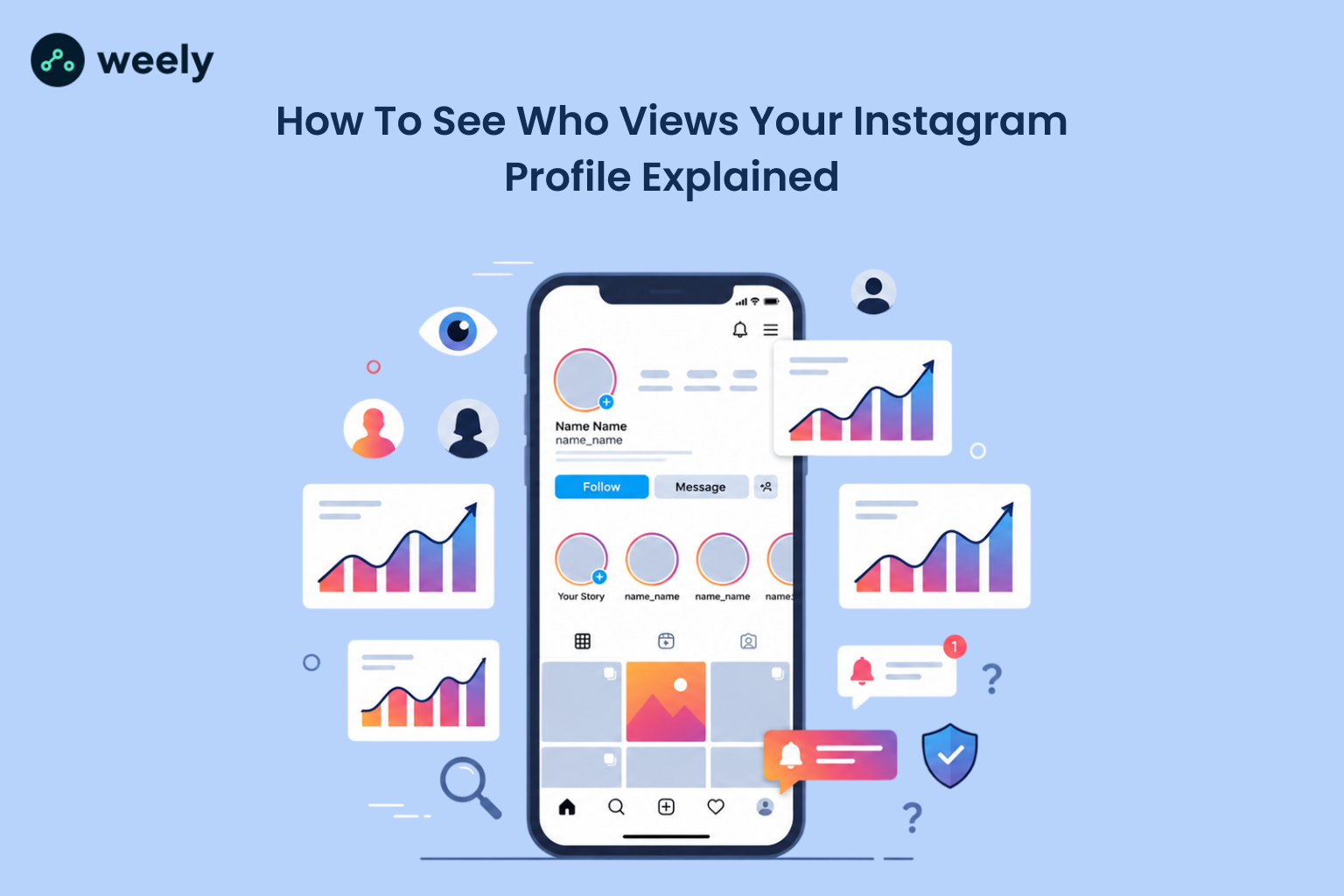
If you've ever typed "who viewed my Instagram profile" into Google at 1 a.m., you’re not alone. It’s one of the most searched Instagram questions out there. This guide provides a clear answer and outlines what Instagram actually reveals, as well as alternative actions to take instead of pursuing a non-existent feature.
Can You Really See Who Views Your Instagram Profile?
Let's start with the short, direct answer, since that's what most people came here for.
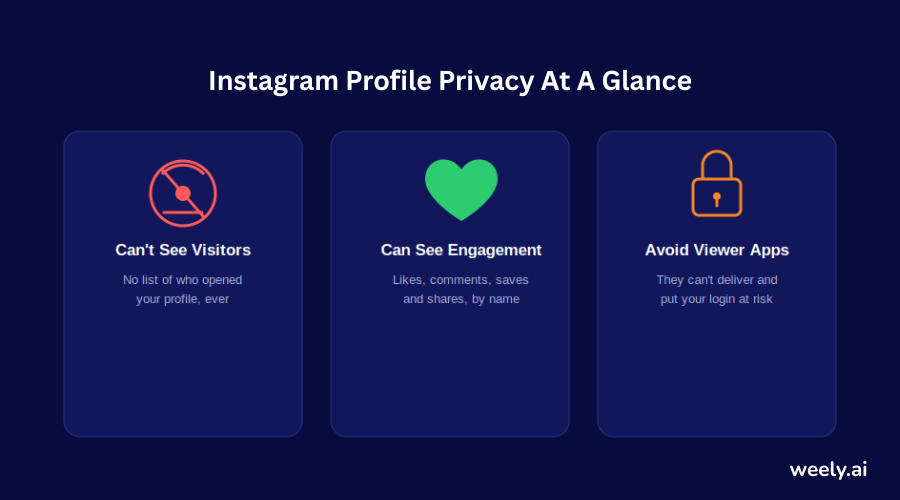
Nope. There’s no official way to see who viewed my Instagram profile. This feature has never been available on Instagram; there’s no secret setting, hidden menu or paid upgrade to unlock it. Whether you have a personal account, a business account, or a creator account, this statement is true. The number of followers does not matter. Verification doesn’t matter. The answer remains the same.
So if you’ve searched, can you see who views your instagram, does instagram show who viewed your profile, or can Instagram see who viewed your profile, the answer to all three is the same: no. Instagram simply does not list profile visitors anywhere in the app.
The Direct Answer to "Does Instagram Show Who Viewed Your Profile"
To be extra clear, since this question gets asked in so many forms: does instagram have profile views? Sort of, but not the way people imagine. Instagram does record how many times your profile has been viewed, but that number is only available to business and creator accounts, and it is never attached to names. You get a count. You never get a list.
What Instagram Reveals vs. What Stays Private Forever
Here's a simple way to think about it. Instagram splits its data into two buckets:
- Visible data: Story viewers, live viewers, and aggregate numbers (like total profile visits) for business and creator accounts.
- Invisible data: Who scrolled your grid, who read your bio, who looked at your Reels tab, and who visited your profile if you're on a personal account.
If someone visits your profile and looks around, you get no notification. There is no badge, no alert and no record anywhere in your settings. That is the main reason why so many people ask how to see who viewed your instagram profile without knowing that the feature was never made in the first place.
What Instagram Actually Lets You See
Instagram won’t tell you exactly who visited my Instagram profile, but it does give you some real, useful data. Understanding what's actually available helps you stop chasing a feature that doesn't exist and start using the tools that do. Many creators pair their profiles with a dedicated bio link page that displays click activity Instagram itself never reveals.
Instagram Story Views - The One Real Exception
The only thing Instagram allows people to see is Stories. When you post a Story, you can swipe up on it and see a full list of who watched it, along with their usernames and profile pictures. This list remains available for 24 hours while your story is live and another 24 hours if you save it to your story archive.
This is probably why so many people confuse profile views with story views. They assume that if Instagram shows viewers for a 15-second story, it must also show viewers for a permanent profile. It doesn’t. The two features are constructed in an entirely different way, and Instagram has never expanded viewer lists beyond Stories and Live videos.
Profile Visits on Business & Creator Accounts (Insights)
If you switch to a business or creator account, Instagram Insights unlocks a feature called "Profile Visits." This shows you how many times people opened your profile over a set period, like the last 7 or 30 days. You can see this number go up and down, compare it week to week and see which posts were sending people to your profile. Linking that data with a link-in-bio page shows you which specific link visitors tap after they visit your profile.
A name is what you still won't get. This is Instagram's version of answering how to check who viewed your Instagram profile: with a number, never an identity.
Reach, Impressions, and Why Names Are Never Shown
Insights has two other metrics: reach and impressions. Reach shows how many distinct accounts have seen your content at least once. Impressions represent the total number of times your content was displayed, including multiple views from the same account. Both figures are aggregated, which means they are combined and stripped of any personal detail. This is on purpose, and it’s why no app, tool, or workaround can legitimately answer how to see who looks at your Instagram.
Why You Can't Check Who Visited Your Instagram Profile
Understanding why Instagram was designed this way is important, as it clarifies why no future updates are likely to change this feature.
Instagram's Privacy-First Design Philosophy
Instagram's leadership has said publicly that browsing should feel low-stakes. If every profile visit were logged and visible, people would stop looking at other profiles altogether, and Instagram's entire discovery experience - Explore, search, and tagged photos - would suffer. The platform relies on people being able to browse freely without being watched back.
The Safety Reasoning Behind Hiding Viewers
There's also a real safety argument. If profile viewing were public, it could easily enable harassment and stalking. Someone could track every visit to their profile from another user, which creates an obvious risk for abuse. This is a big part of why how to see who stalks your instagram doesn’t have a real technical answer; Instagram deliberately doesn’t build tools that expose this kind of behavior, precisely because it could be abused.
The Hidden Dangers of "Who Stalks Your Instagram" Apps
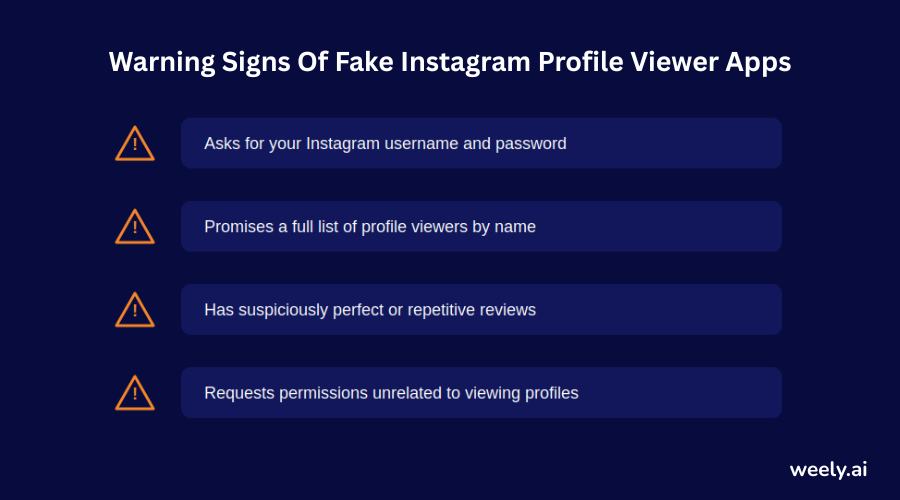
If you search the App Store for is there a way to see who views your instagram profile you'll find dozens of apps promising just that. They’re all misleading you; some of them are downright dangerous.
How These Apps Actually Work Behind the Scenes
These apps usually request your Instagram username and password or an OAuth login that permits them to access your account. Once they are connected, most of them will generate a fake “viewer list” by pulling random names from your followers, your followers' followers, or people who liked your posts recently. None of this data reflects who actually visited your profile; it's manufactured to keep you engaged and scrolling.
Real Risks - Password Theft, Fake Followers & Data Leaks
By giving your login credentials to a third-party app, you’re risking your entire account. Some of these apps have been linked to password theft, unauthorized posting and selling user data. Other users may quietly follow and unfollow your account in an attempt to harvest engagement for themselves. If you’ve ever wondered, does Instagram notify you when someone views your profile through one of these tools, the honest answer is that the tool is lying to you either way; Instagram never shares that data with any outside app, full stop.
Smarter Ways to Understand Who's Watching
Instead of trying to catch every silent visitor, you can read the signals that Instagram actually gives you.
Reading Indirect Signals (Likes, DMs, Story Replies)
Those who are really interested in your content tend to leave tracks. They like your posts, respond to your Stories, slide into your DMs, or appear on the top of your Story viewer list (Instagram tends to put your close friends, or often viewers, at the top). They do not prove a profile was visited, but they are a far more reliable indicator of real interest than any fake “viewer” app. You’ll notice the same pattern when you drop a branded short link in your bio or Stories – each click is logged, but Instagram never tells you who’s behind it.
Turning Visitor Curiosity Into Engagement Strategy
Rather than obsessing over who viewed my instagram profile 2026 style curiosity, shift your focus to what you can influence. Add a clear call-to-action in your bio, post Stories that invite replies, and use polls or questions to turn silent visitors into active participants. And if you're struggling with phrasing, an Instagram bio generator can help you craft that CTA in seconds. A visitor you don't know is still a visitor you can turn into an engaged follower.
Key Metrics to Track Instead of Viewer Lists
If growth is your real goal, these numbers are a lot more important than a hypothetical list of viewers.
Profile Visits, Reach & Impressions Explained
For Business and Creator accounts, these three metrics form the backbone of your analytics. Profile visits tell you how many people were interested enough to click through. Reach tells you how far your content actually went. Impressions show you the total number of times it was viewed. Track these over time and you see actual growth patterns, without ever having to attach a single name. If you share your profile link across several platforms, adding tracking parameters to each version shows you exactly which channel sent the traffic.
Watch Time, Saves, and Shares That Actually Matter
Watch time, replays, saves and shares are the metrics that really indicate growth, particularly for video and Reels content. These numbers tell you which content is worth creating more of. Using short, custom links when you promote that content elsewhere also makes it easier for people to remember and click through. Knowing how many times someone saw my Instagram posts is much less useful than knowing that a specific Reel received double the average save rate.
How to Control Who Sees Your Instagram Profile
If your real concern isn’t curiosity but privacy, you’re worried about being watched, not curious about who’s watching; Instagram gives you tools to manage that directly.
Switching to a Private Account
Go to Settings, then Account Privacy, and turn your account private. When you enable it, only your approved followers can see your posts, Stories, Reels and tagged photos. This is the best way to get rid of your Instagram profile view tracker worries, as it limits the people that can reach your profile in the first place.
Blocking, Restricting & Limiting Visibility
If the problem is with a specific person, blocking removes them from your followers, hides your profile from their search results and means they can't find your account at all. Instagram’s “Restrict” feature provides a softer middle ground; it reduces what they see of your activity without blocking them entirely.
Final Thoughts
It’s completely normal to wonder who’s looking at your profile; nearly everyone has at some point. But the honest answer to how to see who views your Instagram profile is that you can't, and no app, hack, or workaround will ever change that safely. This feature is how Instagram has intentionally built it to keep browsing low-pressure and to protect users from stalking and harassment.
So rather than wasting time and risking your account security on tools that fake the answer, put that energy into what you can actually control: track your real metrics through Insights, read the genuine signals people leave behind through likes and replies, and use privacy settings if being seen rather than seeing is your real concern. That is a much better way to understand your audience than any viewer list ever could.
Frequently Asked Questions About Instagram Profile Views
Can you see who views your Instagram profile?
No. Instagram doesn’t have a feature that allows you to see who’s checked out your profile on any account.
Does Instagram have profile views?
The total number of profile views is visible to business and creator accounts through Insights. This number never takes in names.
How to check who viewed your Instagram profile?
No official way. Third-party apps that boast they can display this data will provide you with fake results and compromise your account security.
How to see who stalks your Instagram?
That can’t happen. To protect users from harassment and stalking, Instagram has made profile visit information private.
Is there a way to see who visited your Instagram profile without an app?
No. Instagram doesn't provide you this information via any channel, including its developer API, so neither Instagram’s own settings nor any third-party app will be able to tell you reliably.