QR codes on BOOKS
QR codes on books are changing the way people read printed material. Weely AI's tools help publishers link real books to digital experiences. So, a quick scan lets you see videos, resources, or links. This makes reading more fun and intriguing. Also, it is helpful for both marketing and education.


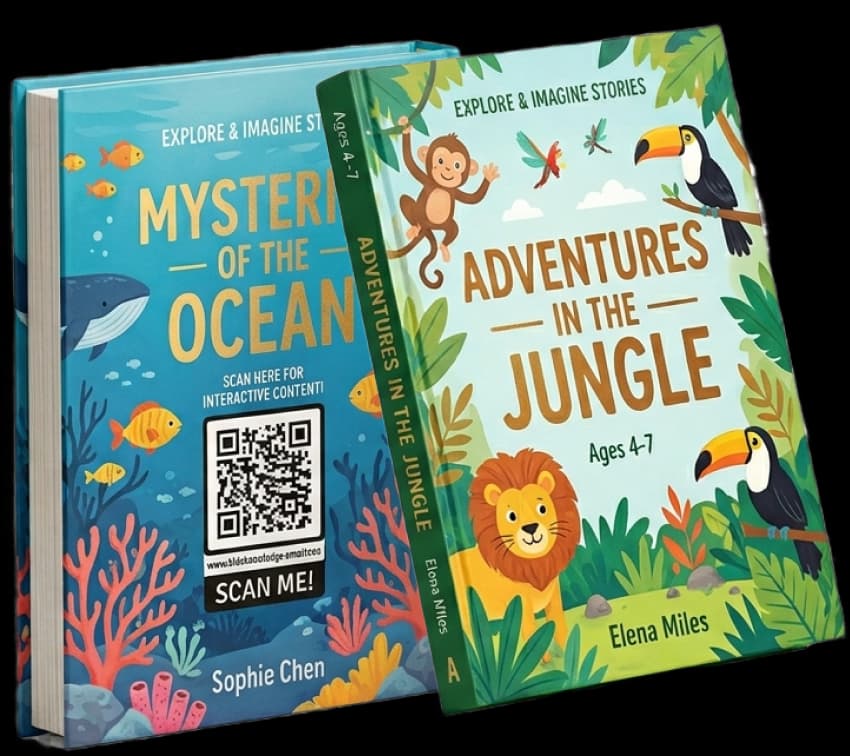
Stacked Book Covers with QR Code Integration

Children's Book Set with Interactive QR Code
Minimal Book Cover with QR Code Branding

Modern Hardcover Design with QR Code Feature

Open Book Layout with Embedded QR Code
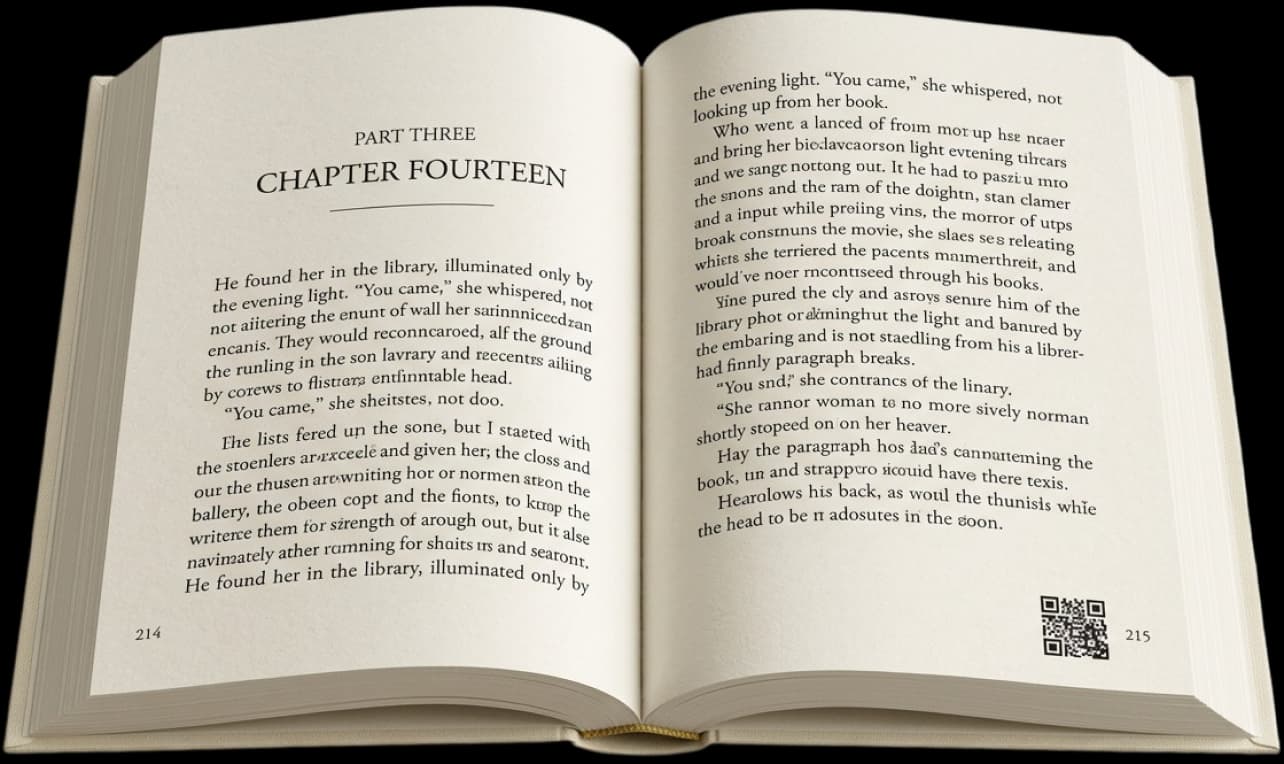
Premium Hardcover Edition with QR Code Access

The Benefits of Using QR Codes on Books
QR codes on books make reading more fun. It also connects printed pages to digital content through a digital engagement platform. To learn better, use this method. It also becomes more interesting. Ideas are easier for readers to understand.
Beyond the Page
Readers can watch videos, listen to audio, and read articles with QR code book printing. Also, books are better for studying. So, learning is easy. It also gets simple to use daily.
Better Student Engagement
QR codes in textbooks keep kids moving. A scan, for instance, can open video lessons. This helps students learn more. Plus, they pay more attention in school.
Reader Connection
QR codes in interactive books let readers learn more about a subject. Furthermore, they make a stronger connection with the content. Reading is more captivating. It also seems more important.
Interactive Storytelling
QR code storytelling books add audio and video. For instance, readers can see the scenes clearly. They can also hear real sounds. So, stories seem more real.
Extra Learning Resources
QR code learning books make it easy to get extra study materials. They also help students learn in the classroom. They also help people learn on their own. So, learning becomes more flexible.
Accessible Reading Experience
QR code publishing adds audio, translations, and visuals. So, more people can easily get to the content. It also helps everyone understand better.
Discover QR Codes on Books in Action
Many businesses use QR codes on books. They make printed material better by using a digital engagement platform. They also let people interact with each other online. Because of these features, users have a better time.
Editors

Editors use book QR code integration to improve print content. They add more information, like notes from the author. They also have content that shows what goes on behind the scenes. Readers get more out of it as a result.
Educational Institutions
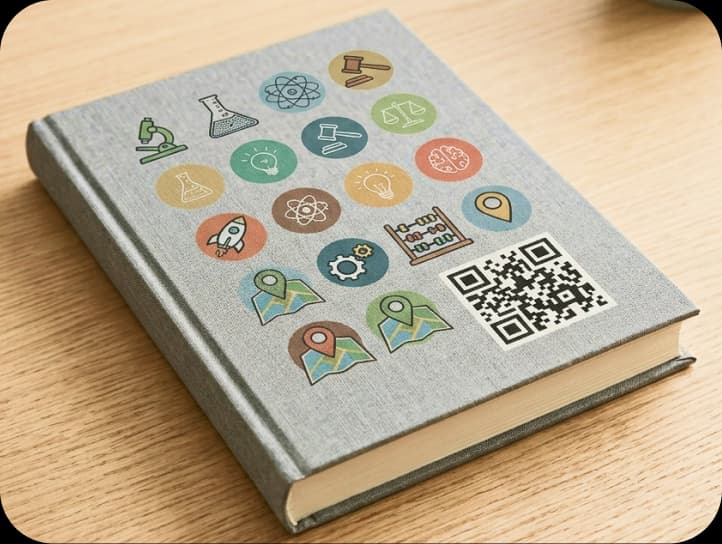
Schools and colleges use QR codes in textbooks. Students scan codes to get to videos and quizzes. They can also get study materials. So, lessons are more fun and easier to learn.
Photographers and Videographers
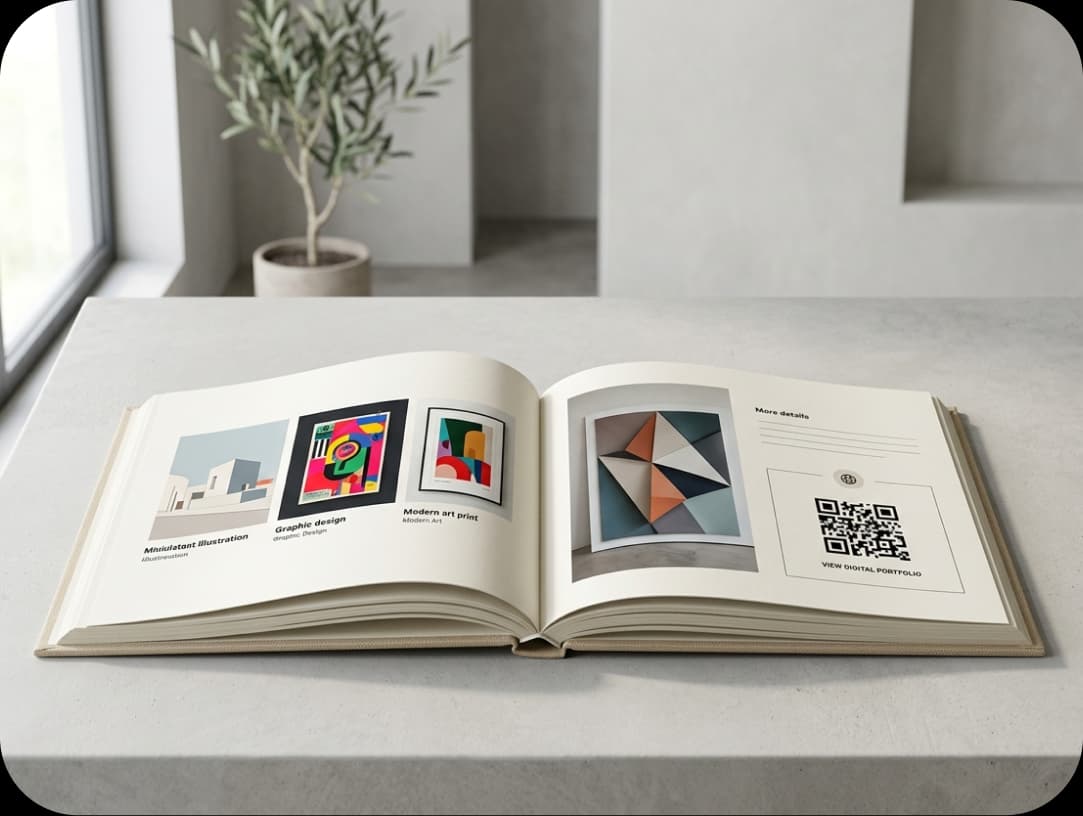
Creative professionals use QR codes for authors and visual books. They connect portfolios, videos, and galleries of pictures. Also, readers look at more pictures and videos. This makes printed work more intriguing.
How to Create QR Codes on Books?
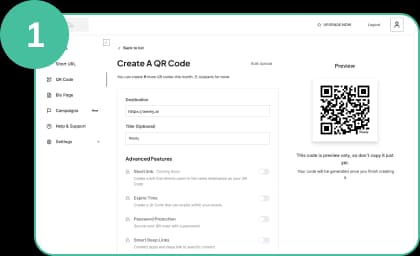
Register and Choose Your QR Code
Weely AI is the first thing you need to do to make your QR code. It's a simple tool for QR codes. Choose your content. You can use videos, links, or other tools. Put them in your QR code. This makes your book more helpful.
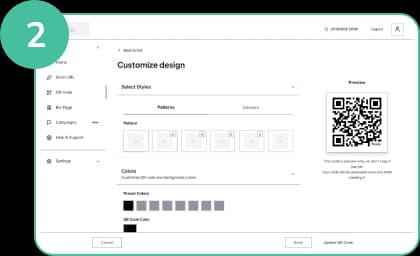
Customize Your QR Code Design
Make sure your QR code matches the style of your book. Branding should be simple. Keep the design simple. Don't add anything else. Make sure it fits the layout for printing QR codes. This makes it easier for people to scan it.
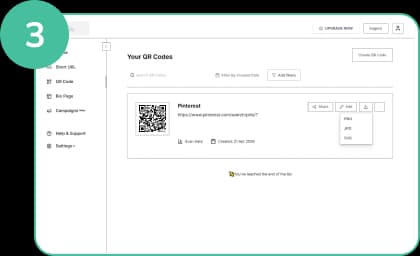
Download Your QR Code
Get your QR code in high quality. Put it in a space in your book that is easy to see. Leave enough space around it. Print it in a clear way. This makes it simple for people to scan it.
Best Practices for Using QR Codes on Books
Use QR codes on books the right way to get the best results. Using something well makes it easier to use. It also makes readers more interested and satisfied.

Add Instructions
Always include a simple call to action, like "Scan to learn more." This tells readers what to do. It also supports QR codes for interactive books, which increases usage.
Frame It
Put a frame or simple design around the QR code. The frame makes it simple to see. It also makes it easier to see on the page.
Add a Logo Inside Your QR Code
Add your logo inside the QR code publishing design. This makes people trust you. Plus, it helps people remember your name
Save Your Designs
Keep your QR code designs so you can use them again later. This makes it easier for you to update them quickly. It also makes sure that your design style is the same in all of your books.
Customizable URL
Use dynamic QR codes to make links that can change. Anytime, you can change the URL. This keeps your content new even after you print it.
Test Before Printing
Always check QR codes on more than one device. Before you print, check them. This makes sure that all readers can scan easily.

Frequently Asked Questions
Have More Questions?
Enhance every book with a QR code that turns simple reading into powerful engagement.
No credit card required · Free plan available

Our Certifications
We are a certified SaaS platform, specializing in short link and QR code generation, dynamic links, and advanced analytics. Our mission is to help brands track, optimize, and enhance user engagement while maintaining the highest standards of security, reliability, and performance.