QR codes on BUSINESS CARDS
Turn your standard card into an impactful QR code business card using Weely AI, a powerful digital engagement platform. Instantly share your digital business card with contactless networking. QR Codes on business cards enable quick scanning to connect and save contacts.


Marketing QR Code on Business Card
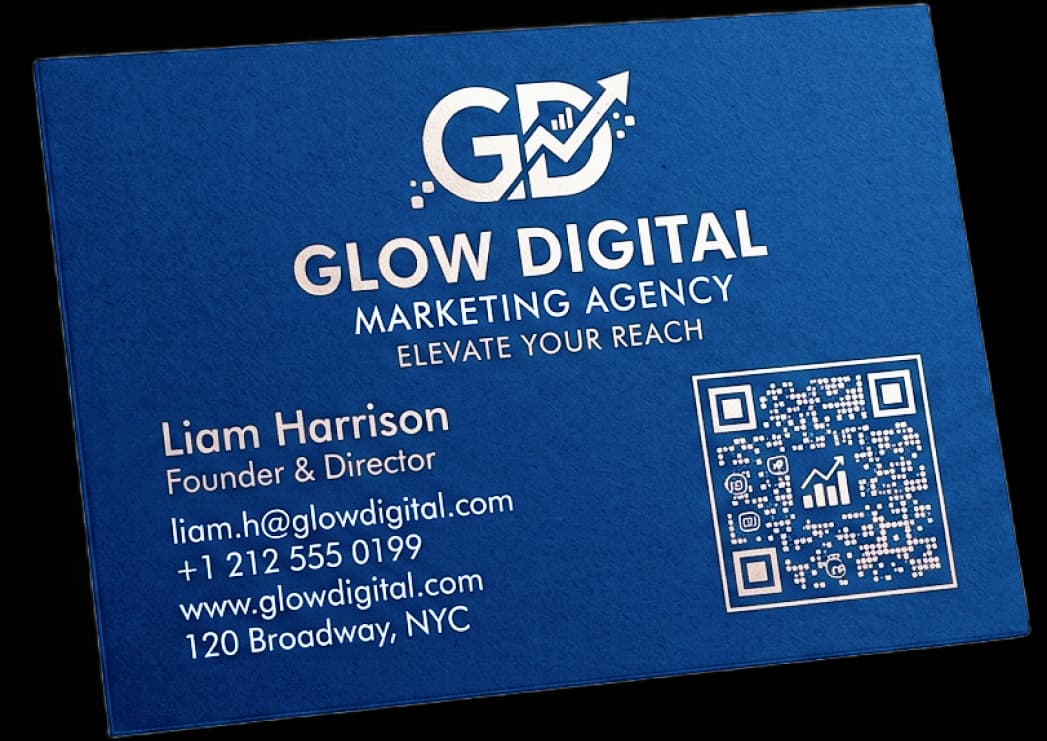
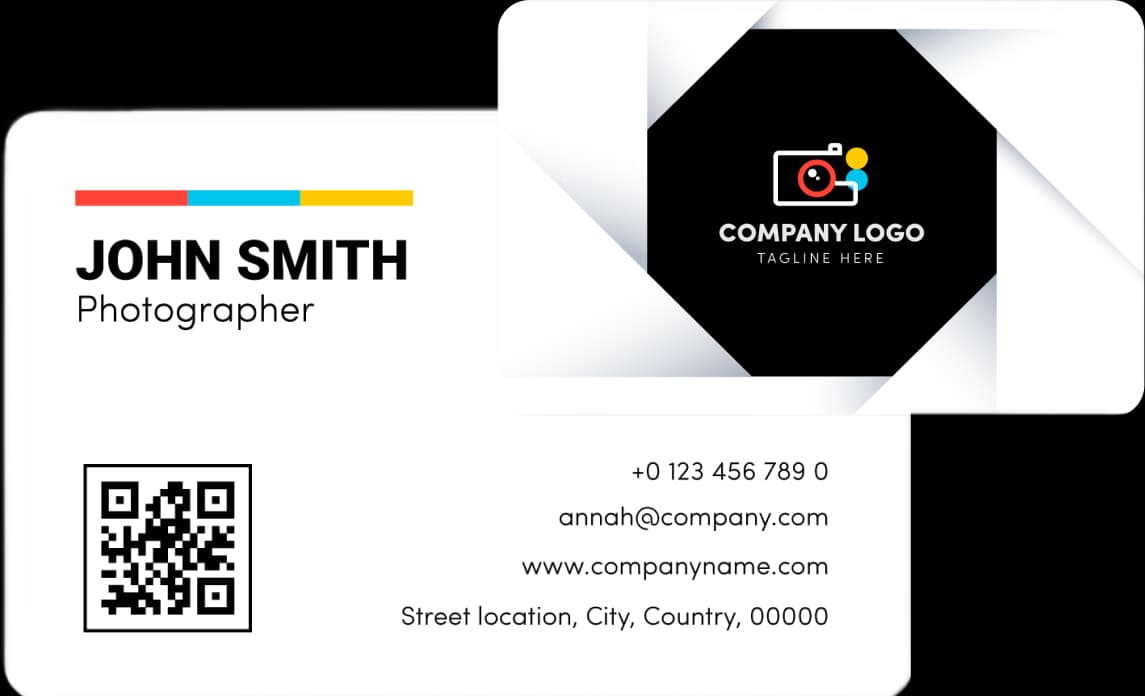
Photographer Portfolio QR Code Card
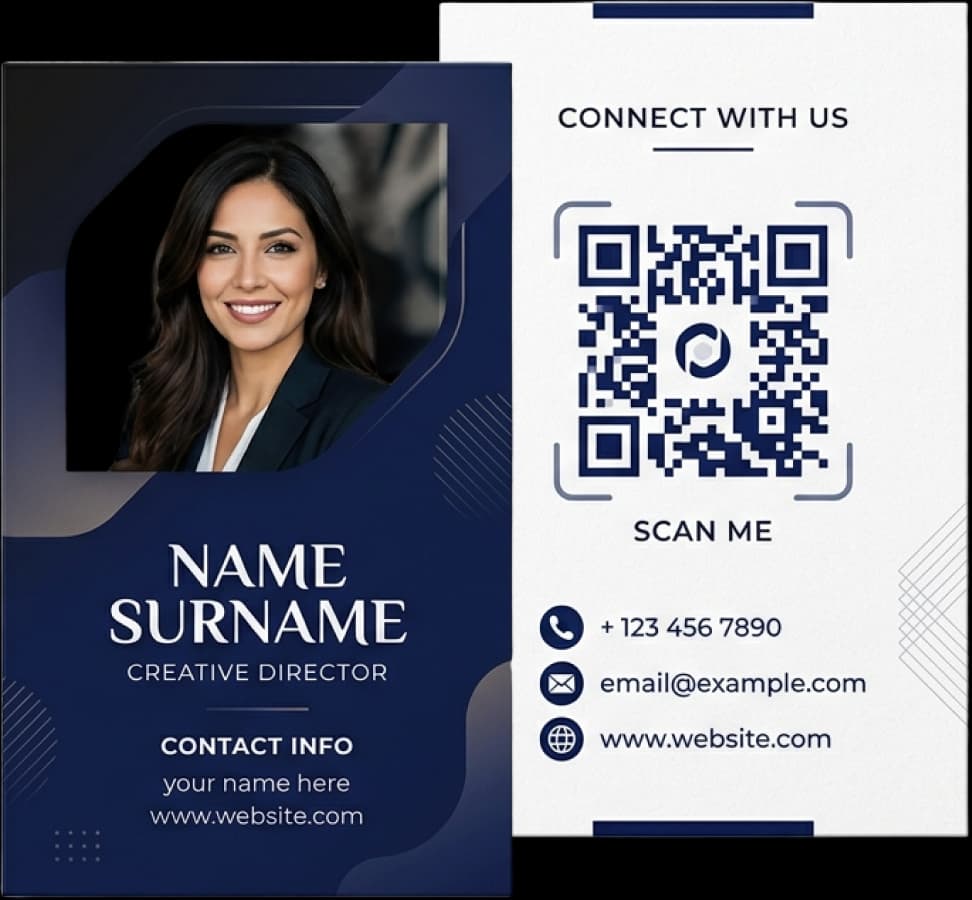
Professional Business vCard QR Code
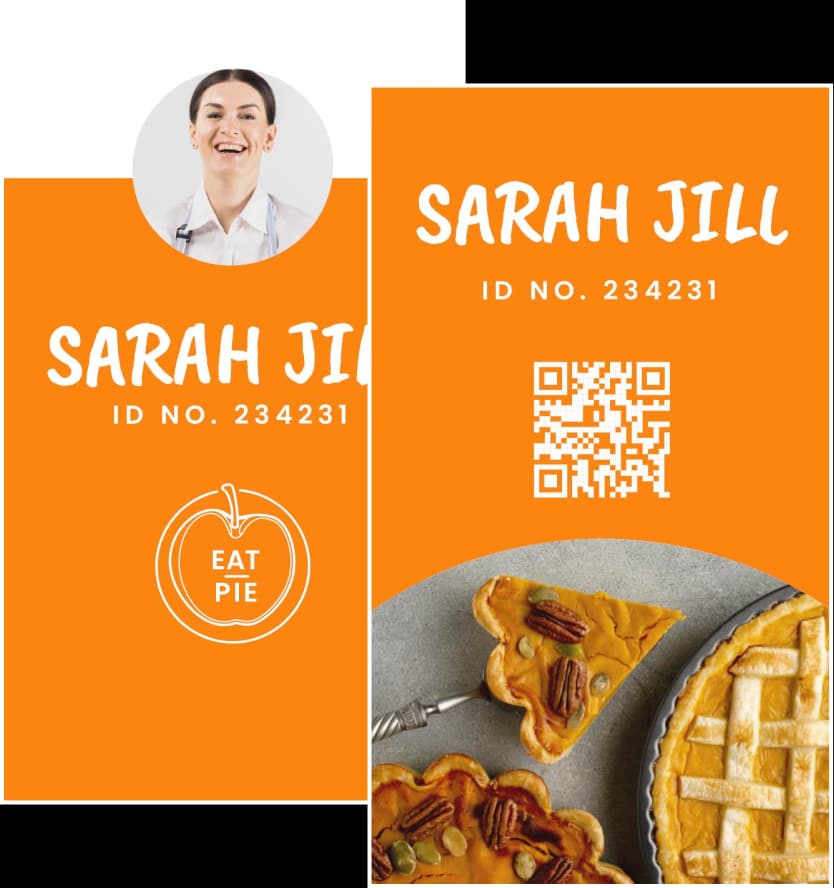
Digital Contact QR Code Card
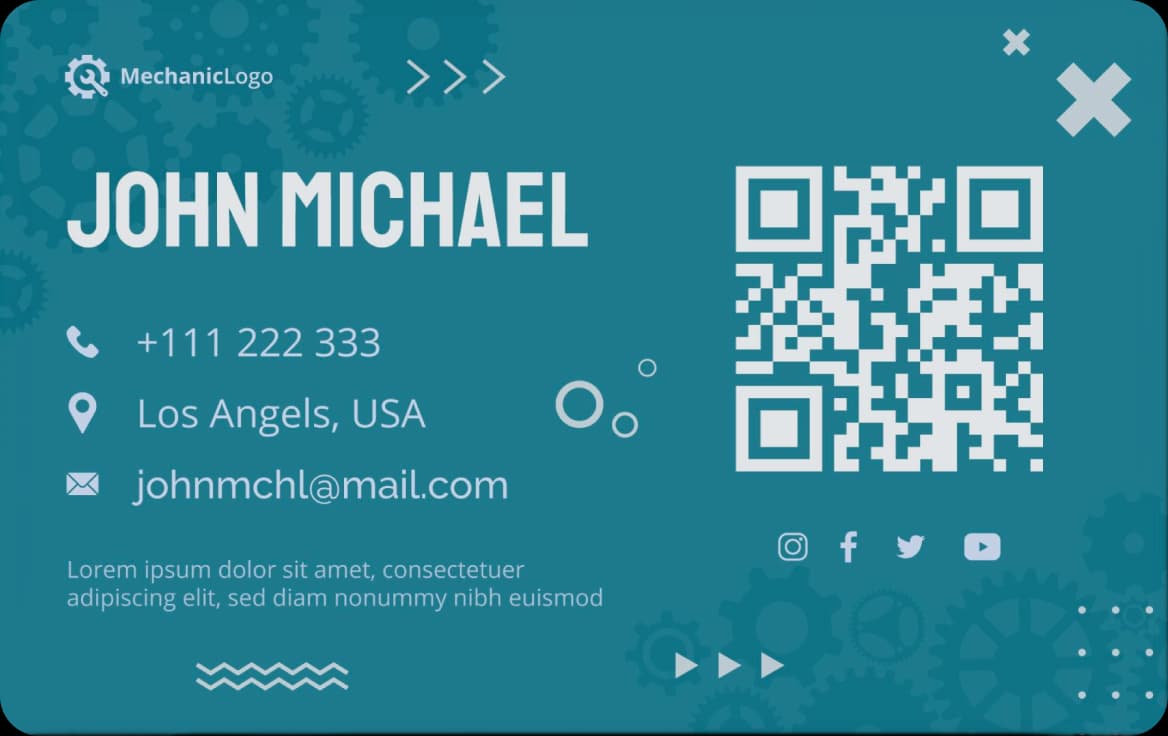
Restaurant Business QR Code Card
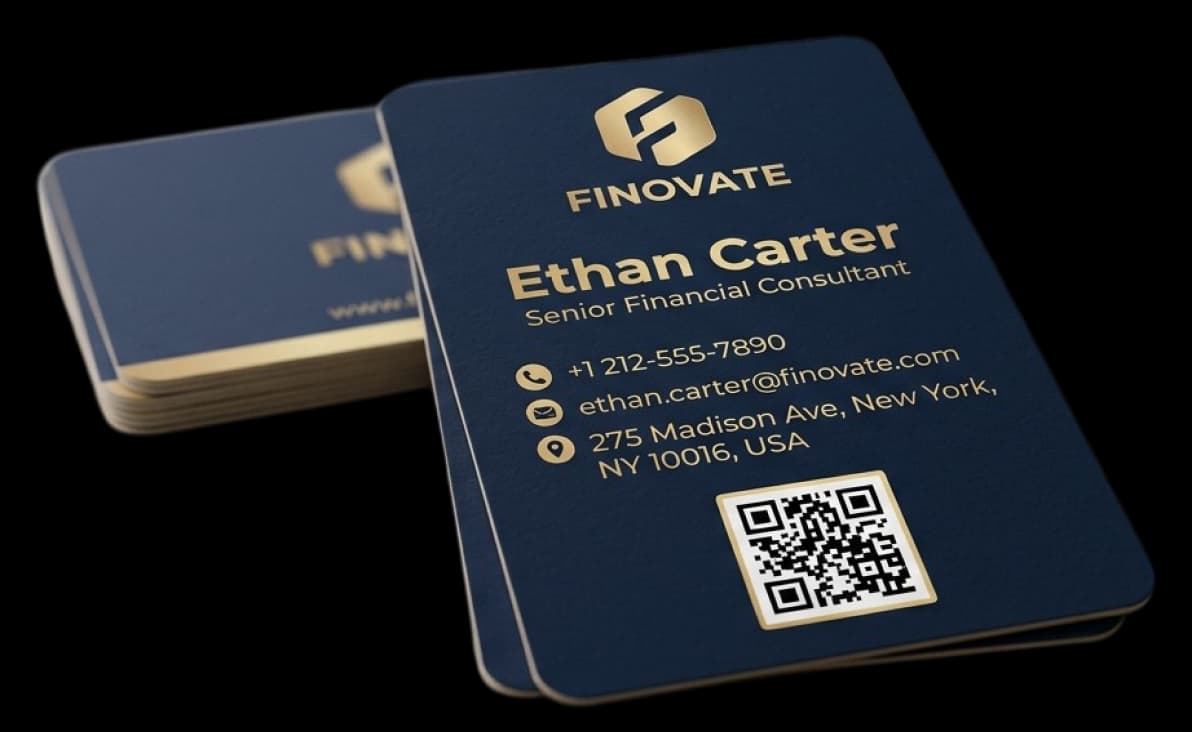
Event Business Card with QR Code
The benefits of using QR codes on Business Cards
Adding a QR code to your business cards transforms traditional business cards into a smart, digital way to network. People can get your digital business card in seconds with instant contact sharing and scan-to-save contact. It makes networking without contact easier, increases engagement, and gives a modern professional impression.
Instant Contact Saving (vCard)
A QR code to your business cards makes it easy to share them, and a QR code on your business cards lets people save your vCard right away, making it easy to connect with other professionals.
Future-Proofed Information
Your business card's QR code is always up to date with a dynamic QR code, so people can save your vCard right away. A QR code on your business cards makes networking smart and long-lasting.
Enhanced Information Storage
A QR code on your business cards can hold more than just basic information. A QR code on your business cards instantly shares your portfolio, website, LinkedIn QR code, and QR code landing page.
Measurable Engagement
Adding a QR code to business cards helps you get more leads by recording how people engage with them. To strengthen your networking approach, get more people to interact with you, and get more people to buy from you, analyze scans.
Improved Accessibility
A QR code on your business cards gives people quick access to information whenever they need it. Turn on mobile-first networking so that digital business cards may be seen on any device without any problems.
Improved Networking Efficiency
Use QR codes on your business cards to make them next-gen business cards that let you network without touching anything. Clear calls to action (CTAs) help you make contacts, leave a good impression on professionals, and give you an edge in networking.
Explore QR Code on Business Card Marketing in Action
Are you still not sure how putting a QR code on your business cards can help you network every day? Here are some real-life examples of how different professionals use QR codes on business cards to make connections that are faster, smarter, and more interesting.
Business Consultants

A business consultant can use a QR code on your business cards to let people share their contact information right away with digital vCards. Clients scan to connect, see portfolios and LinkedIn, which makes a better impression and helps generate leads more quickly.
Restaurants with QR Codes
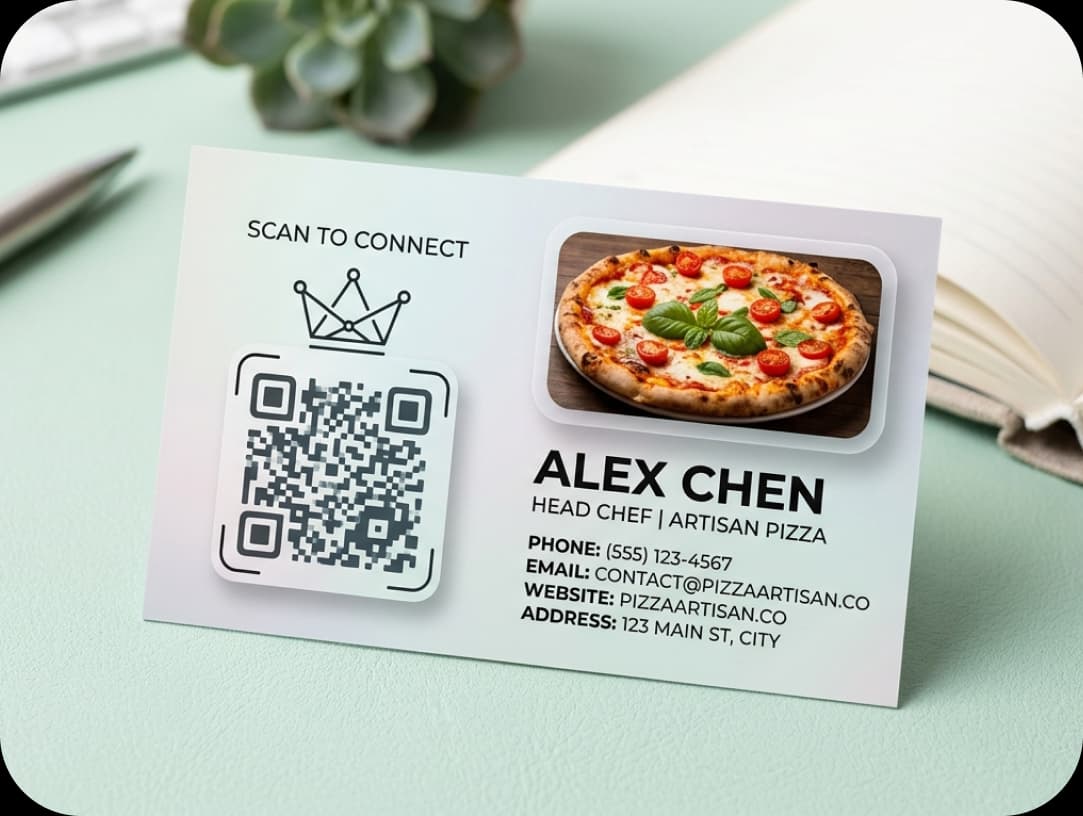
A growing restaurant brand added a dynamic QR code to your business cards so that people could quickly get to your profiles, menus, hours, and directions. This makes people more interested, helps with contactless networking, and improves the dining experience.
Artists & Musicians
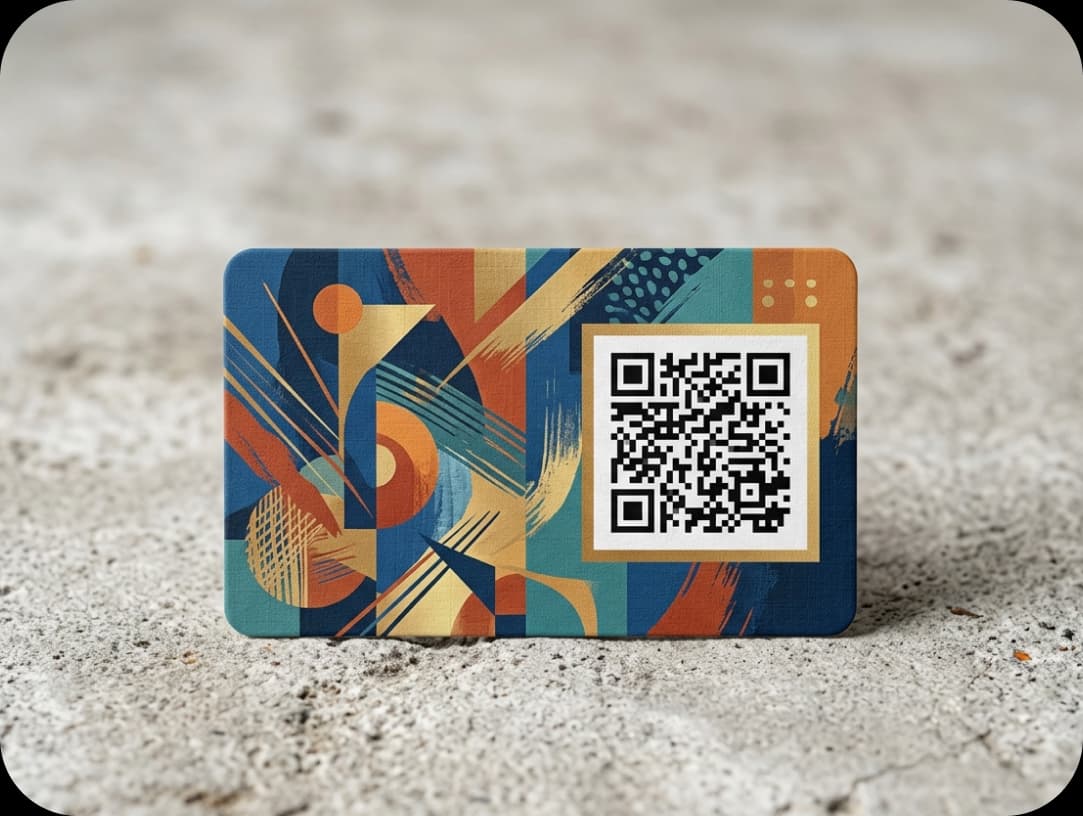
A QR code on your business cards lets an independent artist show off their portfolios, music, and other creative work. Their digital business card makes them more visible, serves as a full digital identity, and makes it easier to book appointments by making connections easy.
How to create a QR code for a business card?
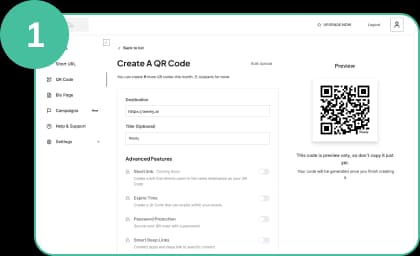
Register and Choose Your QR Code
Sign up to Weely AI access the QR code generator and select a QR code for business cards like a digital business card or vCard to enable instant contact sharing.
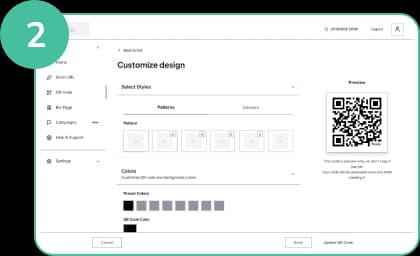
Customize and Design Your QR Code
Create a QR Code to your business cards, customize colors and add CTAs like scan to connect to improve engagement and branding.
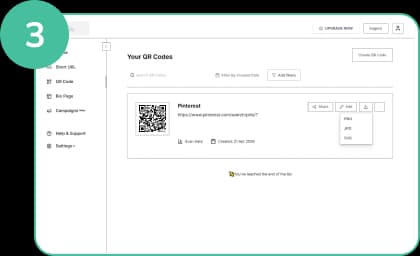
Download Your QR Code
Download your QR code on business cards to enable contactless networking and instant access. Many businesses prefer digital QR codes for seamless sharing.
QR Codes on Business Cards Best Practices
QR codes are easy to use. They help spread information quickly. Adding a QR code to your business cards helps with branding and becomes even more effective when powered by a digital engagement platform. It also lets you connect with other QR codes. It increases participation and the use of digital business cards.

Add Clear Scan Instructions
Add calls to action (CTAs) like "scan to connect," "scan to save contact," or "scan to view profile." This helps people move quickly. It also makes QR code networking better. It makes sharing contact information right away easier.
Customize Your QR Code Design
Make a QR code for your business cards that uses the colors of your brand. Keep it simple. This is what makes your business card with a QR code stand out. This helps to create a brand identity. It also makes more scans happen.
Add Your Logo for Branding
Put your logo in the QR code on your business cards. This makes people trust you. It also helps people remember your brand. It makes your QR code for your business cards look neat and professional.
Save and Reuse Your QR Designs
Create templates for your QR code business cards. Use them again when you need to. This saves time. It also keeps the brand the same. It makes it easy to keep track of updates.
Use a Customizable Link
You can connect your QR code to your business cards and a simple landing page. You can also use a link to your profile. This shows all the information. You can also change the content of a dynamic QR code at any time.
Test Before Printing
Test your QR code on your business card before printing. Try it on different devices. Also, check different apps. This ensures quick access. It avoids errors and improves QR code networking.

Frequently Asked Questions
Have More Questions?
Got questions about QR code business cards or how they work? We are here to help you create, customize, and share your digital business card with ease.
No credit card required · Free plan available

Our Certifications
We are a certified SaaS platform, specializing in short link and QR code generation, dynamic links, and advanced analytics. Our mission is to help brands track, optimize, and enhance user engagement while maintaining the highest standards of security, reliability, and performance.