QR codes on STICKERS AND LABELS
QR codes on stickers and labels are codes that can be scanned and connect people to digital content. With Weely AI, a digital engagement platform, they turn flat surfaces into interactive tools that help businesses use QR code stickers and QR code labels to share information and get people more involved.


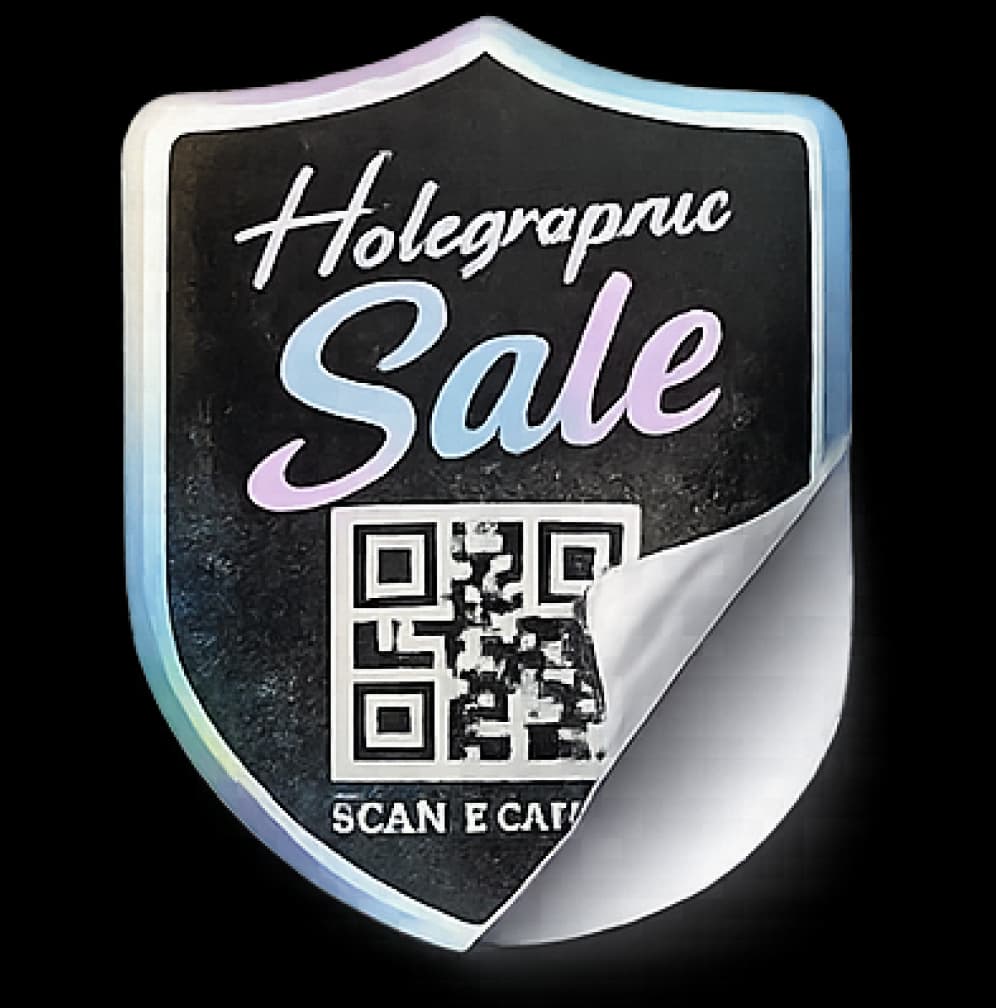
Holographic QR Code Sale Sticker Design
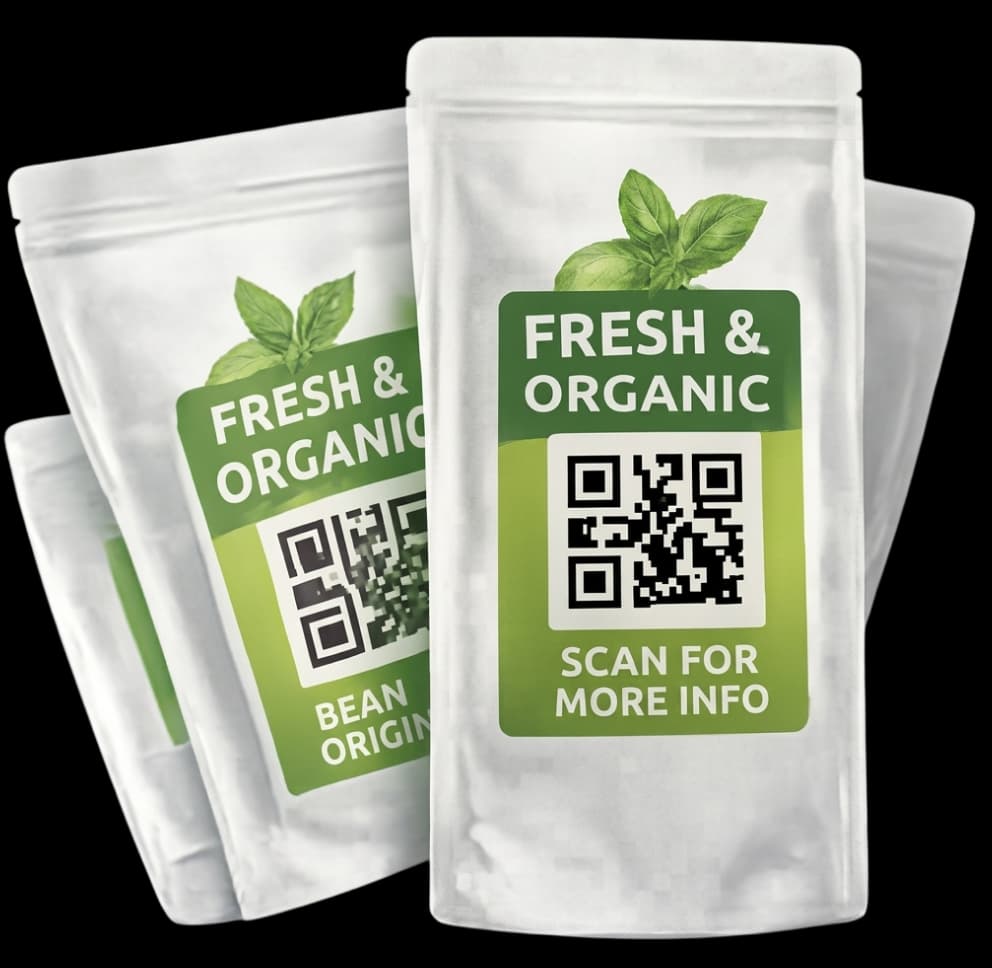
QR Code Packaging Stickers for Organic Products
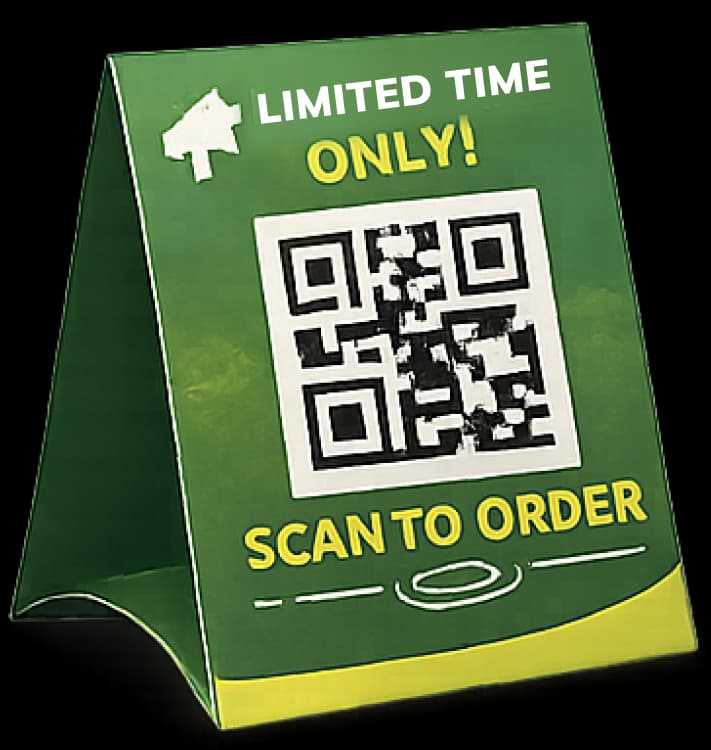
Tabletop QR Code Display for Quick Orders
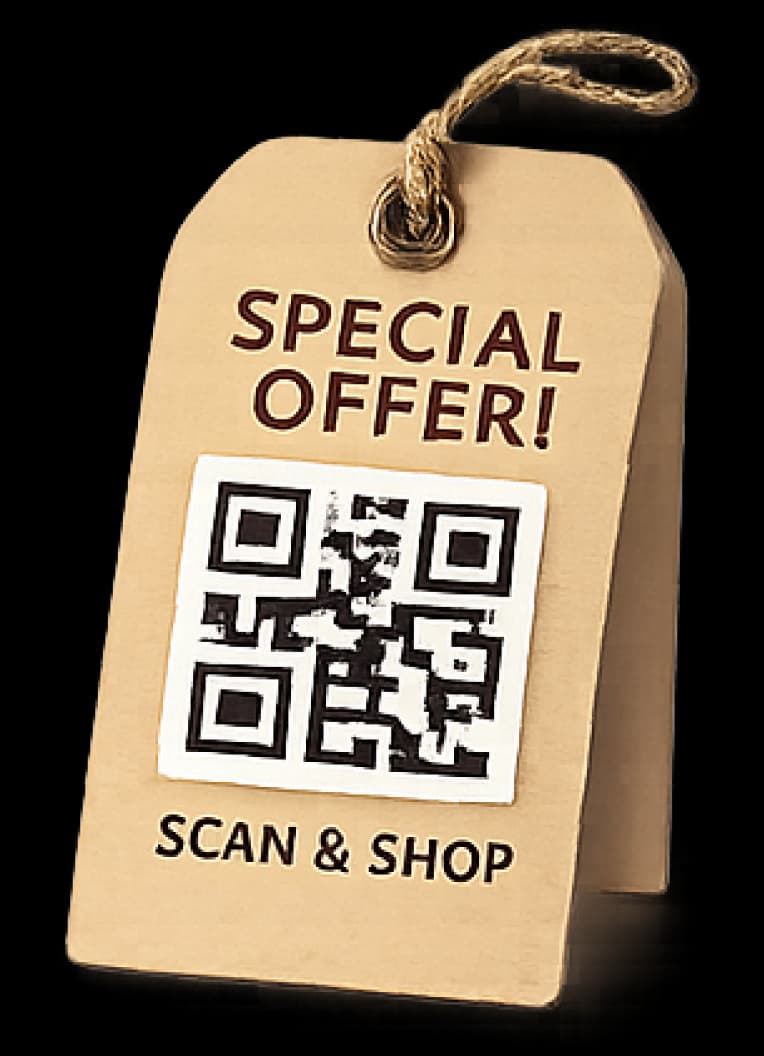
QR Code Hang Tag for Special Offers
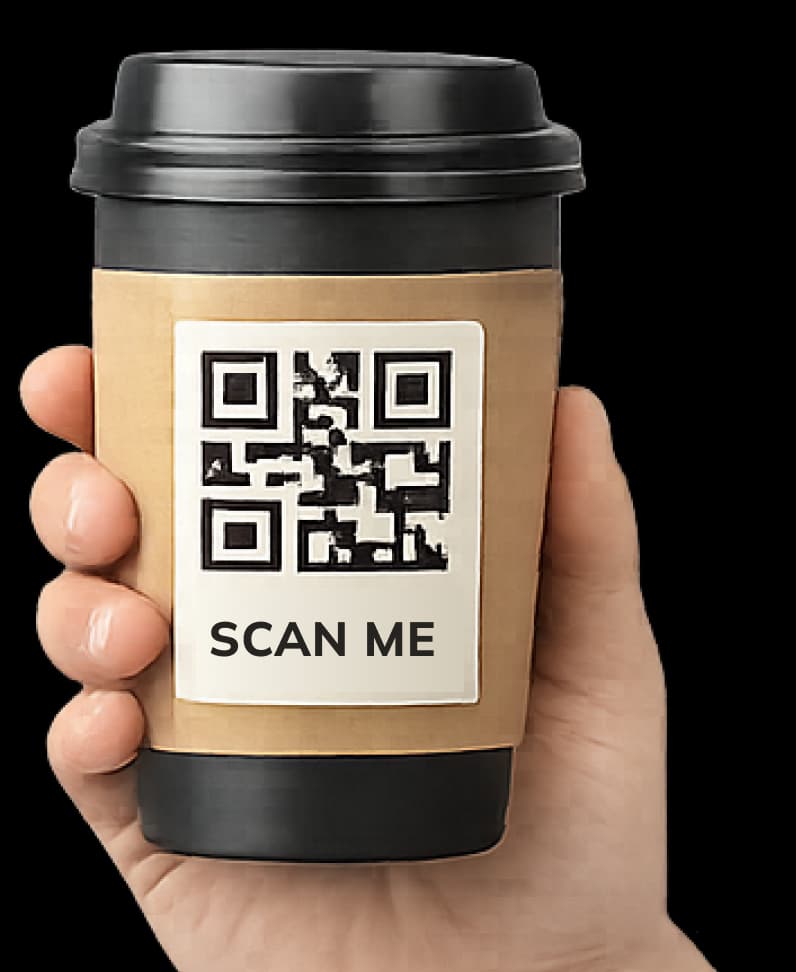
Branded QR Code Coffee Cup Label Design
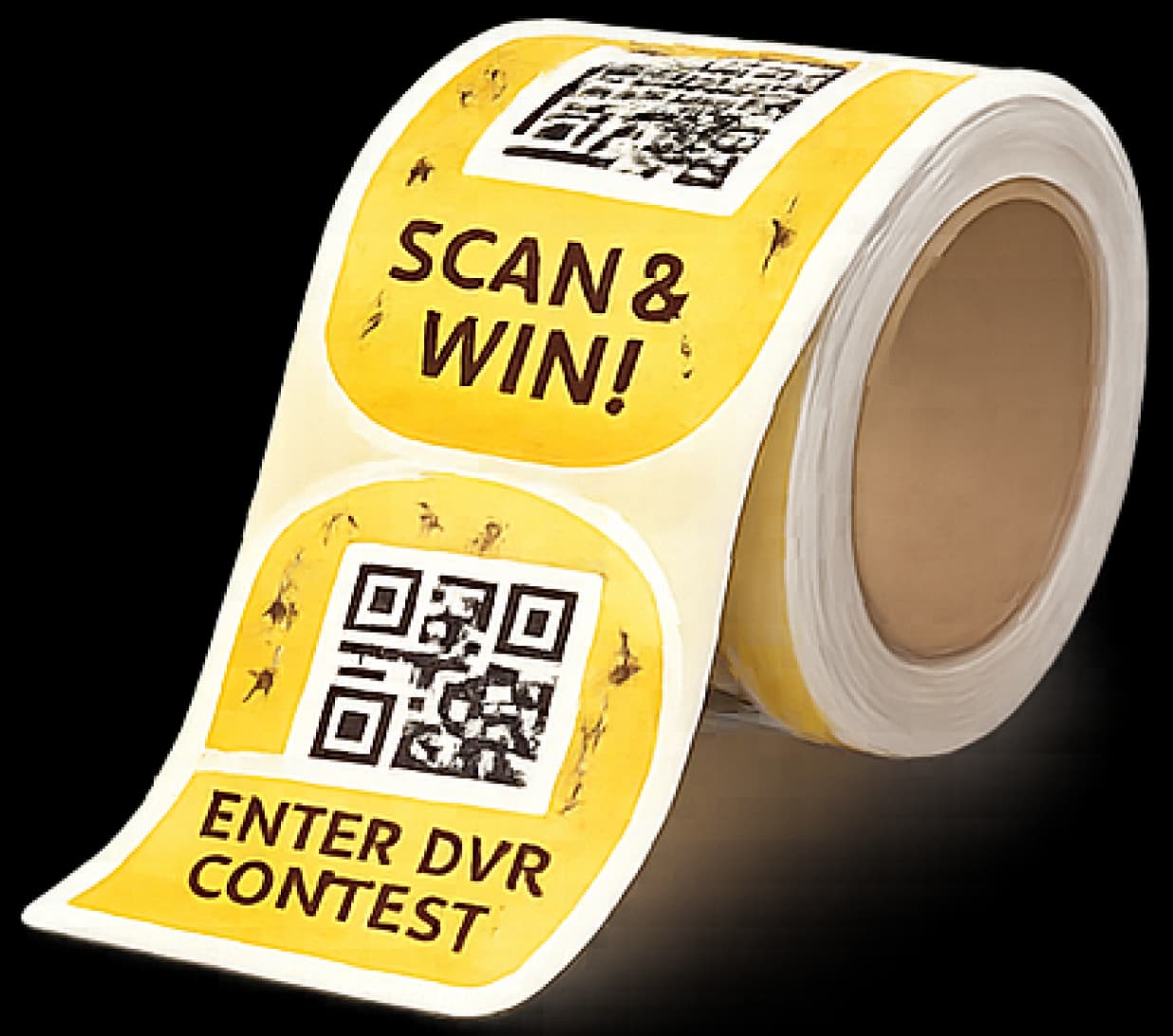
Scan & Win QR Code Promotional Sticker Roll
The Benefits of Using QR Codes On Stickers and Labels
QR codes on stickers and labels make simple stickers more high-tech. They help businesses keep track of things and share information. They also talk to customers. Because of these capabilities, work gets easier.
Instant Access to Detailed Information
Stickers with QR codes show product information in seconds. They also show websites or guides. They keep designs neat. Users can get to it quickly as a result. The experience also feels easy.
Dynamic Updates Without Re-printing
Companies can change their content at any time. You don't have to print new QR code labels. So, they save time. They also lower costs. Also, the content stays new.
Enhanced Customer Engagement & Marketing
QR code stickers take you to videos and deals. They also link to social media pages. This leads to more engagement. Also, brands get along better.
Improved Traceability & Supply Chain Management
Labels with QR codes keep track of products and shipments. They help you read info easily. This speeds up the process. Also, mistakes happen less often.
Efficient Inventory and Organization
QR codes on labels help keep track of stock. They cut down on mistakes. This keeps work organized. Teams also save time.
Measurable Performance Data
QR code stickers that can be tracked show scan data. They make things very clear. So, the results get better. Planning is also easier.
Discover QR Codes on Stickers and Labels in Action
People frequently use QR codes on stickers and labels to increase engagement and maintain organization. They use QR codes on stickers and smart labeling solutions to link real-world objects to a digital engagement platform and digital platforms.
Nonprofit organizations
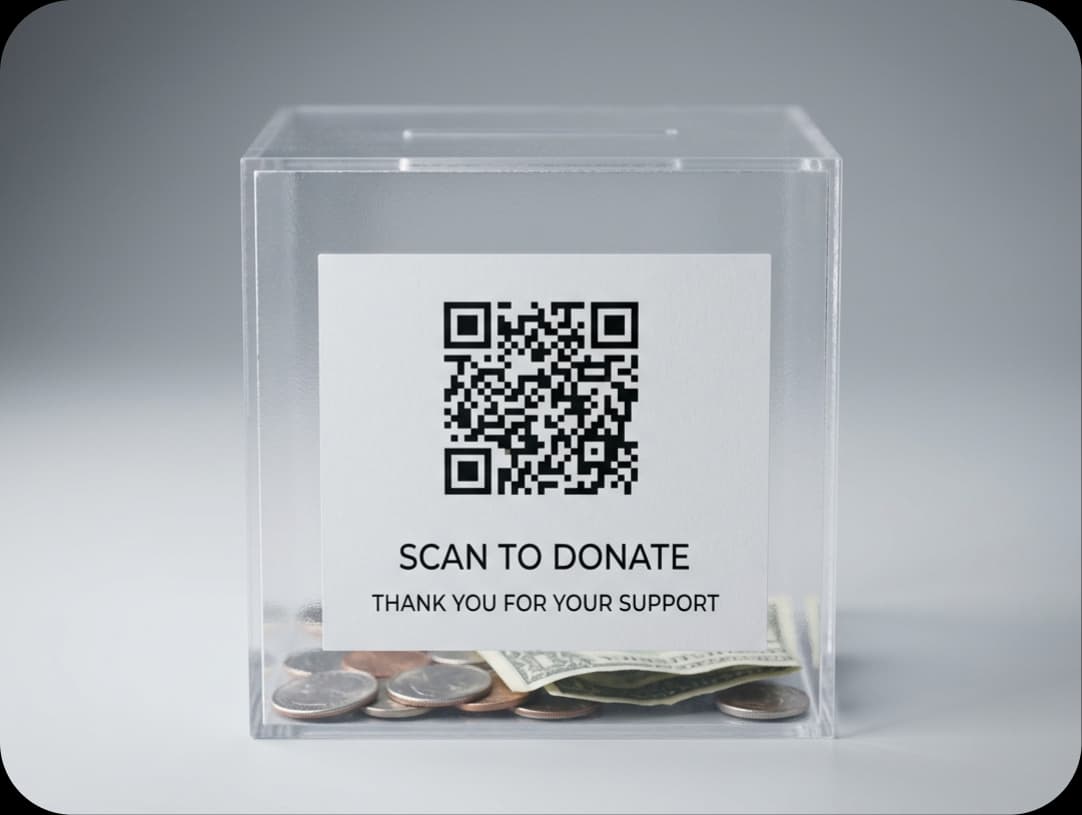
Nonprofits put QR code stickers on their websites to make it easier for people to scan and donate.
Consumer packaged goods

Brands use QR code labels to provide customers information about products, how to use them, and sales, which makes customers more likely to trust them and buy.
Personal use
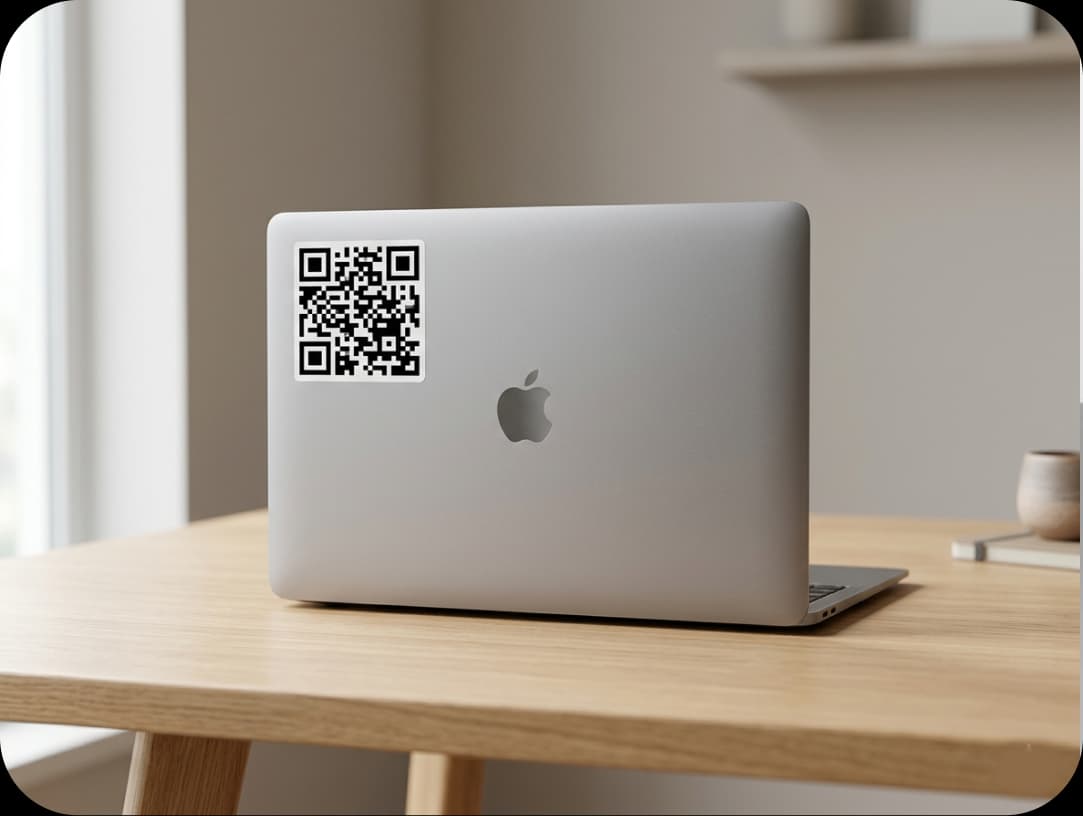
People use QR codes on stickers to share their contact information or portfolios or to keep their things organized in a simple and modern way.
How to Create QR Codes On Stickers and Labels?
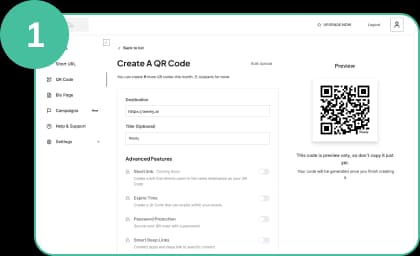
Register and Choose Your QR Code
Use Weely AI QR code generator to choose the right type of QR code. You can use either a URL or a product page. This makes your QR code stickers and labels work better for what you want them to do.
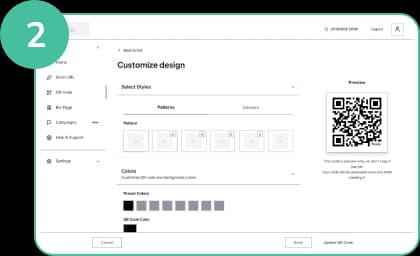
Customize QR Codes for Stickers & Labels
Use colors and logos to make your code look good. This makes it easy to see your QR codes on stickers. It also makes it easier for more people to scan them.
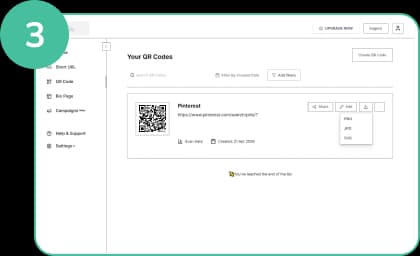
Download Your QR Code
Put your QR code on stickers or labels in a way that is simple to see. Make sure it is big enough to scan. Make it simple to read and see.
Best Practices for Using QR Codes On Stickers and Labels
QR codes on stickers and labels are a great way to help improve engagement, usability, and ting results. Stickers and labels become more interactive when they are designed and put in the right place. So users get information quickly. They also enhance brand visibility and market customer experience.

Add a clear call to action (CTA)
Use simple phrases like "Scan to learn more." This makes it easier for people to understand QR codes on stickers. It tells them what will happen after they scan. Put the CTA next to the QR code. This makes it easy to see.
Include a visual frame or border
A border makes QR codes on stickers easier to see. It also helps people find them quickly on busy designs. Because of this, scanning is easier. It also helps you make fewer mistakes when you scan.
Integrate your brand identity (logo & colors)
Put your brand colors and logo on QR code labels. This makes users trust you. Plus, it helps people remember your name. But make sure the design is simple. This step makes sure that the code still scans correctly.
Ensure proper sizing and printing quality
Make sure QR codes are big enough. It's easy to scan them this way. For clear output, use high-quality printing. Leave enough space around the code. Scanners can read it better this way.
Test across multiple devices before printing
Try out QR code stickers on many phones. You should also test them in different kinds of light. This helps keep scanning problems from happening later.
Optimize the landing page experience
Verify that the page loads quickly on mobile devices. Ensure that the text is short and easy to read. This makes people stay longer. Also, it makes them do something.

Frequently Asked Questions
Have More Questions?
Upgrade your branding with QR code stickers and labels designed to turn simple scans into impactful customer experiences.
No credit card required · Free plan available

Our Certifications
We are a certified SaaS platform, specializing in short link and QR code generation, dynamic links, and advanced analytics. Our mission is to help brands track, optimize, and enhance user engagement while maintaining the highest standards of security, reliability, and performance.