QR codes on INFOGRAPHICS
QR codes on infographics make pictures that don't move into things that do. Businesses can easily link printed or digital infographics to online content with Weely AI, a digital engagement platform. Users can get more information with a quick scan. This makes people more interested. The value of marketing also goes up. This connects visuals that are not online with digital interaction.


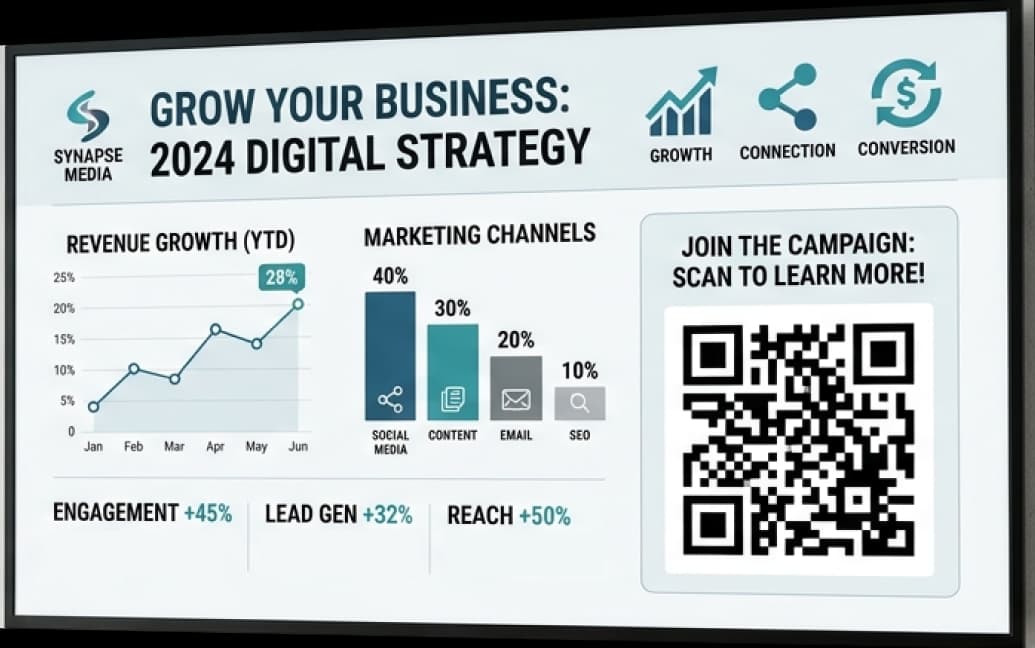
QR Code Infographics for Marketing Campaigns
Event Infographics with QR Codes
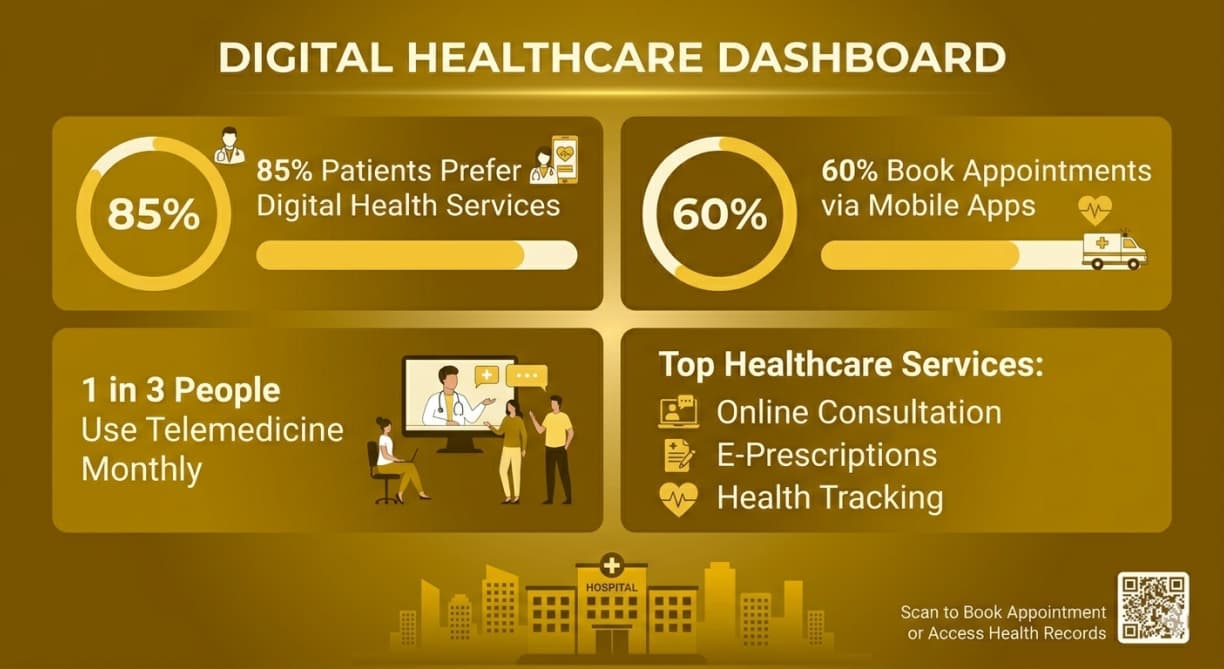
Healthcare Infographics with QR Codes
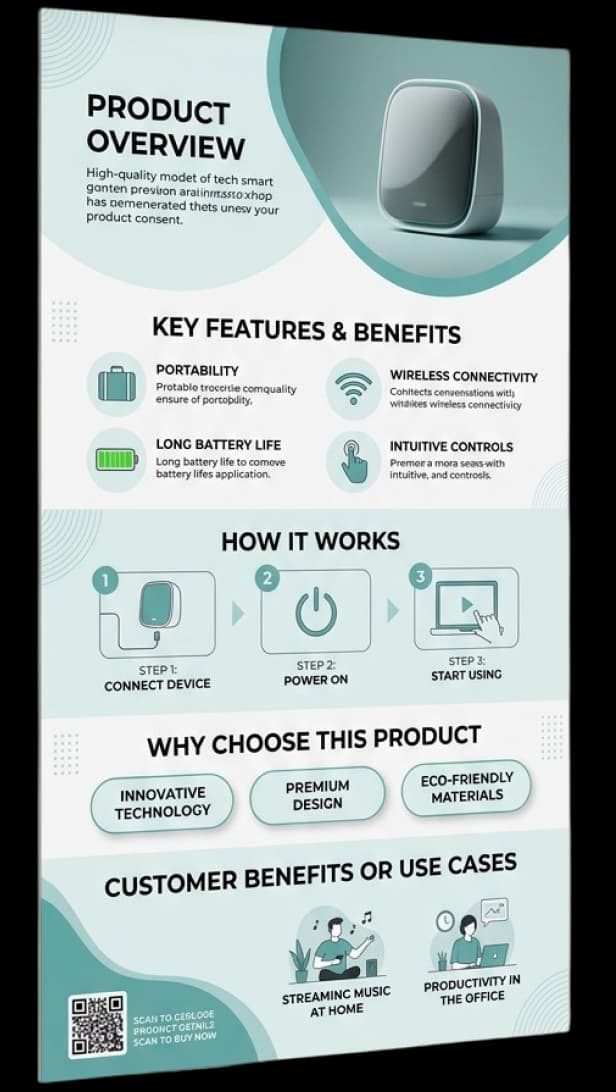
Product Infographics with QR Codes
Educational Infographics with QR Codes
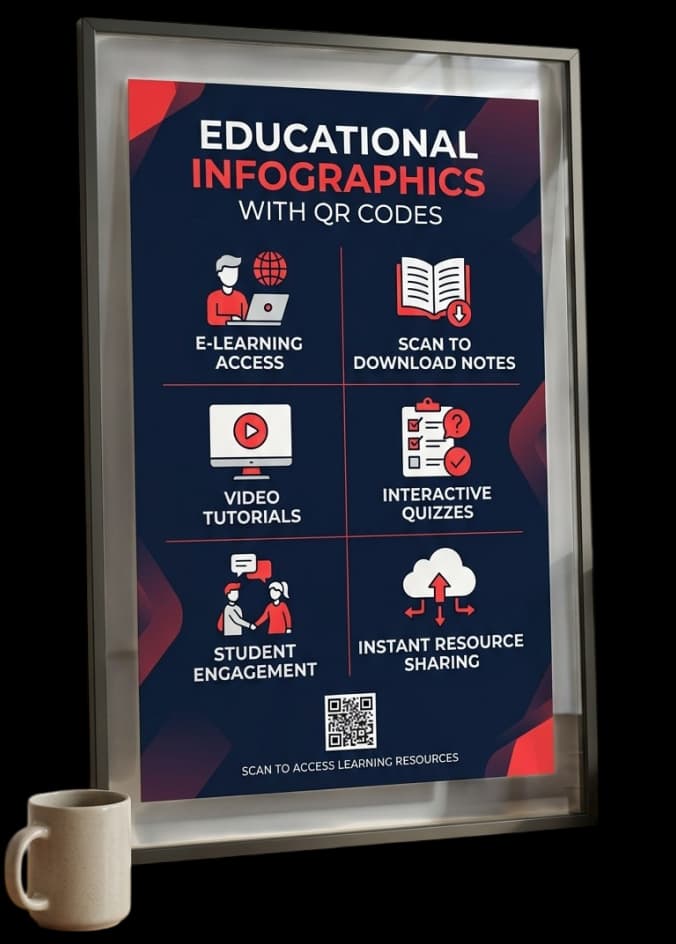
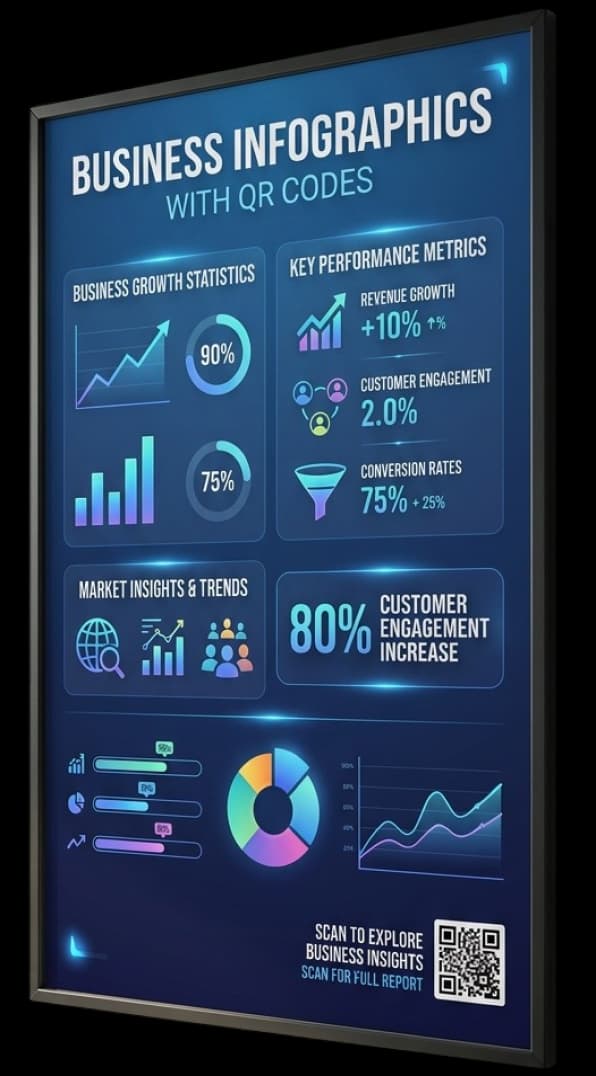
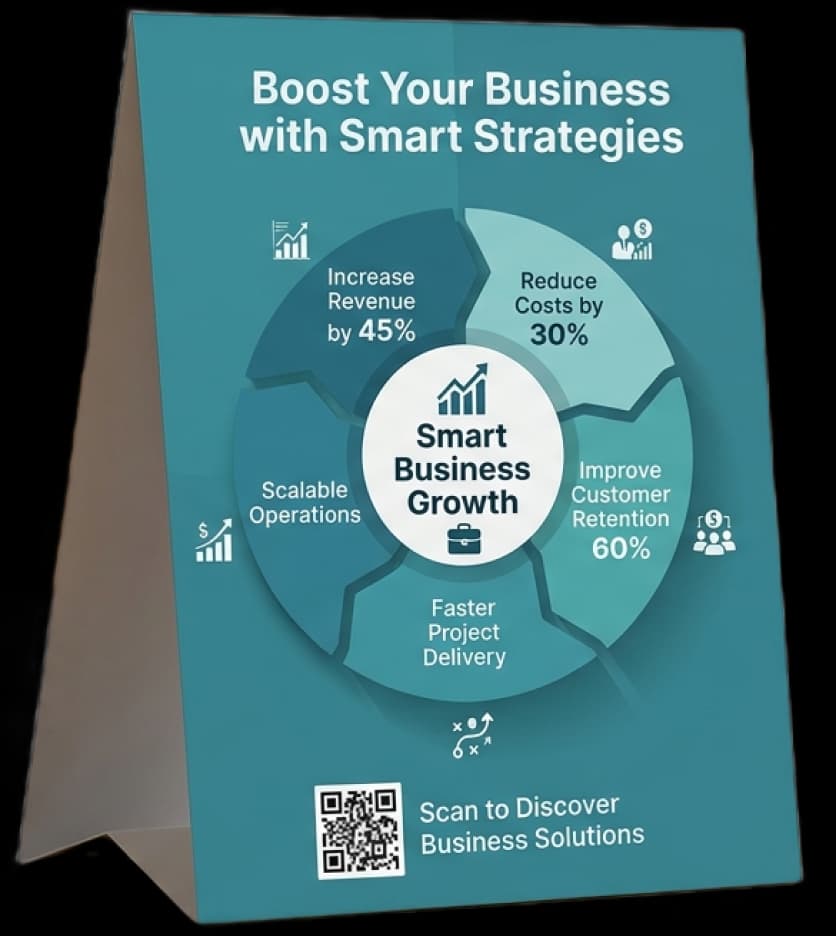
Business Infographics with QR Codes
The Benefits of Using QR Codes on Infographics
Businesses can communicate better by using QR codes on infographics. It makes things more interactive. Because of these features, graphics are more interesting. They make people do things. They also make it easier to keep track of things. They also make the material better.
Seamlessly Blend with Any Visual Design
You can easily add QR codes with infographic QR code designs. They look appealing in pictures. They also don't mess up the layout. They keep the design clean instead. This makes sure that it looks professional.
Turn Static Visuals into Interactive Experiences
Interactive infographics QR codes help users explore more content. For instance, they can click on links or videos. This improves the experience. Users stay interested for longer as a result.
Gain Real-Time Tracking and Insights
Businesses can keep track of scans with QR code infographic marketing. They can also keep an eye on what users do. So, you can see how well you're doing. You can also improve your strategy.
Extend Storytelling Beyond Limited Space
You can add more content with QR code visual storytelling. For example, you could add articles or videos. This makes your message bigger. It also keeps your design from getting too busy.
Easily Update Linked Content Anytime
Dynamic QR code data visualization solutions let you change links. You don't need to redesign anything. So, your infographic is still up to date. This takes less time and work.
Bridge Offline and Online Marketing Channels
QR code marketing infographics connect offline and online channels. People can scan and go to your site. Such technology makes interaction smooth.This makes things better for people who use it.
Discover QR Codes on Infographics in Action
Many people use QR codes on infographics these days. They make it easier to share information through a digital engagement platform. They also make it easier to understand the content. Such a format makes communication more interesting in all areas.
Business Services
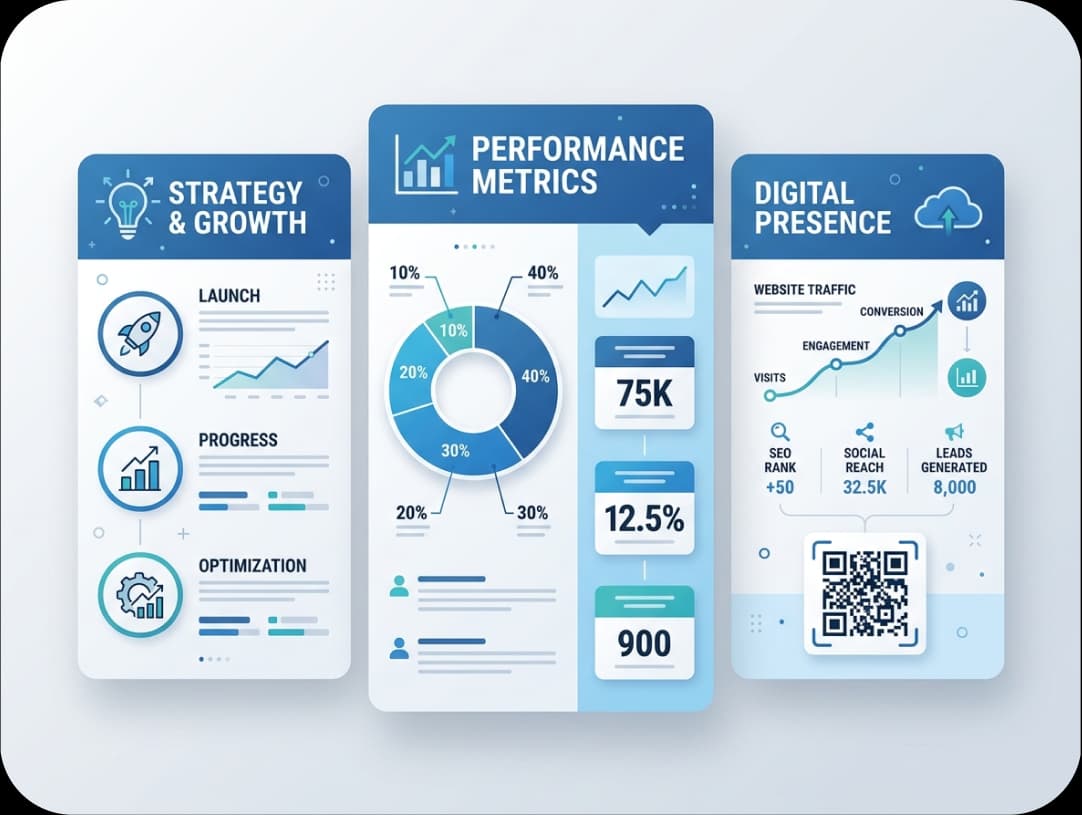
Businesses use infographics with QR codes in their reports and presentations. Clients can, for instance, scan to get to services or case studies. This makes communication more effective and two-way.
Government
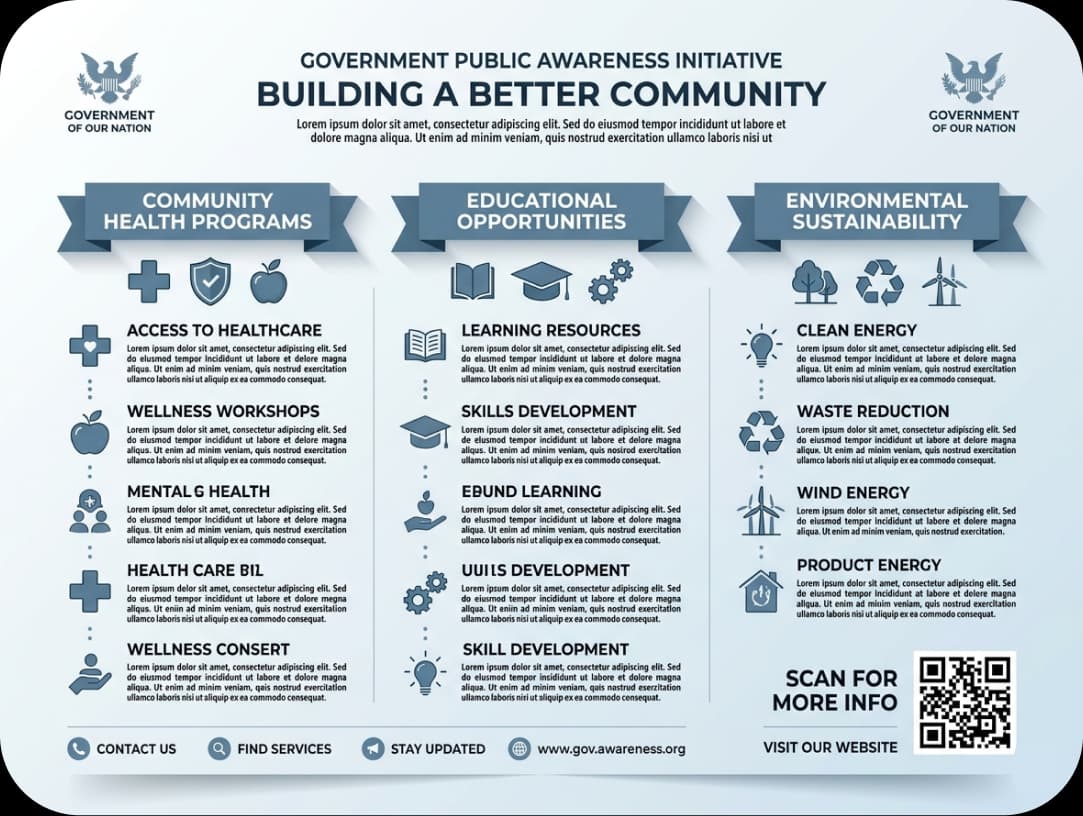
Government groups use QR code visual content in their campaigns. For example, people can scan infographics to get official news. Also, they can get information quickly and easily.
Educational Institutions
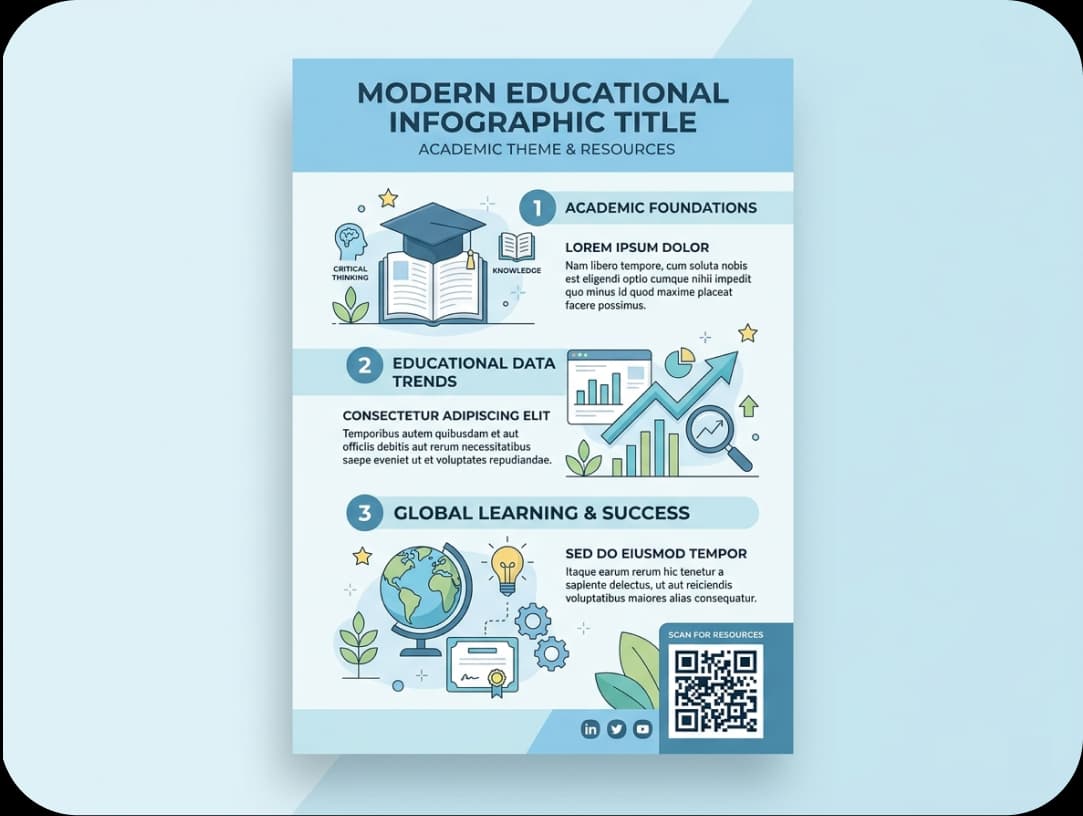
Schools and colleges use QR code data visualization in materials. Students can look for videos or other materials. Because of these innovations, learning is more interesting and interactive.
How to Create QR Codes on Infographics?
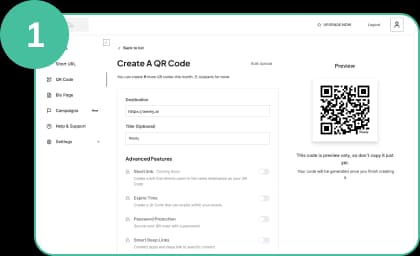
Register and Choose Your QR Code
Please create your QR code first using Weely AI. Then, connect it to things like videos or articles. This helps your infographic.
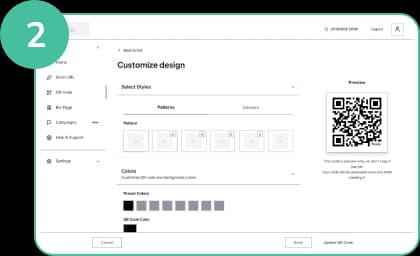
Customize Your QR Code Design
Make your QR code to match your infographic style. Use colors and other marking aspects as well. It will blend well and stay easy to read this way.
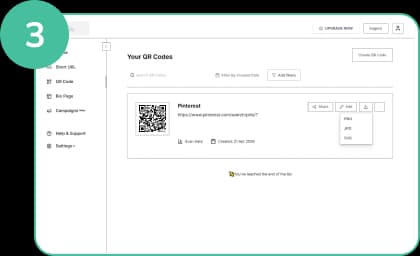
Download Your QR Code
Download your QR code in high resolution. Next, just pop it in the right spot in your layout. So, it makes things easier to see and interact with.
Best Practices for Using QR Codes on Infographics
Businesses should optimize QR codes on infographics to get the best results. This makes it easier to use and see. Such an approach also makes people more interested.

Use Clear CTA Text
Put simple directions like "Scan to learn more" on the page. This helps people understand what the goal is. As a result, your interactive infographics QR codes get more scans.
Ensure High Visual Contrast
Make your QR code easy to see. Use a light and dark contrast, for instance. This makes it easier to see and scan.
Keep QR Code Proper Size
Make sure the QR code is big enough. Users may have problems if not. Proper sizing helps QR code infographic marketing work well.
Place It Strategically in Layout
Put the QR code in a place where people will see it first. For example, put it close to important content. This makes the flow of interaction and design better.
Test Before Publishing
Always check your QR code on a variety of devices. This procedure helps find problems early on. Because of these steps, your infographics for QR code marketing work well.
Optimize for Mobile Experience
Please ensure that the content you link to is compatible with mobile devices. This is important because most people scan with their phones. As a result, more people are interested and more sales are made.

Frequently Asked Questions
Have More Questions?
Turn every infographic into an interactive experience with QR code on infographics that transform insights into instant engagement.
No credit card required · Free plan available

Our Certifications
We are a certified SaaS platform, specializing in short link and QR code generation, dynamic links, and advanced analytics. Our mission is to help brands track, optimize, and enhance user engagement while maintaining the highest standards of security, reliability, and performance.