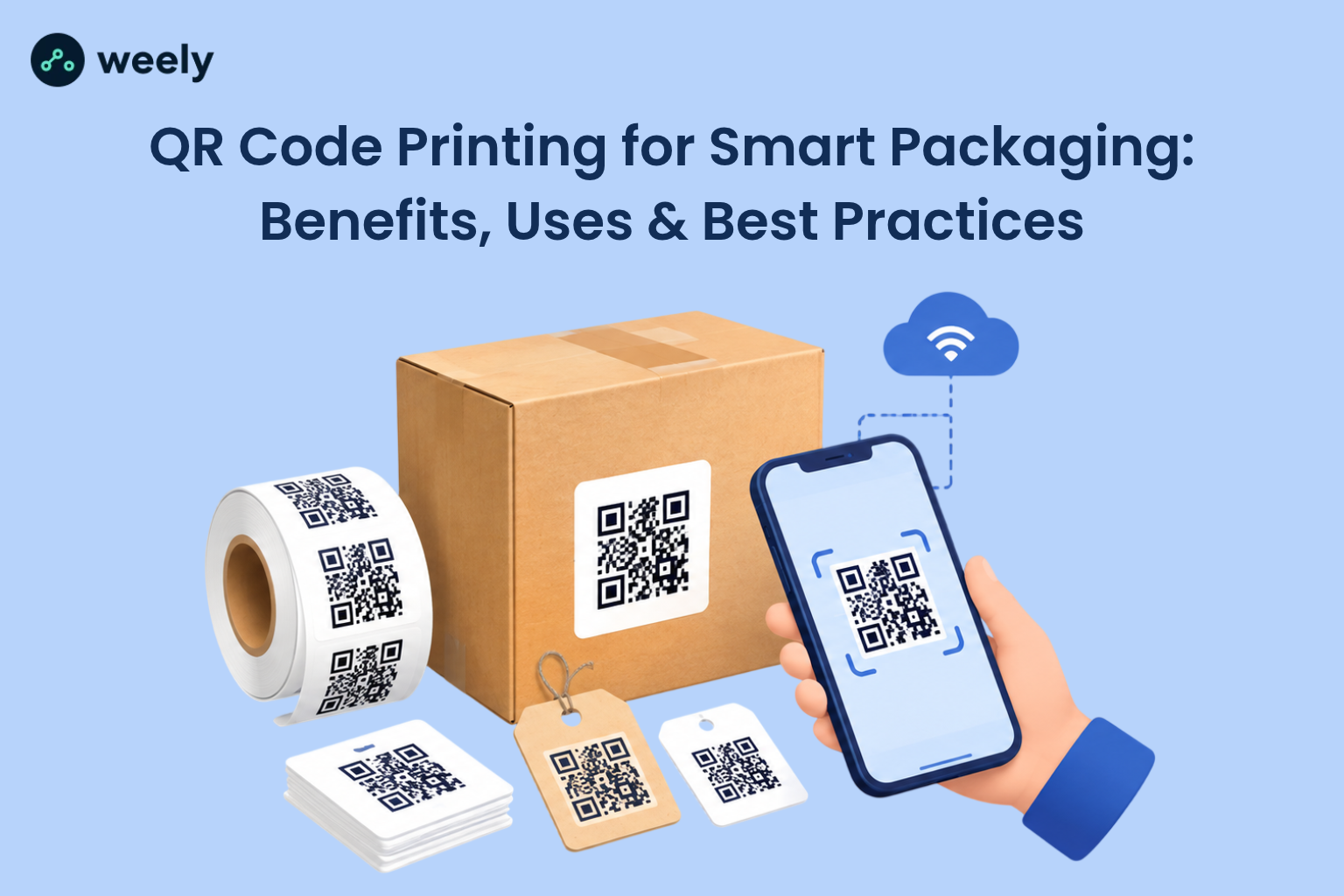
QR code printing turns a plain box, label or card into a doorway to digital content. And shoppers are ready to walk through it. According to Uniqode's 2026 State of QR Codes report, about 70% of US consumers scan a QR code at least once a month. A 2024 GS1 US survey found that 79% of shoppers are more likely to buy a product when a scan provides them the information they want. A later GS1 US survey added that 66% of people would scan a code on food packaging to check freshness, ingredients, and shelf life. Retailers are also aiming to accept QR codes at checkout by 2027, so the shift is already here.
This guide explains how QR code printing works, how to keep every scan clean, and how to pick the right materials, printers and partners. You will also find simple steps, common mistakes, and direct answers to the questions people ask most.
What Is QR Code Printing and How Does It Work?
QR code printing is the process of reproducing a scannable QR code on a physical item, such as a label, box, sticker, card, poster or shirt. A phone camera reads the pattern and opens a link, video, form, or product page. The code is only data. The print quality decides whether that data can be read.
Understanding QR Codes in Print
A QR code in print is a square grid of small dark and light blocks called modules. Three large squares in the corners help the camera find the code and see its angle. The rest of the grid holds your data and extra error correction. That error correction lets a scanner read a code even when a small part is dirty or damaged. Ensuring excellent print quality from the beginning helps prevent defects and reduces the need for costly corrections later.
How Printed QR Codes Connect Customers to Digital Content
A printed code serves as a link between physical materials and digital information. On one side is your package. On the other side is a web page, a how-to video, a warranty form, or a reorder link. A customer points a phone camera at the code, taps the pop-up, and lands in the right place in seconds. Modern phones need no extra app. That is why QR code printing works so well for products with little label space.
What Is the Difference Between Static and Dynamic QR Codes?
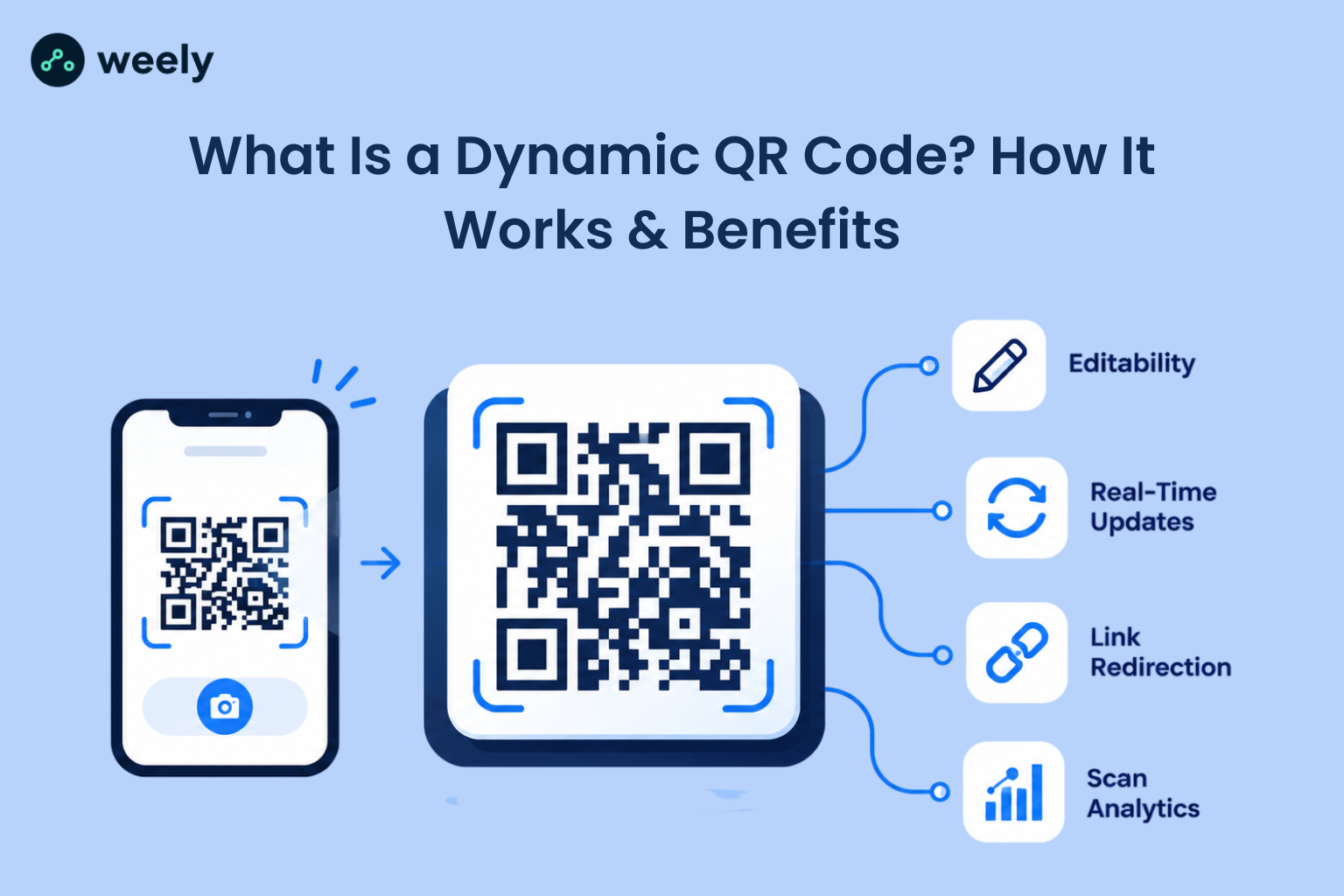
A static QR code contains fixed information directly in its design, so its destination cannot be updated once printed, and scan activity cannot be tracked. In contrast, a dynamic QR code uses a redirect link that allows you to modify the destination whenever needed and monitor scanning activity through analytics reports. For packaging, dynamic codes are usually the safer choice because you can fix a broken page, or start a new campaign without reprinting. Static codes suit simple, permanent uses, such as a fixed web address. For a deeper comparison, read this guide to static vs. dynamic QR codes.
How Can QR Code Printing Improve Smart Packaging?
QR code printing enhances smart packaging by connecting physical product boxes with digital experiences, allowing customers to access useful information and interactive content with a simple scan. Shoppers can scan to see ingredients, usage steps, proof of authenticity, recycling advice or special offers. Brands get a direct link to the customer, plus data on what people look at. Smart packaging QR codes also save space, because long text can live online instead of on the label.
QR code packaging is growing fast because it solves real problems for both sides. Shoppers get trusted details at the shelf. Companies can revise product information through connected online resources, helping them maintain accurate packaging details without repeatedly changing the printed design.
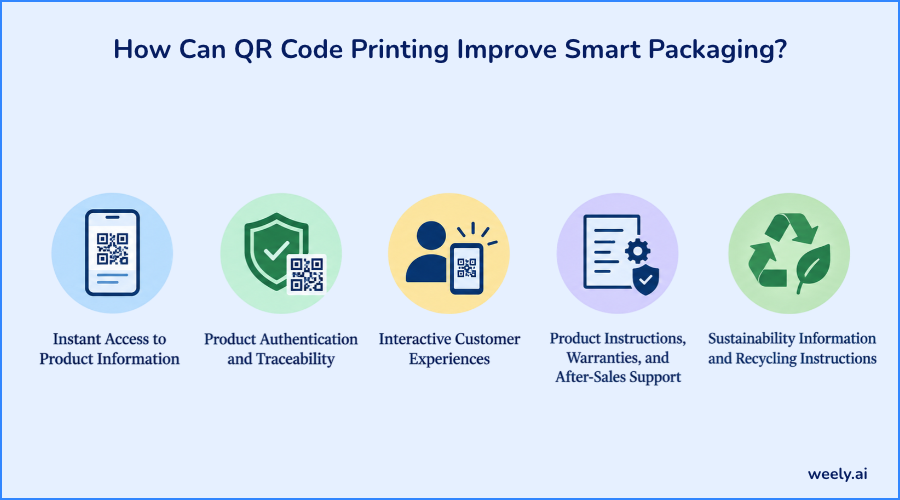
Instant Access to Product Information
Labels are small, but customers want more details than ever. A scan on food packaging can show allergens, origin, sizing, materials, or care steps. The page can be translated for different regions, and it can change when a recipe or spec changes. This keeps the physical pack simple and the digital page rich.
Product Authentication and Traceability
A unique code on each pack can help prove a product is real. It can also link to batch, or lot data. If a recall happens, a brand can use that data to find affected items faster. This matters most in food, health, beauty, and electronics.
Interactive Customer Experiences
A printed code can open a recipe, a tutorial video, a loyalty sign-up, or a contest page. The scan feels like a small reward, which builds trust and keeps the brand in the customer's hands after purchase.
Product Instructions, Warranties, and After-Sales Support
Nobody wants to keep a paper manual. A code on the box or the product itself can open setup guides, warranty registration, and support chat. Customers solve problems faster, and support teams get fewer basic questions.
Sustainability Information and Recycling Instructions
Many shoppers want to know how to recycle a pack or where a product came from. A scan can show local recycling steps, material details, and sustainability proof. Because the page is digital, you can update it as rules change.
Smart Packaging Ideas by Industry
Here are a few examples that show how flexible smart packaging QR codes can be:
- Retail: product comparisons, size guides, and reorder links (see QR codes for retailers)
- Food and beverage: freshness details, allergen notes, recipes, and origin stories
- Cosmetics: ingredient lists, shade finders, and how-to videos
- Electronics: setup guides, warranty sign-up, and driver or app downloads
- E-commerce: return labels, review requests, and loyalty offers inside the box
Key Benefits of QR Code Printing for Businesses
The biggest win is a stronger link between the offline and online worlds. A QR code connects physical products to online experiences with minimal expense for each scan. It also enables brands to analyze customer interactions and make informed decisions based on actual engagement data rather than assumptions. This is especially useful for consumer goods and packaged products.
How Do Dynamic QR Codes Work on Printed Packaging?
A dynamic QR code printed on packaging contains a compact URL linked to a redirection platform. When customers scan the code, the platform automatically directs them to the selected webpage or digital destination. Later, you can change that page without touching the printed pack. You can also run seasonal offers, fix a broken link, or send customers to a newer product page. This flexibility is the main reason brands choose dynamic codes for QR code packaging.
How Can Businesses Track Scans from Printed QR Codes?
Use a dynamic code with built-in analytics. Most tools show total scans, time of day, device type and approximate location. To gain deeper insights, consider adding tracking tags to the destination link, enabling your website analytics to reveal the actions taken by scanners after the scan. Use a different code for each pack, campaign or channel so you can compare results. Always follow privacy laws and tell users what you collect.
Reduce Clutter and Keep Information Fresh
Because the details live online, you can remove crowded text from the pack. When something changes, such as a recipe, a price, or a legal note, you update one page instead of reprinting thousands of items.
Types of QR Code Printing for Different Uses
QR code printing is not one-size-fits-all. A shipping box, a business card and a festival wristband all need different materials and sizes. Here are the most common uses.
QR Code Label Printing for Product Packaging
QR code label printing is the go-to method for adding codes to products that are already made. Roll labels are fast to apply and they work well for batches, serial numbers and updates. A QR code printer label can be printed in-house on a desktop printer, or ordered from a print shop. For QR code labels for packaging, match the label material and adhesive to the surface, the temperature and how long the pack must last.
QR Code Sticker Printing for Promotions and Shipping
QR code sticker printing is ideal for giveaways, seals, shipping boxes and in-store promos. A QR code printer sticker can be printed in bright colors, die-cut into shapes or made in matte or gloss finishes. If you want a flexible option, custom QR code sticker printing online lets you upload artwork, choose a size and order in minutes. Make sure the sticker finish is not so shiny that it creates glare under store lights.
QR Code Business Card Printing
QR code business card printing lets people save your contact details with one scan. Position the QR code on the reverse side of the card, ensuring it is sufficiently large for effortless scanning and surrounded by adequate white space. It can direct users to an online profile, professional portfolio, or appointment scheduling page. Using a dynamic QR code makes it simple to update the linked destination whenever your website or professional details change.
QR Codes on Brochures, Flyers, Posters, and Signage
Printed ads work better when the next step is easy. QR codes on flyers can open a coupon. A QR code on a poster can guide viewers to videos, websites, or other digital content. For successful QR code signage, choose a size that allows people to scan the code from a distance, place it at a comfortable viewing height, and add a simple call to action like “Scan to view the menu.” Knowing how QR codes on banners should be designed and positioned can improve scan accessibility and create a more convenient experience for your audience.
QR Code Printing for Event Tickets and Passes
QR code printing for event tickets and passes speeds up entry and cuts fraud when each code is unique. Use variable data printing so every ticket gets its code. Learn how QR codes on tickets can streamline event entry, provide instant access to booking information, and help organizers verify tickets efficiently while creating a smoother experience for attendees. Print on materials that survive crowds, rain, and bending, and test the codes at the gate before doors open.
QR Code Printing for Apparel and Merchandise
QR code printing for apparel and merchandise can link a shirt tag to care steps, a limited-edition story, or a loyalty club. Fabric stretches and wrinkles, so keep the code on a flat area, use a larger size, and choose a high-contrast ink. Always scan a washed sample before you order a full run. See how QR codes on clothes work for tags, prints, and labels.
Can QR Codes Be Printed Directly on Product Packaging?
Yes. Codes can be printed straight onto cartons, bags, bottles and boxes with digital, flexographic, or inkjet methods. Direct printing on product packaging removes the label step and looks clean. The key is to use a smooth, light area, strong contrast, and enough space around the code. Please test a sample on the actual material first.
How Do You Create a Custom QR Code for Marketing Materials?
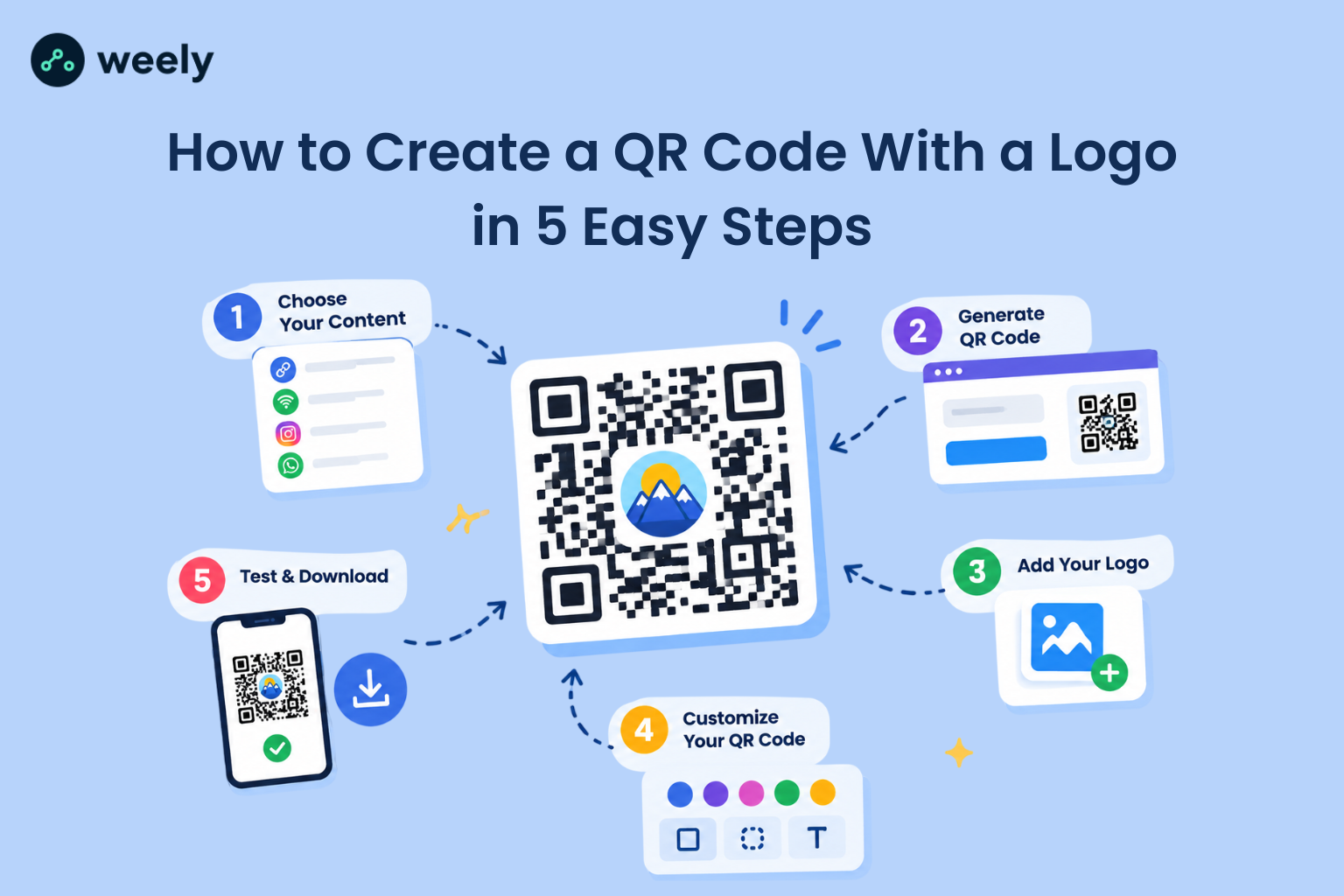
Choose a reliable QR code generator, enter your destination link, customize the design if you like and export a print-ready file. Always scan and verify the QR code on a sample print before starting large-scale production to ensure it works correctly across different devices. Here is a simple flow.
First, choose the destination. Send people to a mobile-friendly page that matches what the print promises. Do not send every scan to a generic home page. Second, decide between static and dynamic. For anything you print in volume, dynamic is usually wiser.
Third, customize the look. A QR code generator print workflow often lets you change colors, add a logo, or round the corners. Use a dark-colored QR code against a light background to create strong contrast and ensure quick, reliable scanning. Light-on-dark or low-contrast designs can fail on some scanners. Fourth, download print-ready artwork. Vector files such as SVG, EPS, or PDF stay sharp at any size.
Finally, the test. Scan the proof with at least two phones, in normal room light, from the real distance. This simple check is the heart of good custom QR code printing.
How Do You Print a QR Code Without Losing Scan Quality?
To keep scan quality high, use sharp vector artwork, strong contrast, a clear empty border, enough size for the scan distance, and a material that does not blur or reflect. Check the QR code on the actual printed material rather than relying solely on a digital preview.
What Is the Best Size for a Printed QR Code?
The ideal dimensions vary according to the amount of encoded information, scanning distance, printing technique, and surface type. For short-range use, designers often begin with a code around 2 cm (0.8 inches) square and increase its size when users need to scan it from farther away. One general guideline is to allow approximately 1 unit of code width for every 10 units of scanning distance. For retail packaging, refer to GS1 recommendations and test a physical sample at its intended size. Explore this guide on how to choose the right QR code size for additional sizing tips and examples.
What Resolution Is Needed for QR Code Printing?
Vector files are best because they never blur. If you must use a raster file such as PNG, export it at 300 DPI or higher at the final print size. Many label printers run at 203 or 300 DPI, so keep the code simple. A shorter link makes for a less dense code, and a less dense code prints more clearly on small labels.
Contrast, Quiet Zone, and Error Correction
QR code readability depends on strong contrast between its dark patterns and a light, uncluttered background. Keep a clear margin of blank space around the code, known as the quiet zone, to help scanners identify and read it accurately. A common standard is at least four modules wide, and removing it is a top cause of failed scans. Error correction comes in four levels that can recover about 7%, 15%, 25%, or 30% of damage. Higher levels help with logos and rough surfaces, but they make the code denser.
How Do You Make QR Codes Scannable on Curved Surfaces?
Place the code on the flattest part of the bottle, can, or tube. Avoid seams, ridges, and edges. Make the code larger than you would on a flat box, keep the link short, and consider a higher error-correction level. Opt for a matte printing finish to minimize reflections and glare, helping smartphone cameras scan the QR code more reliably. Then scan a real sample from a few angles, since curves can bend the pattern.
Choosing a Barcode Generator and Printer for QR Code Labels
A barcode generator and printer setup has two parts. The generator creates the code and the artwork. The printer, or print service, turns it into a physical label. A great generator cannot fix a poor print, and a great printer cannot fix poor artwork. Both need to be right.
What Are the Best Printers for QR Code Labels?
It depends on your volume and material. For small batches, a desktop thermal label printer is fast, and affordable. With bright branding and short runs, a digital label press is a strong choice. For huge runs, flexographic printing can be more cost-effective. A label printer is not always the best tool for every packaging material, so match the method to the surface.
Thermal Transfer vs. Direct Thermal Printing
Direct thermal printing uses heat-sensitive paper and no ribbon. It is cheap, and simple, but labels can fade with heat, light or time. Thermal transfer printing uses a ribbon to melt ink onto the label. It lasts longer, and handles tougher conditions. For shipping labels with a short life, direct thermal is often enough. For products, outdoor use or long storage, thermal transfer is usually better.
Where Can Businesses Order Bulk QR Code Stickers?
QR code printing services are available through online printing platforms, nearby label manufacturers, and packaging suppliers, offering options for different materials, quantities, and business needs. Inquire whether they offer variable data printing. That would mean you could have a different code on each sticker. When you request a quote for bulk QR code printing, share the size, material, quantity, finish and whether codes must be unique. Ask for a printed proof, since a screen image does not show real scan results. Brands that sell across the country often look for bulk QR code printing services in the US with clear shipping times, and quality checks.
Which Materials Are Best for QR Code Labels?
Material choice affects how sharp the code prints, and how long it lasts. Good options include coated paper for dry, short-term use, and synthetic labels for moisture and wear. QR code printing on different materials takes planning, because paper, plastic, cardboard and fabric all absorb ink differently.
Coated paper and cardstock print crisp, clean edges, which is great for cards and boxes. Vinyl, and other synthetic labels resist water, oil and tearing. Plastic films work well on flexible bags, but they need the right ink and a smooth surface. Corrugated cardboard is rougher, so use a larger code, and bold contrast. Fabric needs extra size, and testing after washing. For high-quality QR code printing on packaging materials, always run a trial on the exact stock you plan to use.
How Do You Print QR Codes on Waterproof Stickers?
Use a waterproof material such as vinyl or polyester, plus ink and a laminate that suits it. Thermal transfer printing with a resin ribbon, or a UV-cured digital press, gives long-lasting results. A clear laminate can protect against scratches and sun. If you need waterproof QR code label printing for coolers, bottles, or outdoor gear, ask the printer to test the sample under water and rubbing. Durable QR code labels for packaging should also match the adhesive to the surface, since a label that peels will not scan.
Common QR Code Printing Mistakes to Avoid
Most failed codes come from a few simple errors. Check this list before you print:
- Printing too small: the camera cannot resolve the modules, especially at a distance.
- Using blurry artwork: low-resolution files create fuzzy edges that scanners struggle to read.
- Removing the quiet zone: crowding the code with text, or borders breaks detection.
- Using weak contrast or glossy finishes: pale colors, and glare can block the scan.
- Skipping proof tests: every material and printer behaves a little differently.
- Linking to broken pages: a perfect print still fails if the link goes nowhere.
How to Choose the Best QR Code Printing Service
The right partner saves time, money and reprints. First, can they meet your material, size and quantity requirements? Then look at quality control. Good QR code printing services provide proofs, scan tests and clear turnaround times.
If you are searching for the best services for QR code printing with customization options, look for custom shapes, finishes, colors, and variable data. QR code printing services with design assistance can be a big help if you do not have a designer, since they can adjust size, contrast and layout so the code still scans.
The budget is also an issue. Affordable QR code printing services for small businesses often offer low minimums, simple pricing and fast shipping. Watch out for hidden setup fees and ask what the process is if a batch doesn’t scan. Before choosing a printing provider, review physical samples, customer feedback, detailed quotes, and service conditions to assess print quality, reliability, and overall value rather than relying solely on promotional claims. Finally, ask about print proofs, and what quality checks are done before shipping.
Conclusion: Make Smart Packaging More Interactive with QR Code Printing
QR code printing connects packages, product labels, and business cards to digital content, creating new opportunities for customer engagement and instant access to online information. It helps shoppers learn more, helps brands update information and helps teams measure what works. The recipe for success is simple. Pick a clear destination, choose a dynamic code when you need flexibility, print with strong contrast and a clean border, match the material to the job, and always test a real proof.
Ready to start? Print one sample, scan it on several phones, and fix any issue before a full run. When you are ready to create your dynamic code, sign up to create a dynamic QR code and set it up. Then explore our related guides on labels, printers, and packaging materials to build your next smart packaging project with confidence.