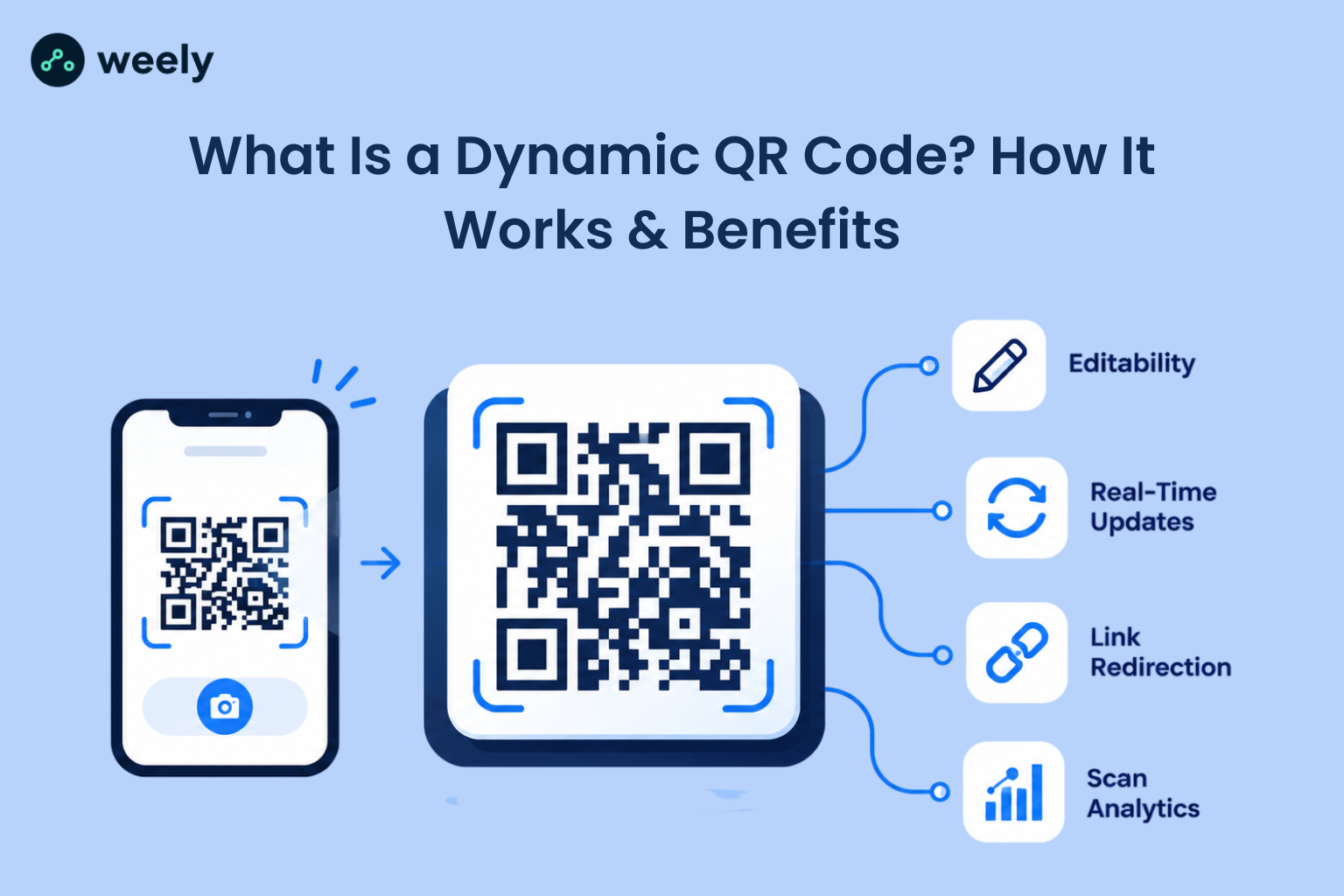
What is a dynamic QR code? A dynamic QR code is an editable QR code that stores a short redirect link instead of the final destination. Update the destination anytime after printing, while monitoring scans, devices, and locations through detailed analytics.
QR codes are now part of everyday life. According to Statista, citing eMarketer, about 89 million smartphone users in the United States scanned a QR code in 2022, up 26 percent from 2020, with usage projected to pass 100 million by 2025. With that many people scanning, businesses want to know who scans their codes, when, and how to fix a mistake without reprinting.
That is where dynamic QR codes come in. If you have ever wondered what is a dynamic QR code, this guide explains it in plain language. You will learn the dynamic QR code meaning, how it works, how it compares with a static code, and how to create one. A quick summary of the benefits:
- Update the destination while keeping the existing printed code unchanged.
- Measure scans and campaign results with real data.
- Keep content fresh whenever your offer changes.
What Is a Dynamic QR Code?
So, what is a dynamic QR code? It is a QR code that points to a short web address, which then sends the scanner to your real destination. Because the destination is stored online, and not inside the printed pattern, you can edit it at any time. Because the destination is stored online and not inside the printed pattern, you can change the destination URL at any time. This is why people call it an editable QR code.
In simple terms, a dynamic QR code lets you keep the same printed code while changing the content or link behind it. A trackable QR code works the same way. Since every scan passes through a redirect, the service can count and record it.
This is the simplest dynamic QR code explained version. The picture on paper never changes. The link behind it does.
How Does a Dynamic QR Code Work?
Now that you know what is a dynamic QR code, let's look at how does a dynamic QR code work in practice. First, you create a dynamic QR code and enter your destination, such as a website, menu or landing page. The generator then makes a short redirect link, and turns that link into the QR pattern. When a person scans the code with a phone camera, the phone opens the short link and asks the server where to send the visitor. The server records the scan and forwards the visitor to your current destination.
Here’s a look at what happens behind the scenes when a dynamic QR code is scanned. The server sits between the scan, and the final page, which gives you two powers: changing the destination, and collecting data. It also means the code depends on the redirect service staying active. If the service stops, the code stops working, so choose a reliable provider.
Dynamic QR Code vs Static QR Code
Many people search dynamic QR code vs static because the two look identical. Nobody can tell them apart by sight. The difference is in what they hold.
The key difference comes down to what each type of QR code contains. A static QR code embeds the destination directly into its design, making it permanent once created. A dynamic QR code uses a redirect URL instead, allowing the destination to be changed without replacing the printed code. In the static vs dynamic QR code debate, here is how the main points compare:
- Editing: A static code is fixed forever, while a dynamic code can be updated at any time.
- Tracking: A static code has no built-in scan data, while a dynamic code records scans.
- Reprinting: A static code must be reprinted if the link changes, while a dynamic code does not.
- Best use: Static suits permanent information, while dynamic suits campaigns, and changing content.
When comparing dynamic vs static QR code options, neither is always better. Static code is fine for details that are fixed, such as a Wi-Fi password, or a plain text message that will never change. It has no redirect to fall back on so it works as long as the printed code is legible. A dynamic code is the better choice whenever you may edit the link or want to measure results. For a deeper comparison, read this guide on static vs dynamic QR codes.
What Are the Benefits of Dynamic QR Codes?
To understand dynamic QR codes, it’s also helpful to know what makes them a practical choice for businesses and everyday use.
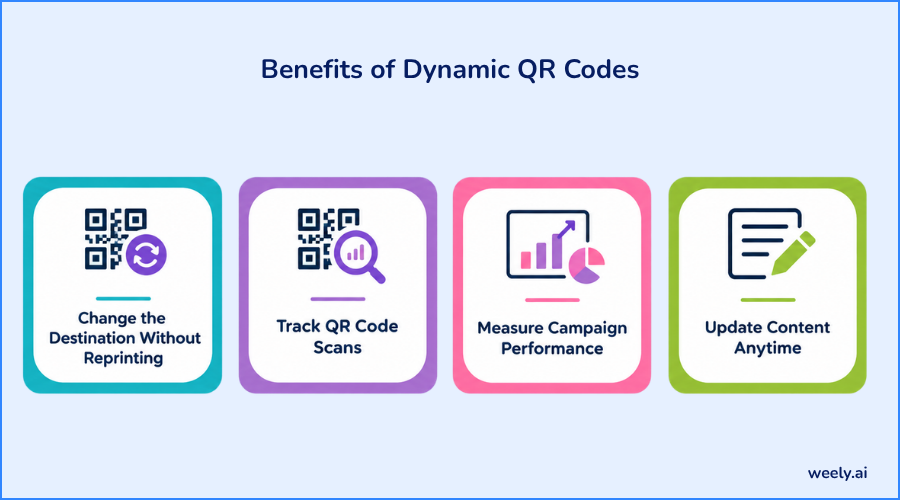
Change the Destination Without Reprinting
Printing is expensive. If a link breaks or an offer ends, a static code forces you to reprint everything. With a dynamic code, you edit the destination in your dashboard and the old print keeps working. This is the main reason an editable QR code is popular with brands. If you want the full process, see how to update a dynamic QR code without reprinting.
Track QR Code Scans
A trackable QR code shows you real engagement. Instead of guessing whether anyone used your poster, you can see the scan count. This is the foundation behind how QR code tracking works.
Measure Campaign Performance
When you place different codes on different materials, you can compare results. You learn which flyer, product label, or billboard drives the most visits. That helps you spend your budget on what works.
Update Content Anytime
Seasonal offers, new menus, and event schedules all change. A dynamic code lets you keep the same printed material while the content stays fresh.
Need an editable QR code? Generate a dynamic QR code once, then change its linked destination anytime without having to reprint the code.
What Can You Track With a Dynamic QR Code?
Dynamic QR code tracking turns a simple square into a measurement tool. Good QR code analytics usually cover the following areas. The exact data depends on your provider and the privacy rules in your region.
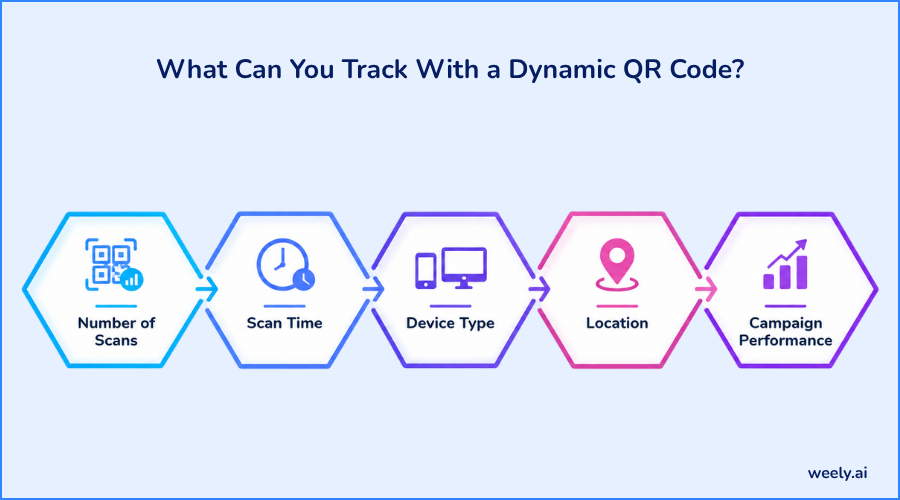
Number of Scans
The scan count is the first thing most people check. It shows total scans and, in many tools, unique scans, so you can see how many different people engaged.
Scan Time
Time data shows when people scan. You may find that scans peak at lunchtime, on weekends, or right after an event. That helps you plan when to promote.
Device Type
Device data tells you if visitors use iPhone or Android. It helps you design landing pages that look right on the devices your audience uses.
Location
Location data, usually at city, or country level, shows where scans happen. It is useful for businesses with several branches or regional ads.
Campaign Performance
When you combine these numbers, you get a clear picture of results. If you tag your links with a UTM builder, you can also see how scan traffic behaves on your website. For a full walkthrough of reports and metrics, read this guide to QR code analytics.
If you want to know how to track QR code scans, the process is simple. Use a dynamic code, open your analytics dashboard, and review the reports. Strong dynamic QR code analytics make it easy to see what works.
When Should You Use a Dynamic QR Code?
Once you know what is a dynamic QR code, the next question is where to use it. Dynamic codes fit any situation where the destination may change or results matter.
Marketing Campaigns
A dynamic QR code for marketing lets you test, track, and adjust. You can switch the landing page mid-campaign if one performs poorly.
Restaurants and Menus
Prices and dishes change often, so a dynamic QR code for restaurants is a smart choice. For table cards, a dynamic QR code for menus lets you update the menu online while the printed cards stay the same.
Product Packaging
A dynamic QR code for product packaging can link to manuals, videos, or offers. If the page moves or a product is updated, you fix the link without recalling any packaging.
Events
A dynamic QR code for events can point to schedules, tickets, or maps. If a session time changes, you update the destination in seconds.
Business Cards
A dynamic QR code for business cards can open your contact page. If you change your website or role, the same card still works.
Flyers and Posters
Flyers are printed in bulk, and you cannot fix a wrong link on paper. A dynamic QR code for flyers solves this, because you can correct the link online and also see how many people scanned.
How to Create a Dynamic QR Code
Wondering how to create a dynamic QR code? It takes only a few minutes. These steps also explain how to make a dynamic QR code that is ready to print.
Step 1: Choose Your Destination
Decide where the scan should lead. It could be a web page, PDF, menu, form or social profile. Optimize the page for mobile devices so it loads smoothly and remains easy to use on smaller screens.
Step 2: Create Your QR Code
Use a dynamic QR code generator, and paste in your link. Many tools let you create dynamic QR code designs after signing up. Some offer a dynamic QR code generator free plan with limited features, which is a good way to test the tool before paying. If your link is long, a URL shortener can make it cleaner first.
Step 3: Customize Your QR Code
Add your brand colors, and logo, but keep strong contrast between the pattern, and the background. For reliable scanning, use a strong contrast between the QR code and its background, such as a dark code on a light surface.
Step 4: Test the QR Code
Scan the code with at least two phones before printing, or use an online QR code scanner for a quick check. Confirm that it opens the right page quickly. This small step prevents costly mistakes.
Step 5: Print and Track Your Scans
Print the code at a readable size, and place it where people can scan easily. Then open your dashboard to follow the results.
Are Dynamic QR Codes Editable?
Yes. People often ask, can you edit a dynamic QR code, and the answer is yes. The same goes for can dynamic QR codes be changed. You change the destination, not the pattern. The picture stays the same while the link behind it updates.
This also explains how you can modify the destination of a QR code even after it has been printed. You cannot change the printed pattern itself, but with a dynamic code you do not need to. Simply log in and change where it points. A static code cannot do this.
Do Dynamic QR Codes Expire?
They can, depending on the provider. With some QR code services, dynamic codes may become inactive when a subscription expires or a trial period comes to an end. Because the code depends on a redirect service, the service must stay active. Before printing in large numbers, check the provider's terms, and avoid printing thousands of codes on a plan that might lapse.
Are Dynamic QR Codes Trackable?
Yes. If you ask can you track a dynamic QR code, the answer is yes, because each scan passes through the redirect link. This tracking capability is why dynamic QR codes are often referred to as trackable QR codes. A static code has no redirect, so it cannot report scans on its own.
Dynamic QR Code Best Practices
Keep these best practices in mind to make every QR code work more effectively:
- Include a brief prompt beside the QR code, such as “Scan to view today’s special.”
- Use a mobile-friendly landing page that loads fast.
- Scan-test the code across several smartphones before producing your final prints.
- Choose a separate code for each campaign so your data stays clear.
- Keep good contrast, and enough size for easy scanning.
Remember that a static code is still the right pick for information that never changes. Choose dynamic QR codes when you need the flexibility to update your content and monitor scan activity.
Create a Dynamic QR Code With Weely AI
Ready to put this into practice? With Weely AI, you can create a dynamic QR code, edit the destination whenever you need and follow your results in one place. Pair it with a URL shortener and a UTM builder to see the full journey from scan to visit. To get started, sign up for an account and make your first code in minutes.
Conclusion
So, what is a dynamic QR code? It is a flexible, editable and trackable way to connect printed material with online content. It uses a redirect link, so you can update the destination, fix mistakes and measure results without reprinting. Static codes still have a place for fixed information, but for marketing, menus, packaging and events, dynamic codes give you far more control. With a clear understanding of dynamic QR codes and their practical uses, you’re ready to put them to work in your next campaign.